










Permit categories
Model the resident, employee, contractor and seasonal rights the organization actually offers.

Card-based credential reader

UHF credential reader

QR and barcode credential reader

Device input and output controller

RFID access credential

UHF access credential

Lane and access display signage

Thermal printer paper

IP intercom communication

Analog omnidirectional microphone

A digital parking permit records who may park, which vehicle or credential identifies them, where the right applies and when it expires. Lexoh organizes issuance, changes, renewal and validation around approved permit categories and the equipment or field process used at the site.
Start with the permit policy: eligible users, supporting information, approval responsibilities, authorized zones and validity periods. Then map those rules to the credential and lane configuration. A resident changing vehicles should follow a defined replacement process rather than gaining an unintended additional right. Coordinate parking access control with a separate temporary visitor workflow so long-term and occasional access remain understandable.
Model the resident, employee, contractor and seasonal rights the organization actually offers.
Set dates, hours and conditions for each category.
Limit the right to the locations and lanes that serve its purpose.
Link each permit to a plate, card, tag or QR code according to the equipment and users at the lane.
Define the states, notices, validations and responsibilities that apply to renewal.
Specify the changes and events authorized staff need to review.
Approval creates a right, activation connects it to an identifier, and validation checks it at the site. Renewal or replacement must carry forward only the zones and periods that staff have authorized.
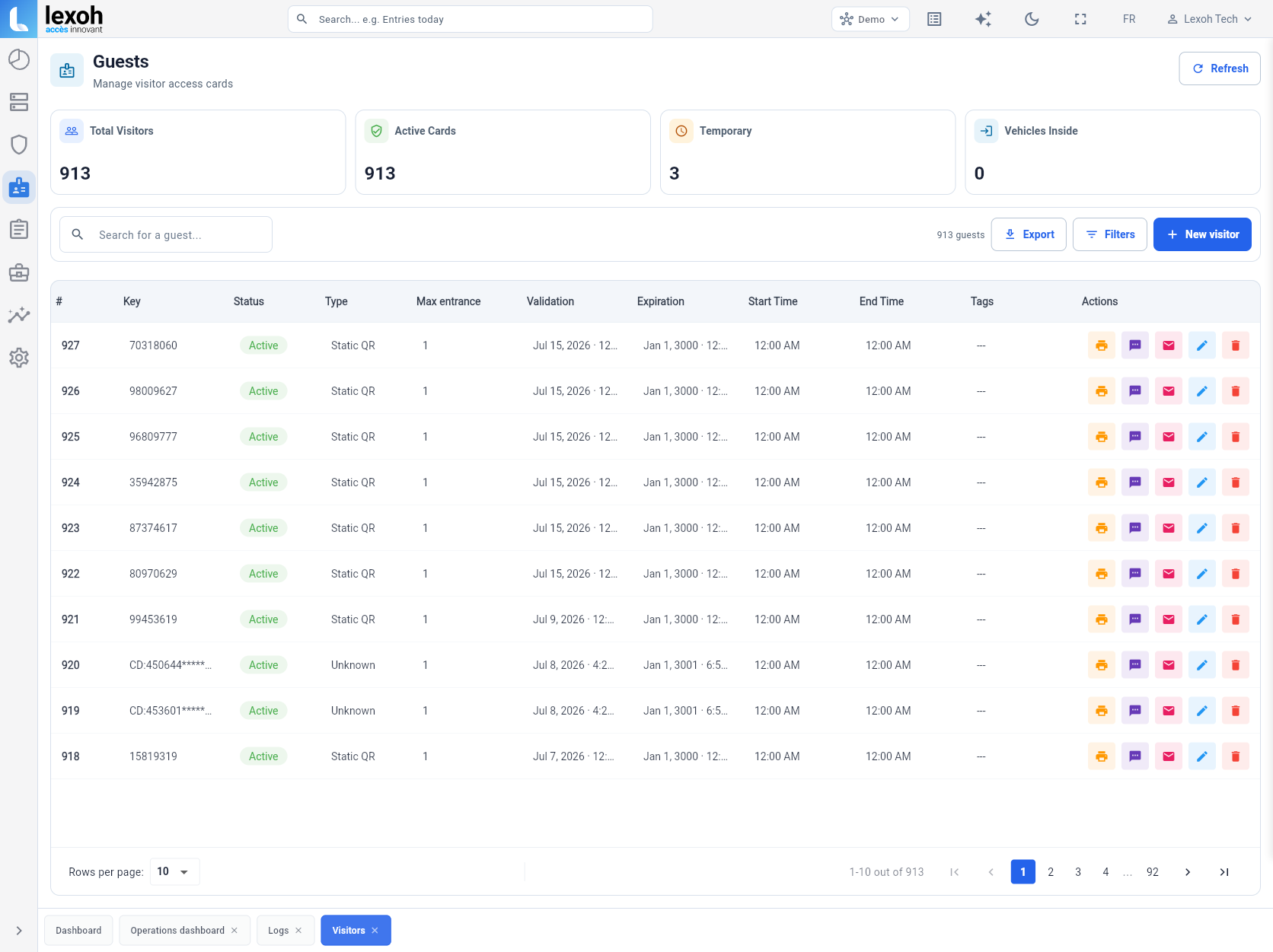
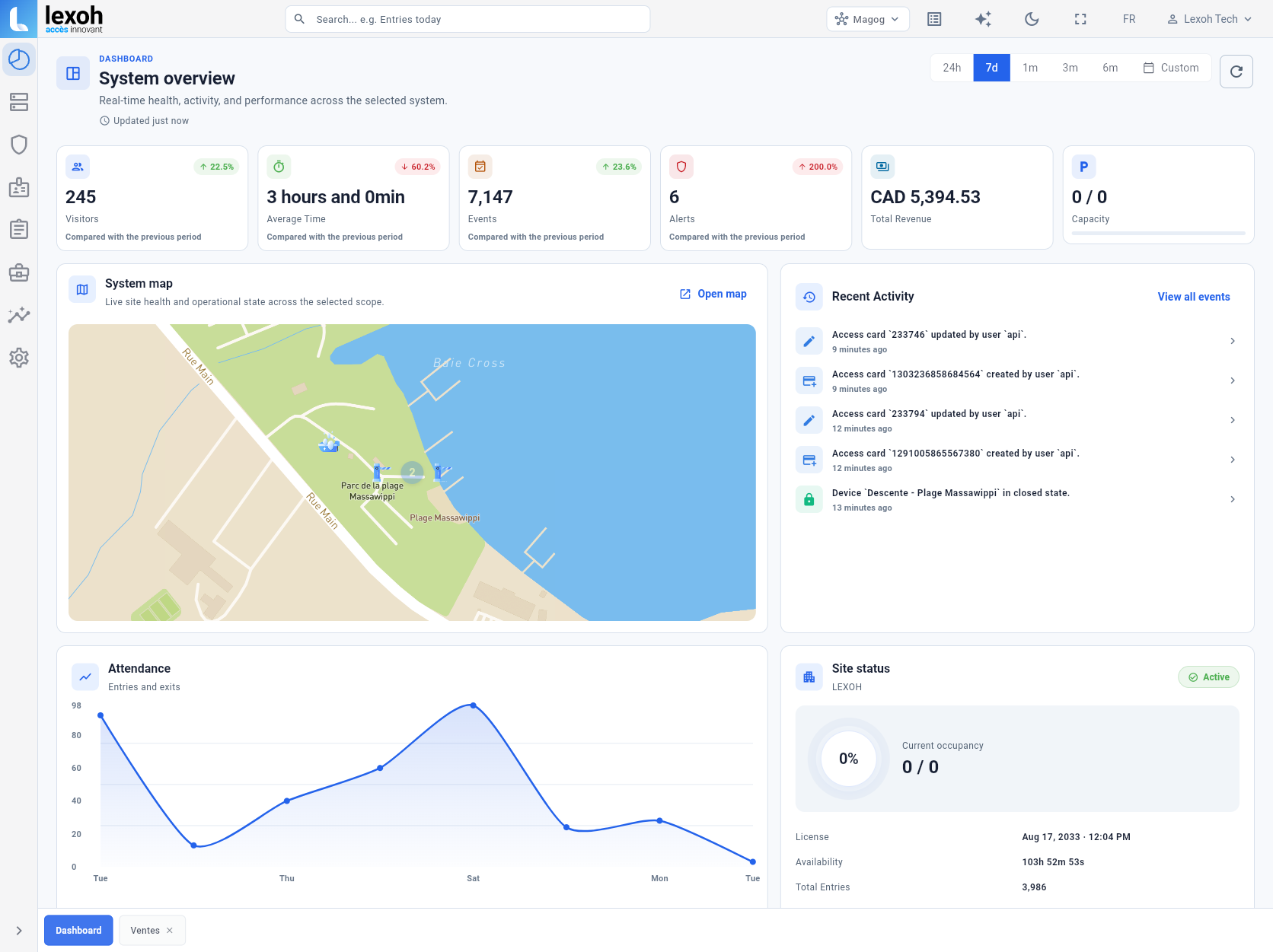
Lexoh Security Center shows site status, devices and operating activity in one overview. For a permit project, map each approved zone to the entrances and readers that validate access. During handoff, test an active permit, an expired permit and a vehicle replacement against those site rules.
We help translate current policy into understandable categories, periods, zones and validation methods.
Rights by address, unit, vehicle or zone where policy allows.
Access by schedule, site, shift or category.
A limited period and only the zones required for the work.
Longer rights with a defined renewal cycle.
Set roles and supporting information by category.
Clarify substitutions and simultaneous use.
Choose a method that fits the barriers, readers or field process.
Plan notices, grace periods, deactivation and renewal.
Clear answers about scope, operation and integration.
We can map categories, data, zones and validation methods before configuration begins.