




















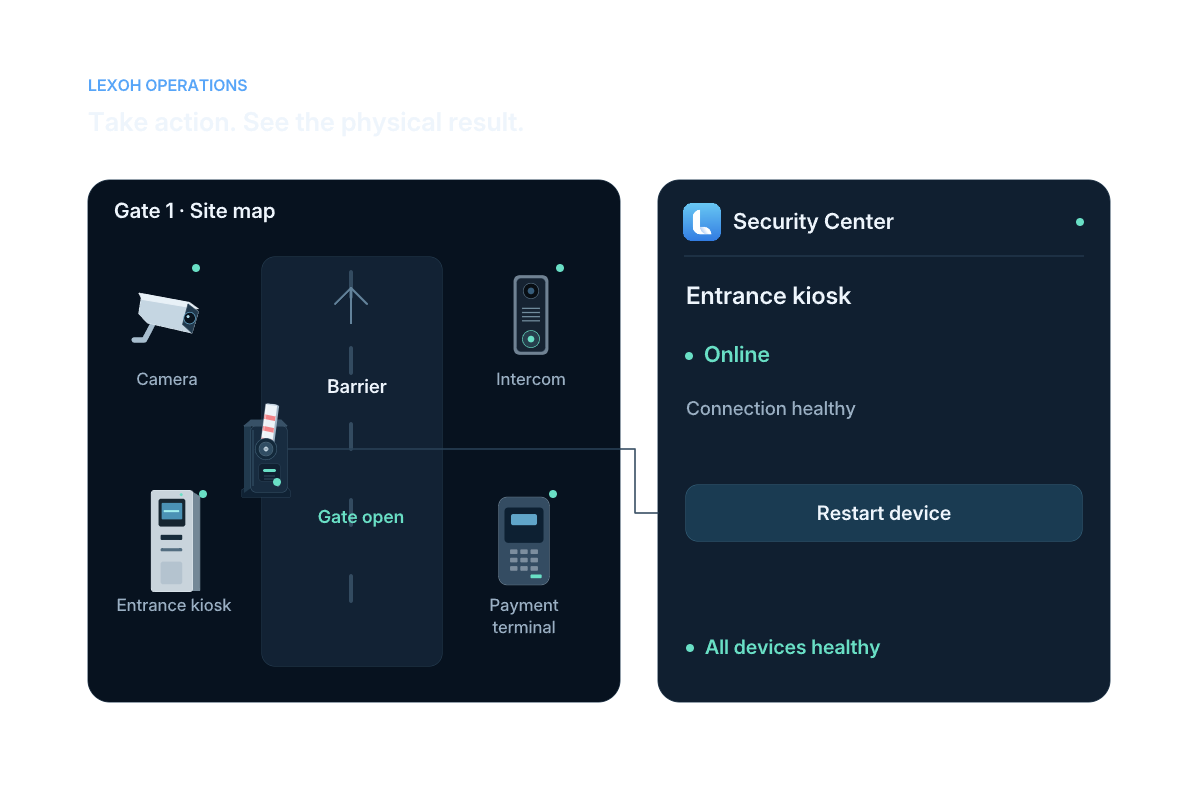
A connection status describes communication with the device. It does not by itself confirm the current physical position of a barrier or door. Check the available timestamp, equipment feedback and site context, then follow the agreed assistance procedure if the state cannot be confirmed. Define this response with the operating team during commissioning.
Sites and devices
Manage connected sites and devices in Security Center.
Locate a site, identify the affected device and review its recent events in Lexoh Security Center. Your team can use authorized remote controls or pass the equipment context to the technician handling an on-site visit.
From the installation to the operating desk
How do operators find and manage connected equipment?
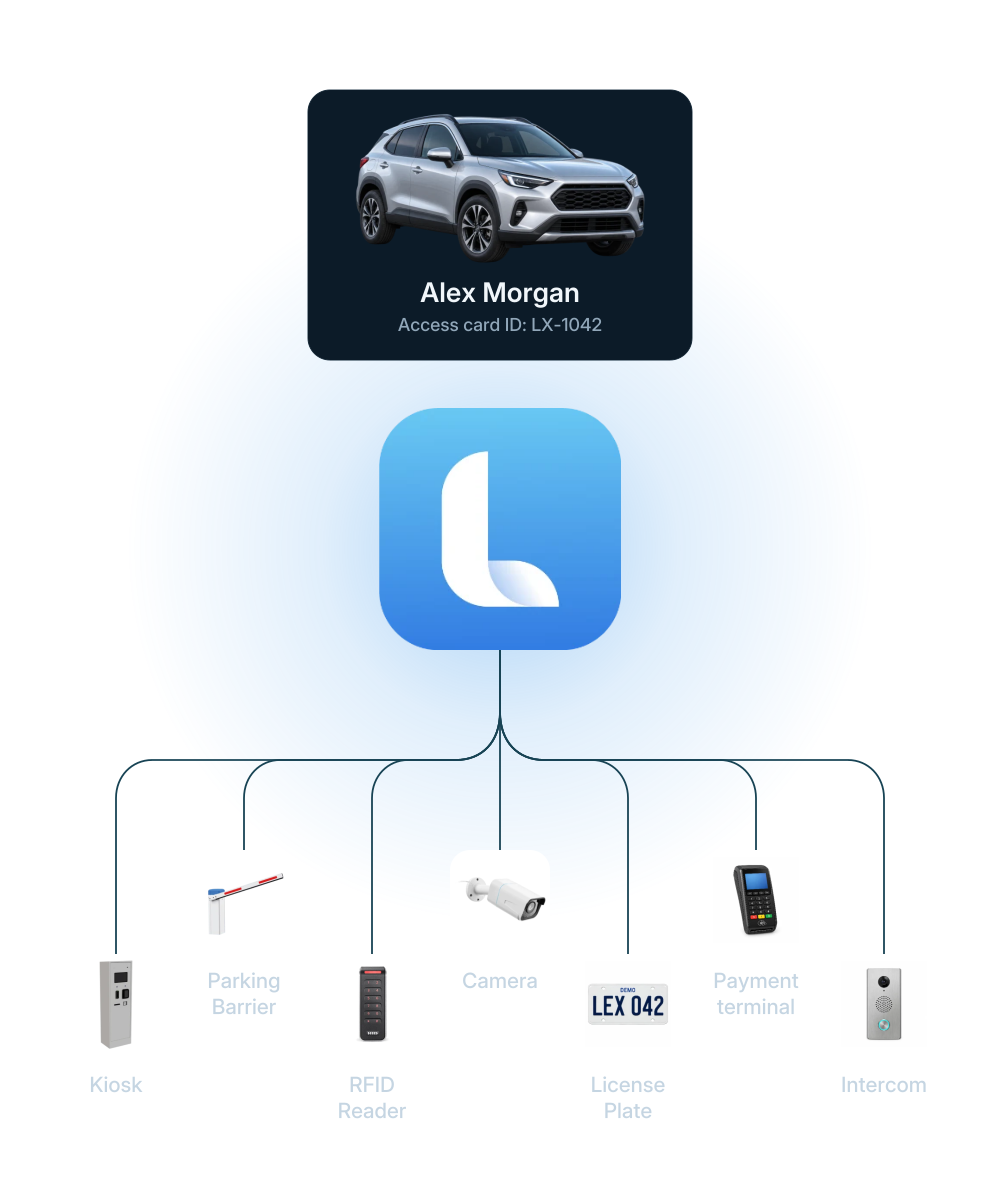
Site and device management connects each configured piece of equipment to its location, reported state, configuration and recent activity. In Security Center, operators can identify the affected device, review its events and use the controls available to their role. The device record helps the team decide whether an issue calls for a remote action or an on-site visit.
Lexoh’s hybrid architecture combines cloud management with an offline mesh network that lets site devices communicate without internet. Remote access to Security Center requires its own connection.
Daily equipment operations
A direct path from overview to follow-up.
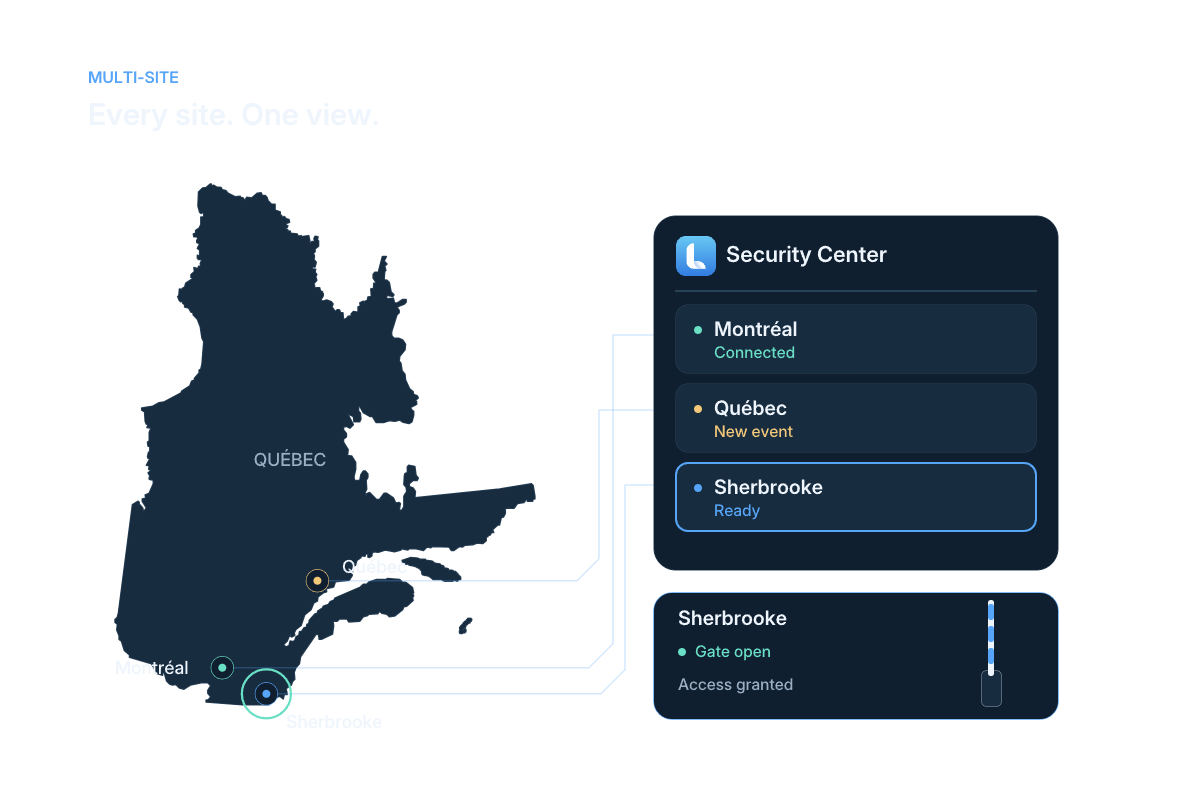
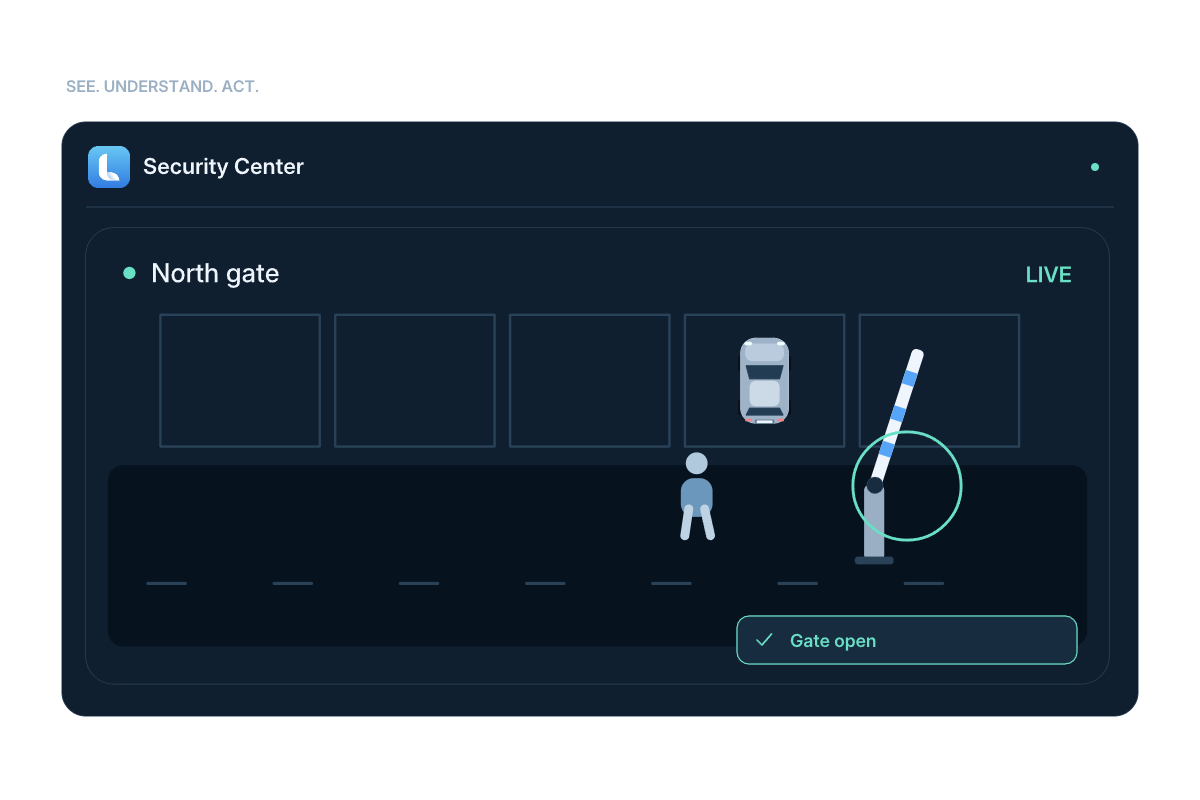
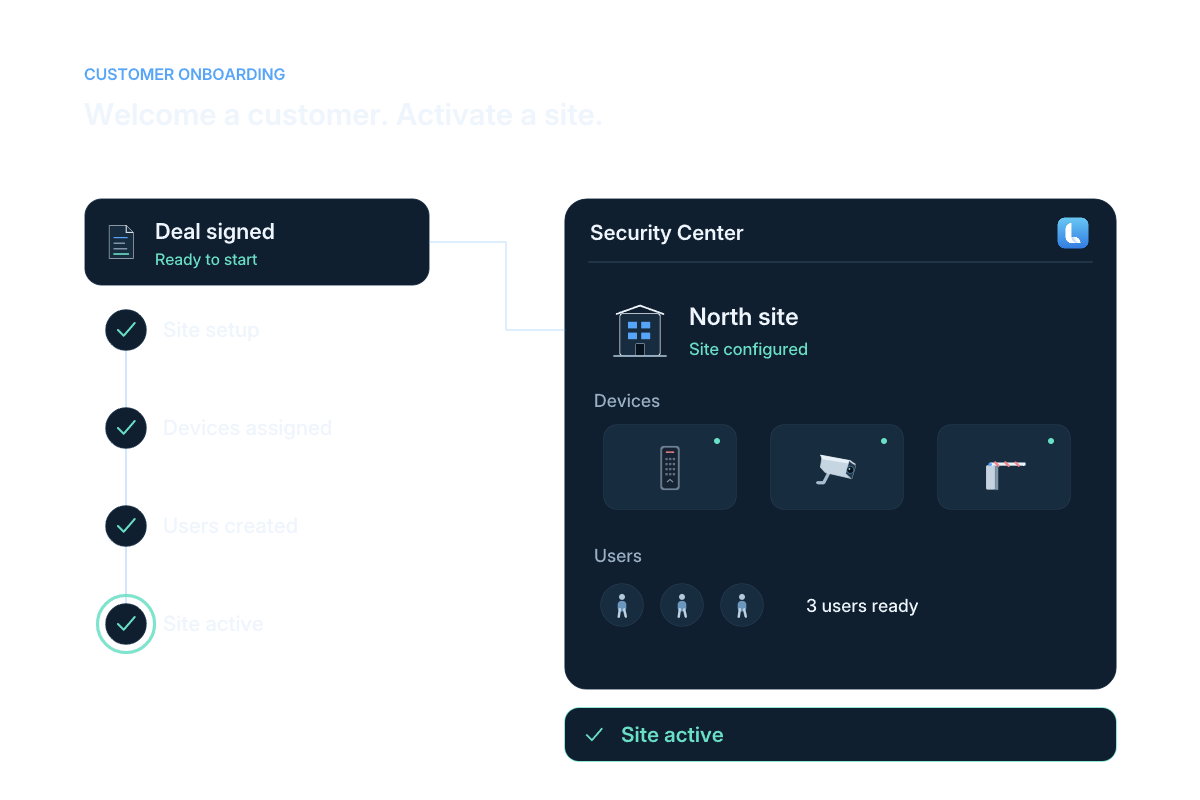
Illustrated site, event and setup workflows. The software examples show the equipment records used for operational follow-up.
Read the workflow steps
- Locate
Open the configured site and find its equipment through the map or device list.
- Review
Check the reported device state and the available operating information.
- Act
Use permitted configuration or remote controls for the connected equipment.
- Follow up
Review device events and pass the relevant details to the person responsible.
Device status and control
Find the device record and the controls needed to respond.
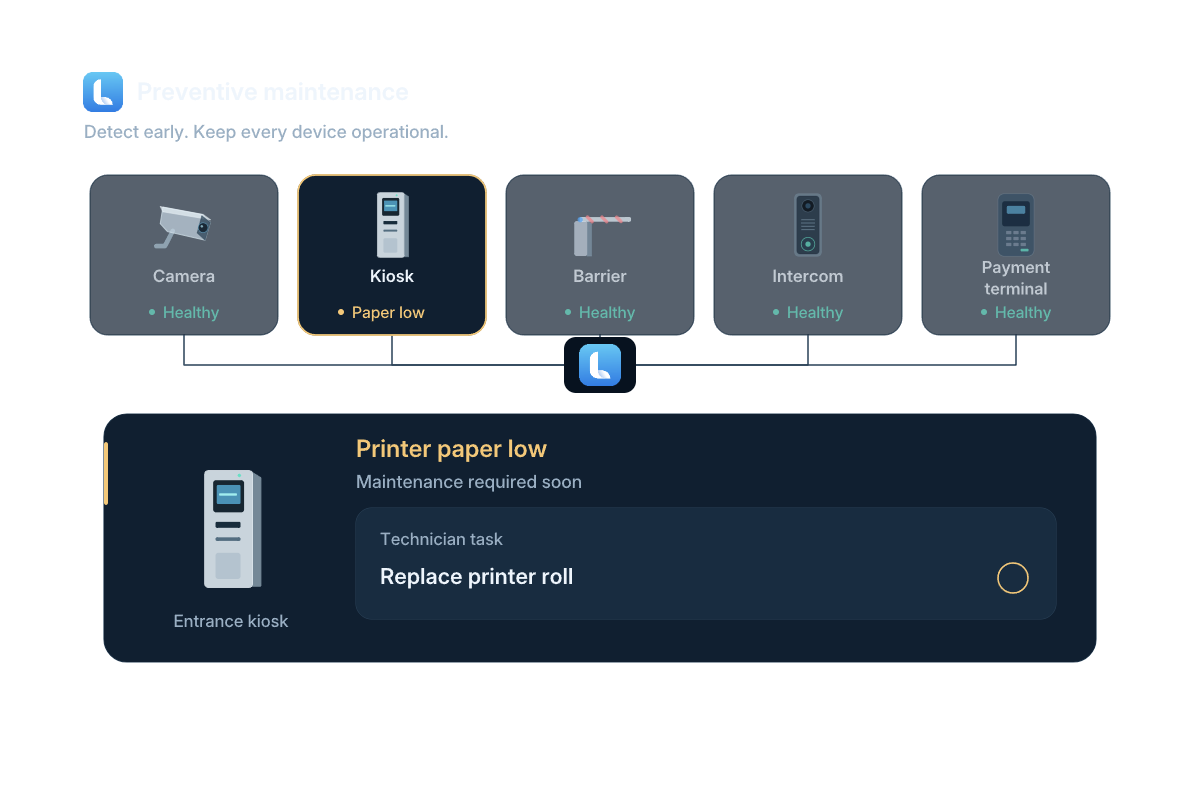
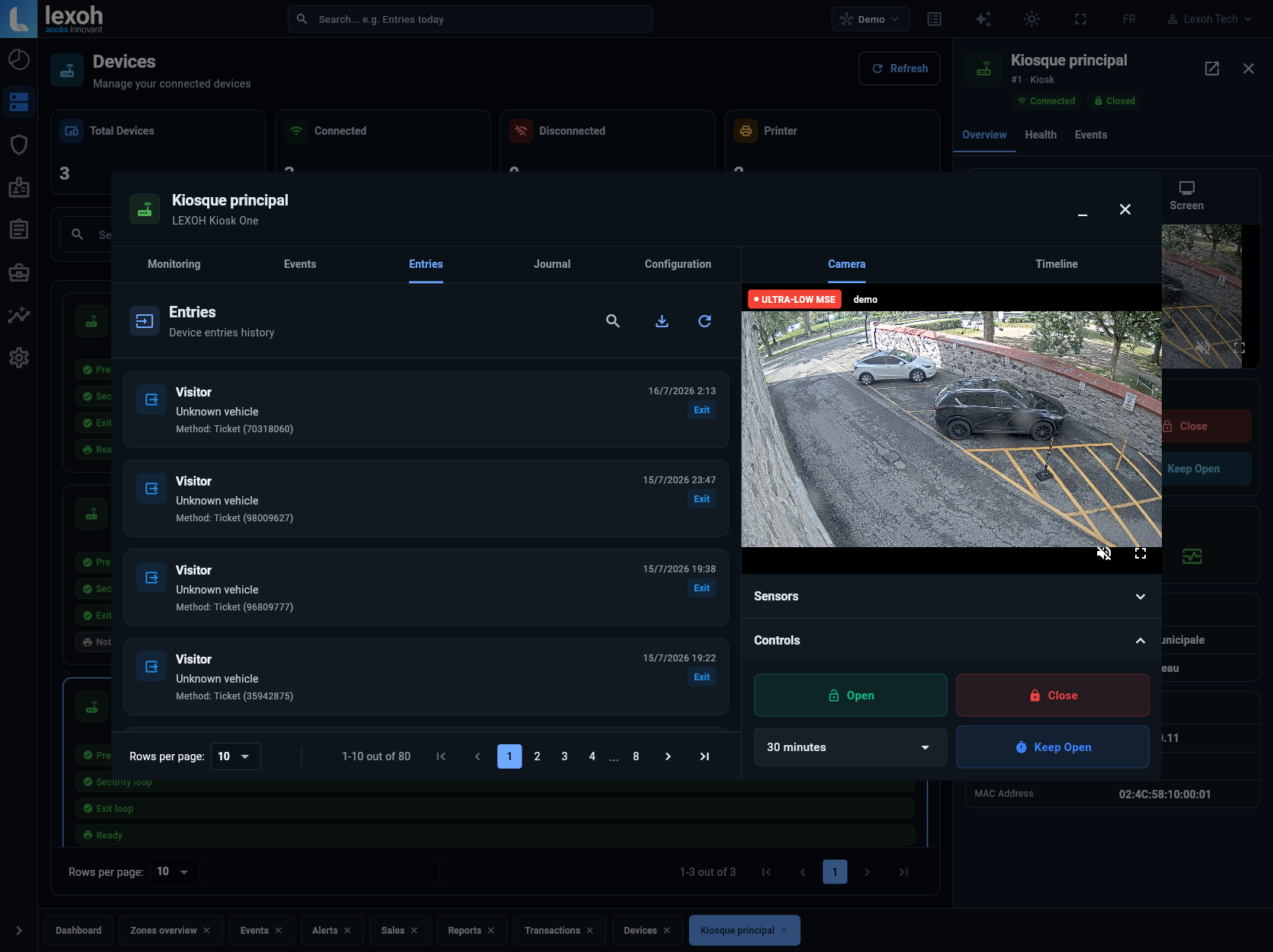
Search the equipment list and filter by type or reported status. The device view brings together configuration, activity and available camera context. Viewing records, changing configuration and sending commands use separate account permissions.
- Locate equipment by name and type
- Review connection and supported peripheral states
- Configure the selected device with the appropriate permission
- Use authorized opening and closing controls on connected lanes
 View full size
 History and operational follow-up
Keep the event connected to the equipment.
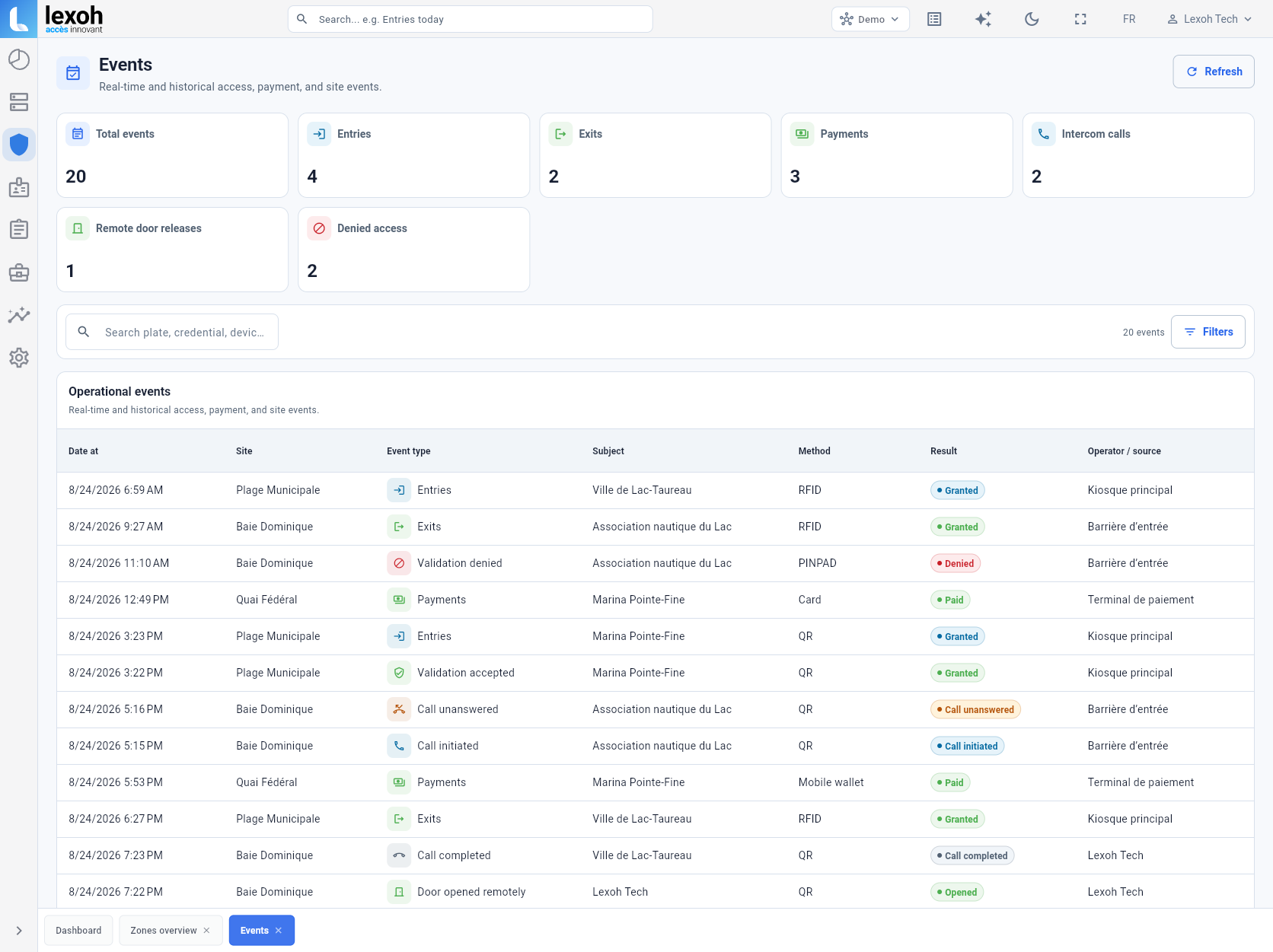
Filter operational records by device, event type or date. The history gives the team a way to review what was recorded, trace a request and share the relevant device context when further intervention is needed.
- Review recent and past device activity
- Narrow the history to the equipment and period involved
- Keep event details available for authorized review
Plan the connected equipment scope.
The platform, the field equipment and the operating permissions work together.
Yes. Operators can navigate between configured sites and review the equipment associated with each one. Account permissions determine which sites and functions each team member can access.
Access depends on the account role. Viewing device records, editing configuration and sending control commands require their respective permissions. The site procedure defines when an authorized operator should act.
The integration depends on the equipment, supported interface and site design. Prepare the model references, connection details and intended operating workflow so the project can identify the compatible scope.
Start with the site and device involved, the reported connection state and the relevant entry or event history. Where camera context is available, review it alongside those records before following the site’s response procedure.
Use a consistent site, entrance and lane reference in the equipment inventory and operating instructions. Distinguish entry from exit and identify any associated reader, barrier or camera so staff can connect an event to the physical location. Keep the references aligned with the configured device records and service documentation when equipment is added or moved.
Record the old and replacement equipment references, the physical location and the function the device serves. Have the authorized team validate the compatible connections and configuration, then test the relevant event and response at the correct entrance. Update the inventory and assistance instructions, while following the organization’s policy for retaining the previous device’s operational records.
Manage your connected equipment
Start with your sites, equipment and daily tasks.
Tell us which sites and equipment you operate and what your team needs to manage. We will help define the connections, permissions and controls for your installation.