










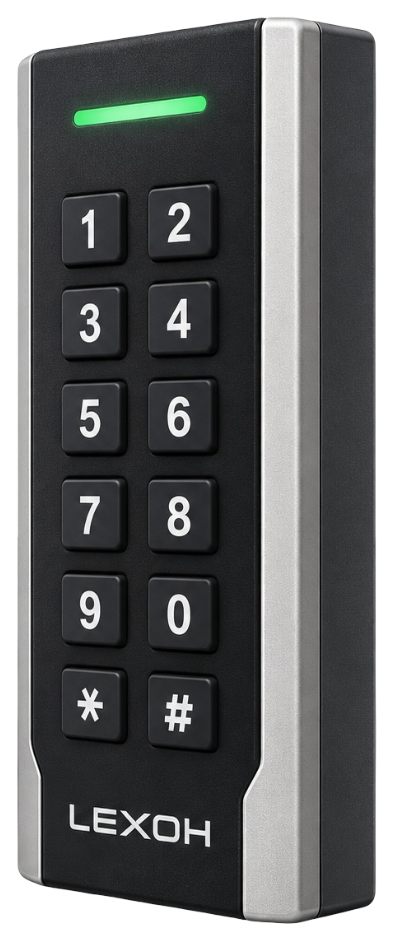
LEXOH-RFID-OSDP
Dual-frequency RFID reader with a physical keypad and OSDP/Wiegand interfaces.
Review card-reader details
Card-based credential reader

UHF credential reader

QR and barcode credential reader

Device input and output controller

RFID access credential

UHF access credential

Lane and access display signage

Thermal printer paper

IP intercom communication

Analog omnidirectional microphone
Access control
Connect doors, readers, credentials, visitors and vehicle access to one operational record in Lexoh Security Center.
One operating environment
An access control system connects credentials, readers and controllers to decide who may enter a building or site, through which entrance and at what time. The controller applies the decision at the connected door or barrier. Lexoh Security Center brings permissions, equipment and access events into one interface, according to the site’s configuration.
Access workflow
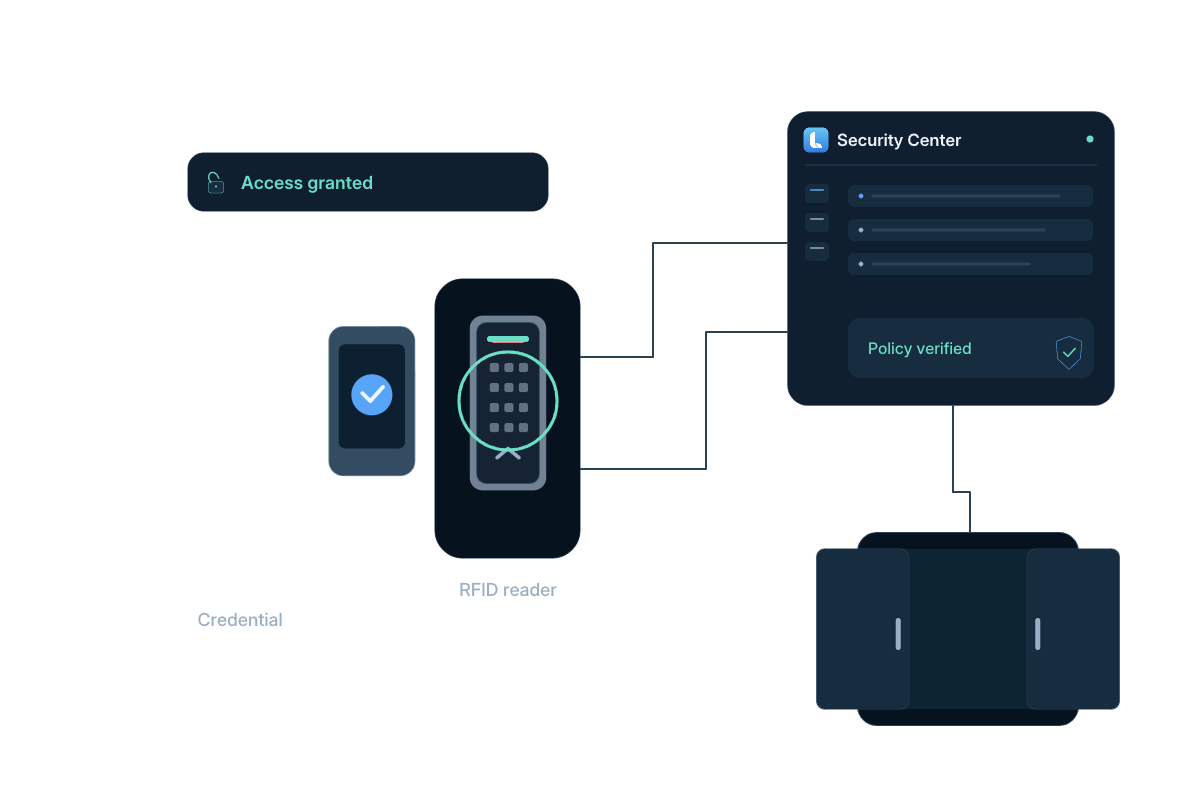
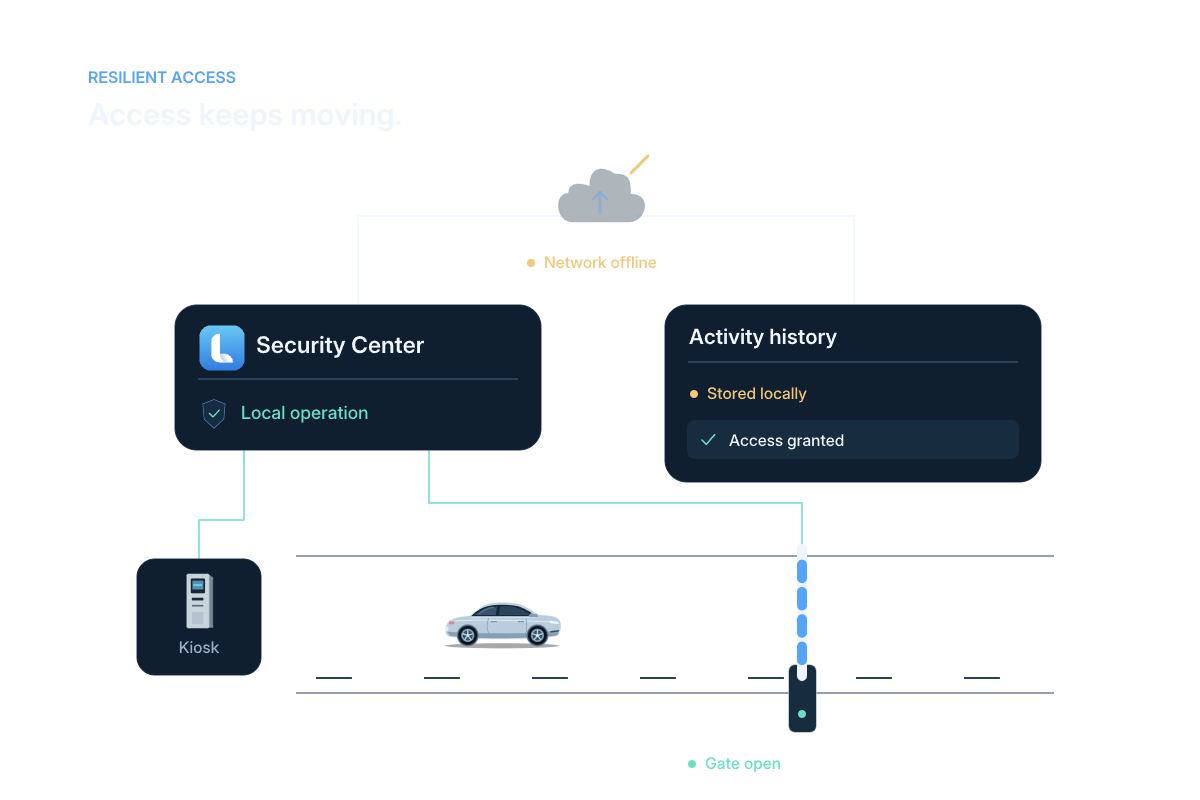
Illustrated access workflow: identify the user, apply permissions and operate the connected entrance.
 View full size
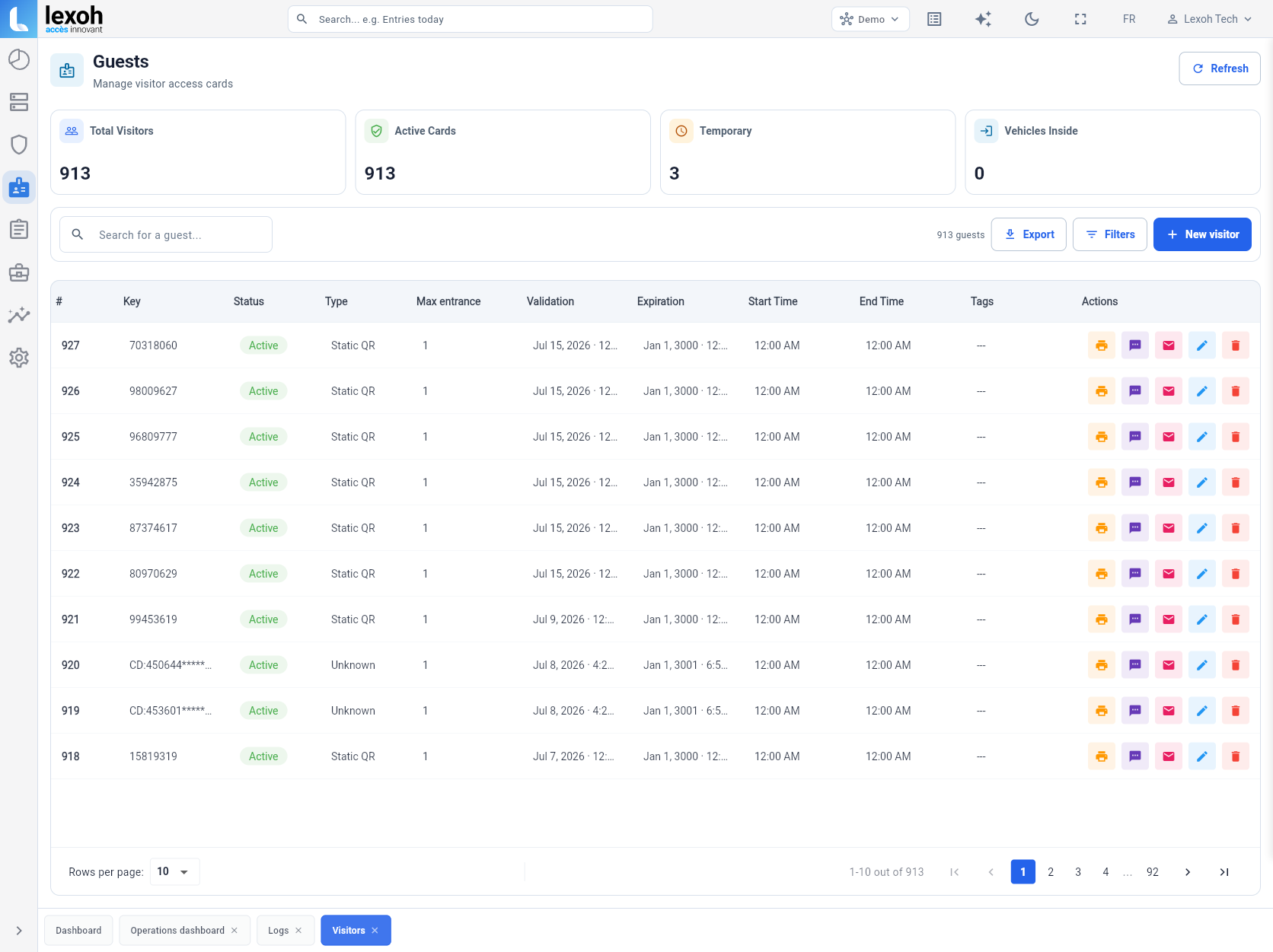
 Security Center
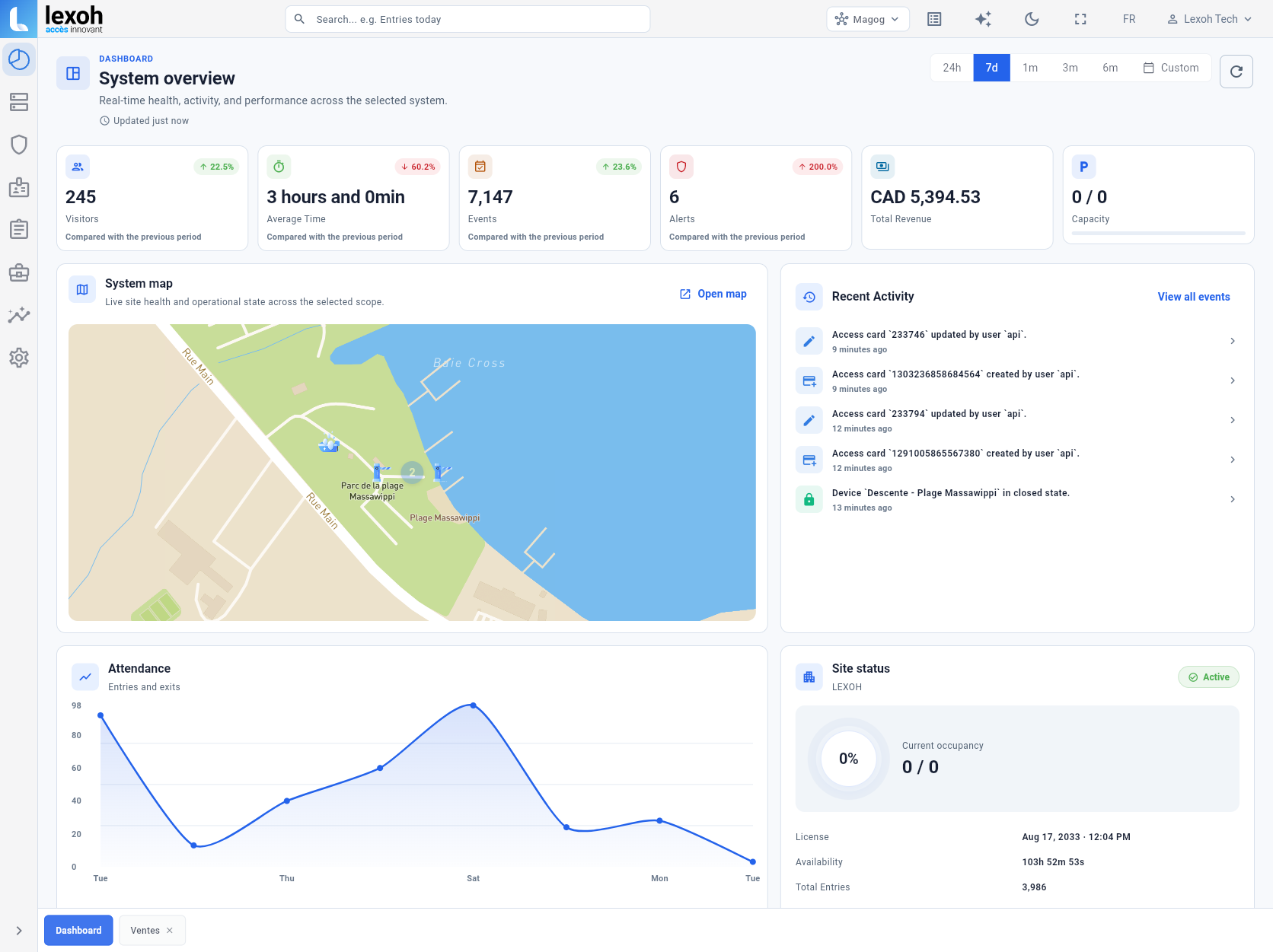
See site status, connected equipment and recent activity in the same interface used to manage the access system.
 View full size
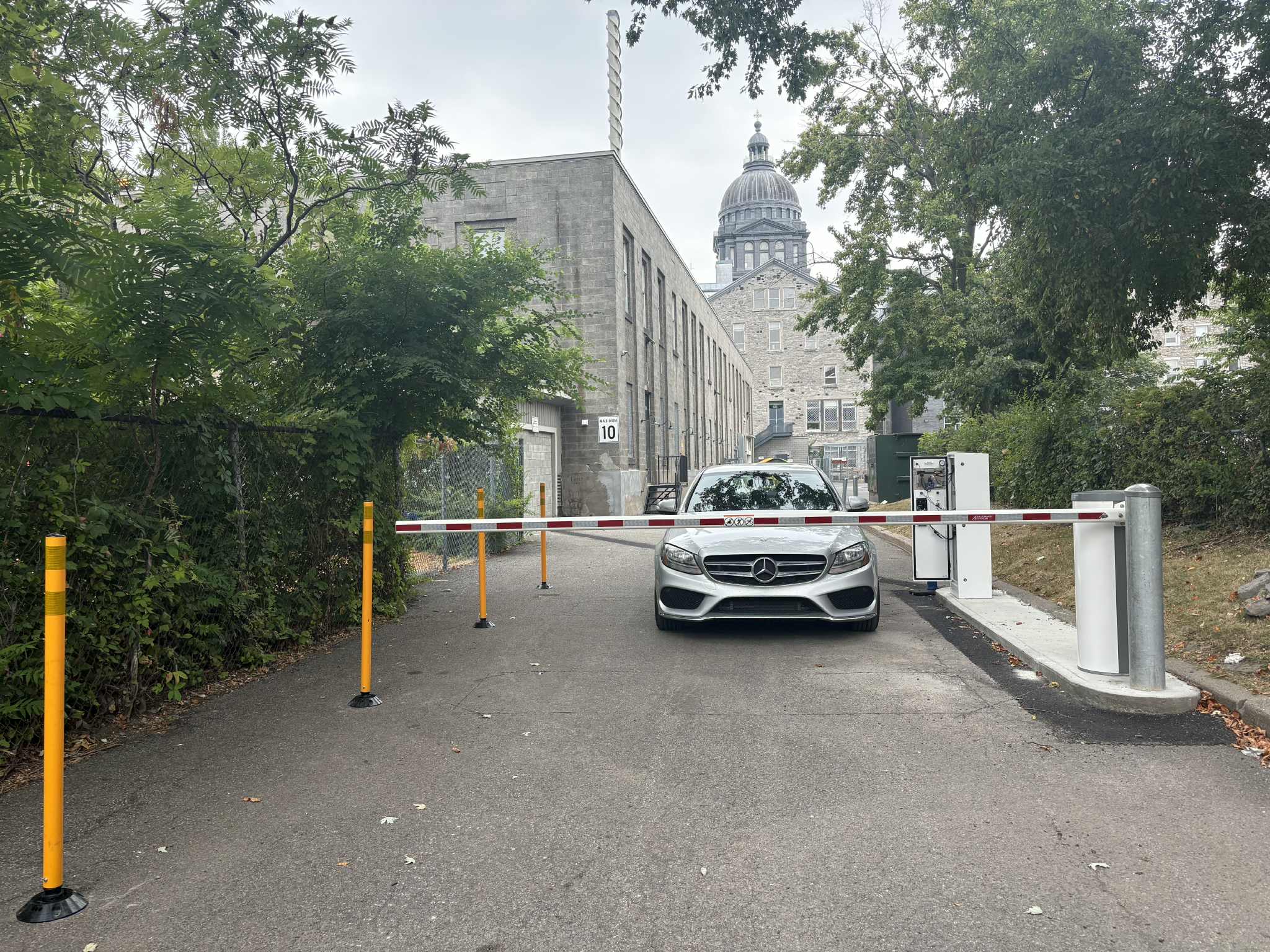
 Visitors and contractors
Define the permitted zones and times for visitors and contractors. Authorized staff can update or deactivate credentials as the visit changes, according to the configured workflow.
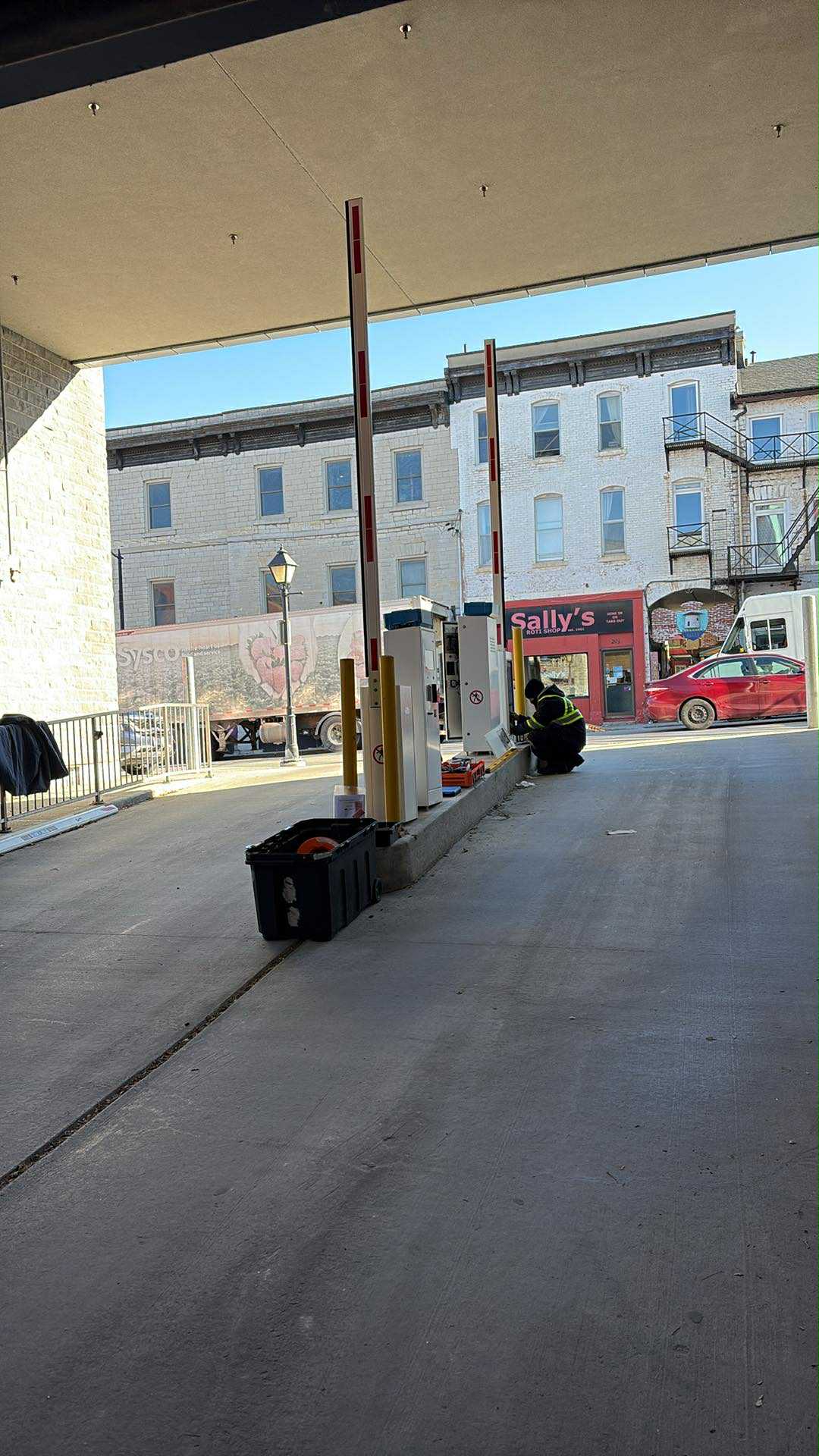
Physical and digital
Readers, kiosks and barriers are selected around the real entrance. Lexoh then connects the device, the person or vehicle, and the resulting event.
Site planning and modernization
Start with the entrances, existing controllers, readers, locks or barriers, power and network. Document who administers access and how each entrance must behave during an interruption before choosing the final configuration.
Reader selection
Choose short-range card presentation at a door, QR scanning for a visitor, or long-range UHF identification in a vehicle lane. Each reader supplies the identifier to the access system, which applies the user’s permissions.
Dual-frequency RFID reader with a physical keypad and OSDP/Wiegand interfaces.
Review card-reader details
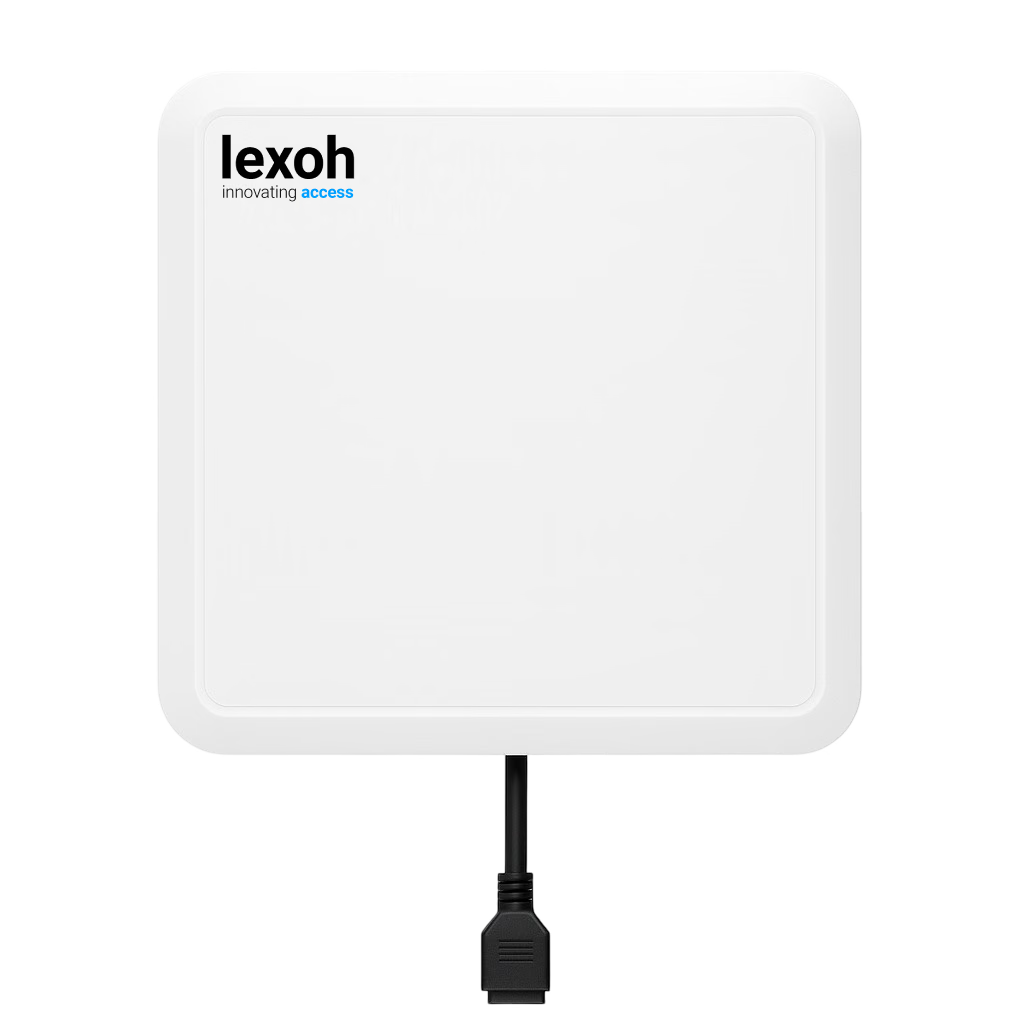
902–928 MHz vehicle-tag reader with an integrated 9 dBi antenna.
Review UHF-reader detailsSwipe or scroll sideways to compare every column.
| Reader capability | LEXOH-RFID-OSDP | QR scanner | Lexoh UHF9DBI vehicle reader |
|---|---|---|---|
| Identification | 125 kHz and 13.56 MHz RFID credentials, with a physical keypad for PIN entry. | QR credentials presented on a phone or in print, within the configured access workflow. | EPC Gen2 / ISO 18000-6C vehicle tags in the 902–928 MHz band. |
| Interaction at the entrance | Present a compatible card or fob at a documented reading distance of 2–4 cm. | Present the code to the scanner; the connected system checks the associated access right. | Read a compatible vehicle tag at up to 15 metres, depending on the tag and installation conditions. |
| Installation fit | OSDP or Wiegand connection to the selected controller. Card encoding and controller support determine credential compatibility. | Scanner placement gives users room to present the code; the software manages validity and the response to a refused credential. | Antenna orientation and tag placement define the intended read zone and separation from neighbouring lanes. |
The reader pages provide specifications and installation details. Compatible credentials and controller interfaces are selected together; card readers, QR scanners and UHF vehicle readers serve different arrival patterns. The French Lexoh UHF9DBI datasheet is available from the reader page.
Connected equipment
Choose the reader, assistance and lane equipment required by the entrance, then manage it through the same platform.
QR scanners
Configured code-based access at the point of entry.
View scanner
RFID card readers
Credential reading for configured access workflows.
View reader
IP intercom
A direct assistance path at the entrance.
View intercom
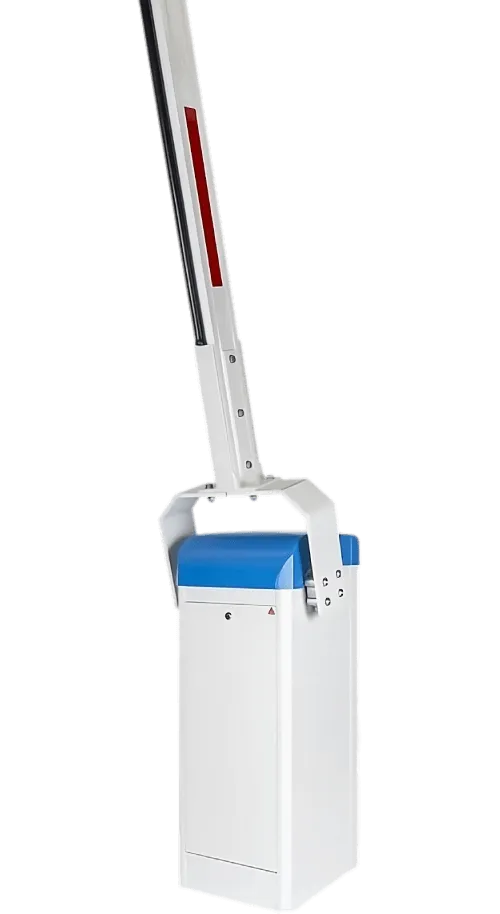 Lane barriers
Physical lane response connected to the access decision.
View barriers
Lane barriers
Physical lane response connected to the access decision.
View barriers
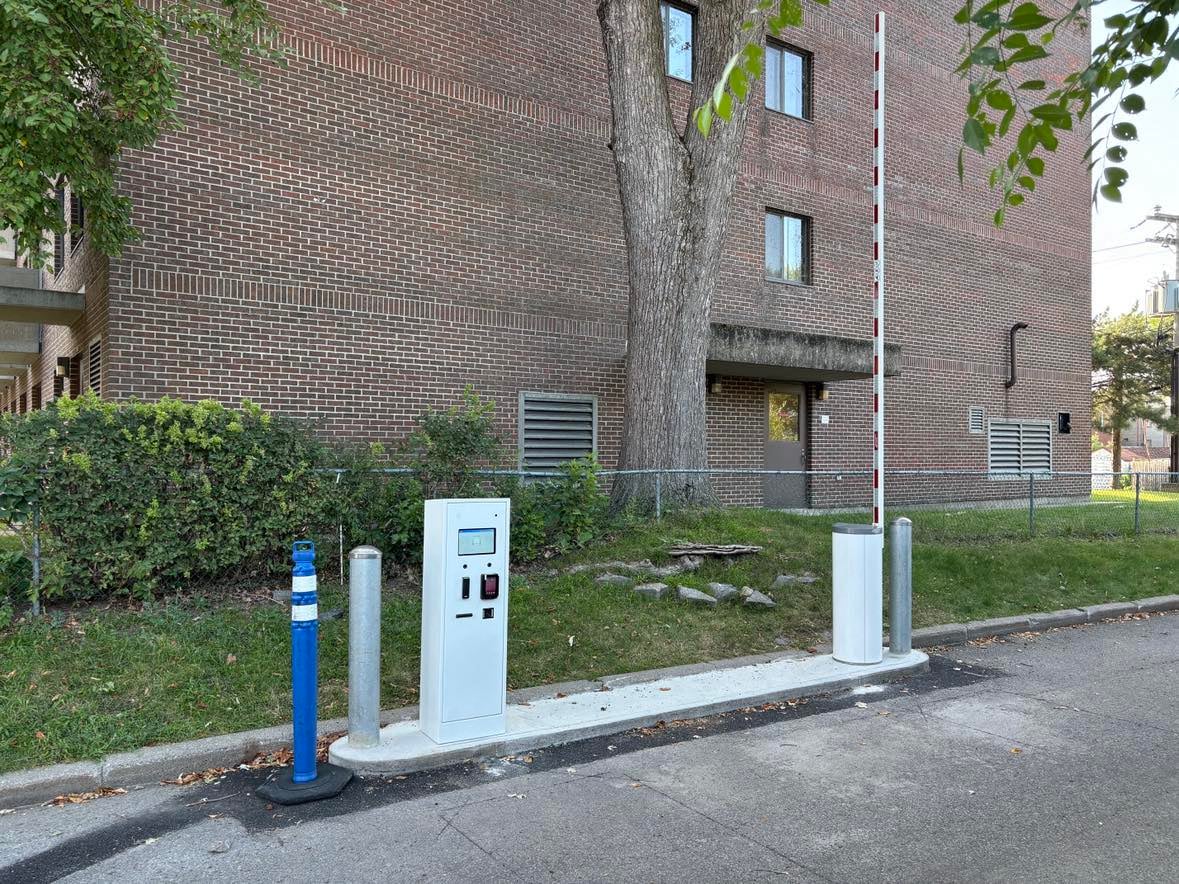
Documented installation
This Collège Sainte-Anne lane combines the user interface, credential readers and automatic barrier in one clear passage.
See the Collège Sainte-Anne installationThe essentials for planning a connected entrance.
Plan the complete entrance
Tell us about the people, vehicles, entrances and rules your site needs to manage.