



















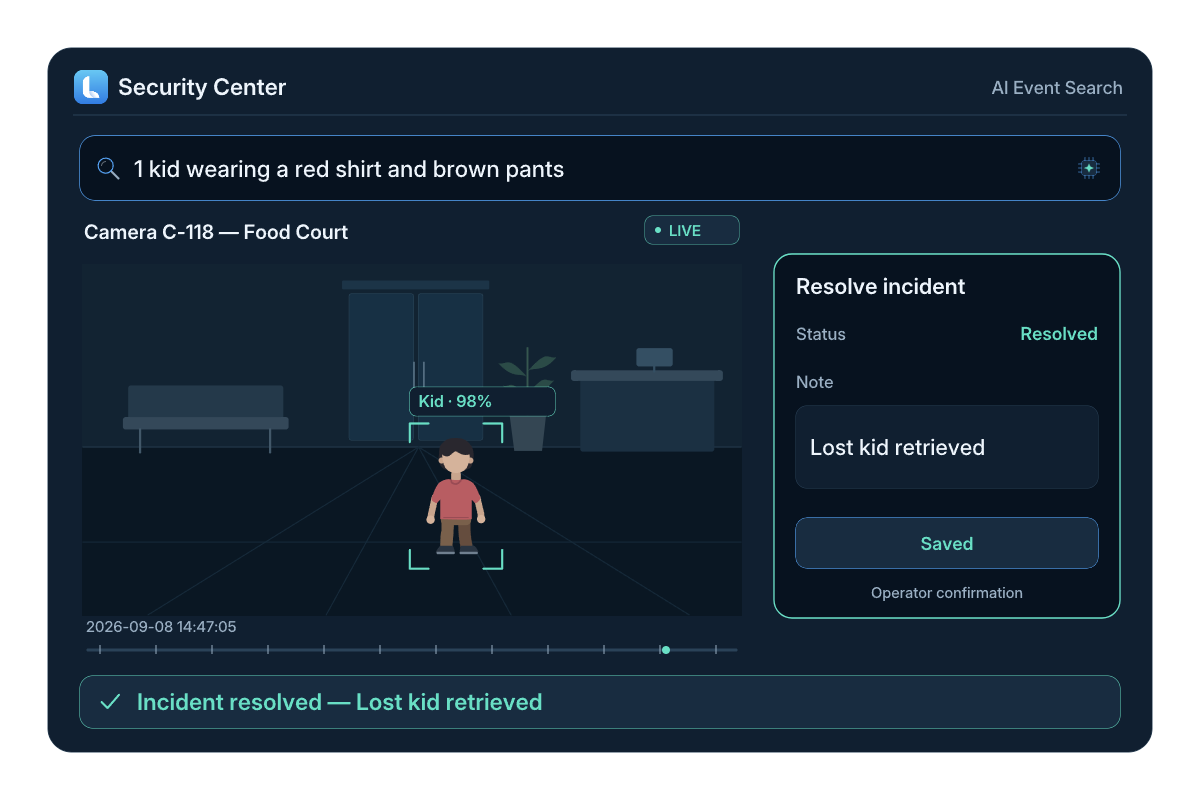
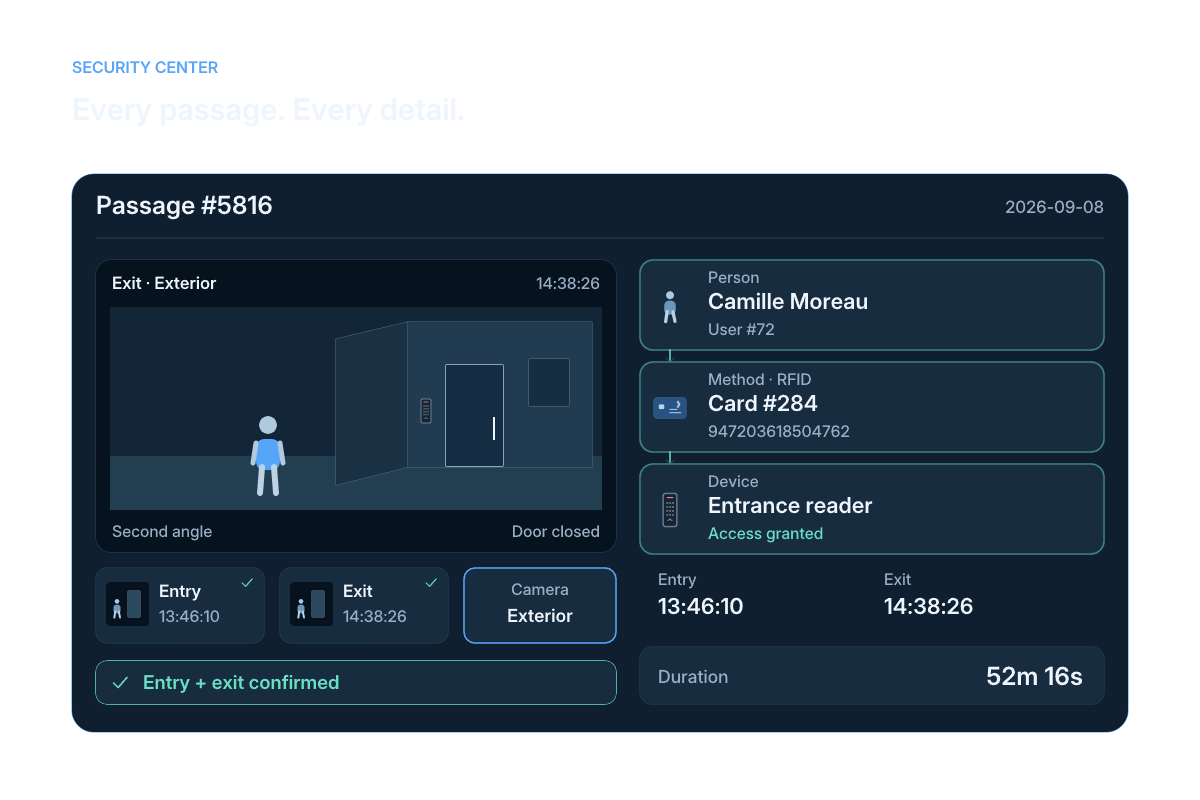
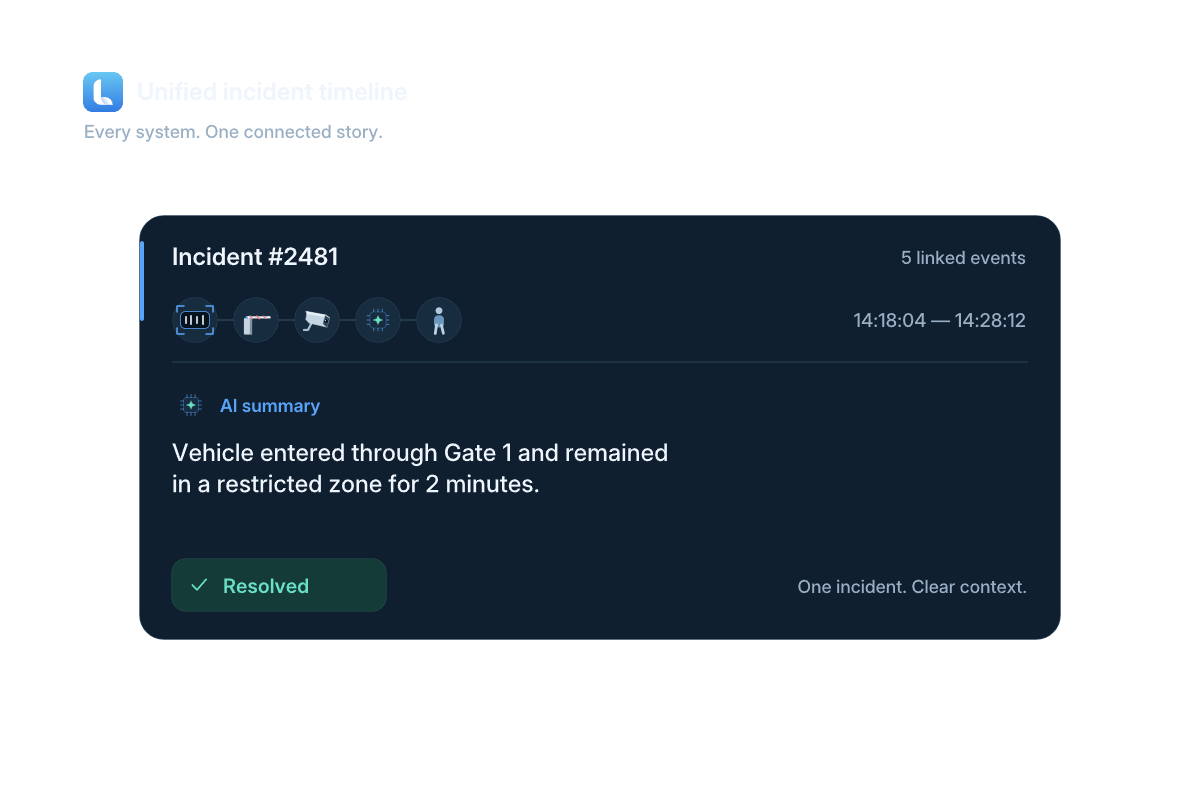
Retention depends on the recording configuration and storage available for the installation. Access permissions determine who can review footage and export clips. The project defines the retention period, recording location and sharing rules for the cameras in scope; these settings are checked during commissioning.
Video intelligence
Video surveillance connected to access events.
Lexoh video surveillance software helps site operators review live video, detections, recordings and clips alongside access events and connected equipment.
 View full size ↗
 Video in operational context
How does video help explain an access event?
Connected video security associates available camera footage with the site, device and time of an event. In Lexoh, an authorized operator can use that context to find a sequence, review what happened and prepare a relevant clip. Camera coverage, recording availability and access permissions determine what can be reviewed; the video supports the operator’s assessment of an incident.
Review workflow
Find the sequence that explains the event.
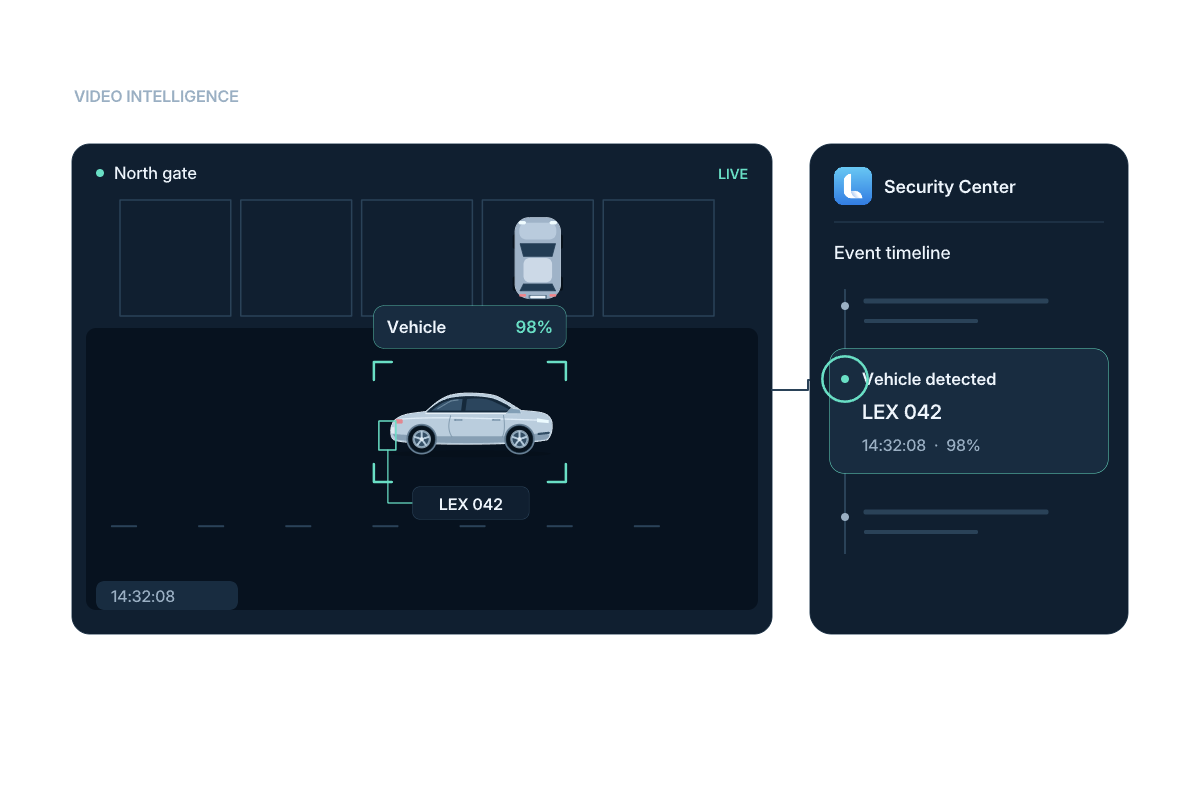
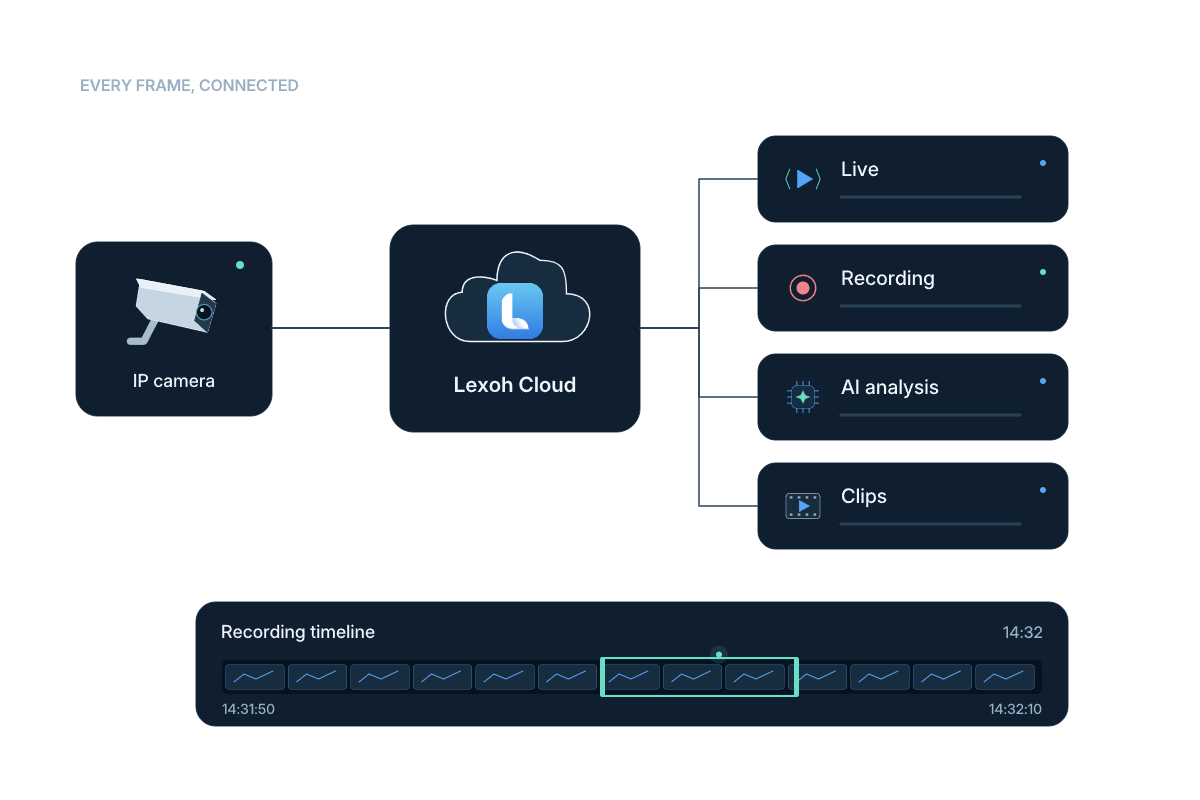
Illustrated detection and recording workflows. The displayed percentage is example data, not a measured accuracy result. Available footage and actions depend on the installed cameras, recording setup and account permissions.
Read the workflow steps
- Monitor
View the configured camera and its live operating context.
- Detect
Use available event detections to locate activity.
- Review
Move through the event timeline and related footage.
- Export
Prepare a clip of the sequence to retain or share.
Event playback
Keep the footage, detections and timeline together.
The playback view combines camera footage, a detection timeline and event navigation so operators can review the sequence surrounding an access event.
- Live and recorded footage
- Detection timeline
- Event-to-event navigation
- Clip export workflow
 View full size
 Detection zones and counters
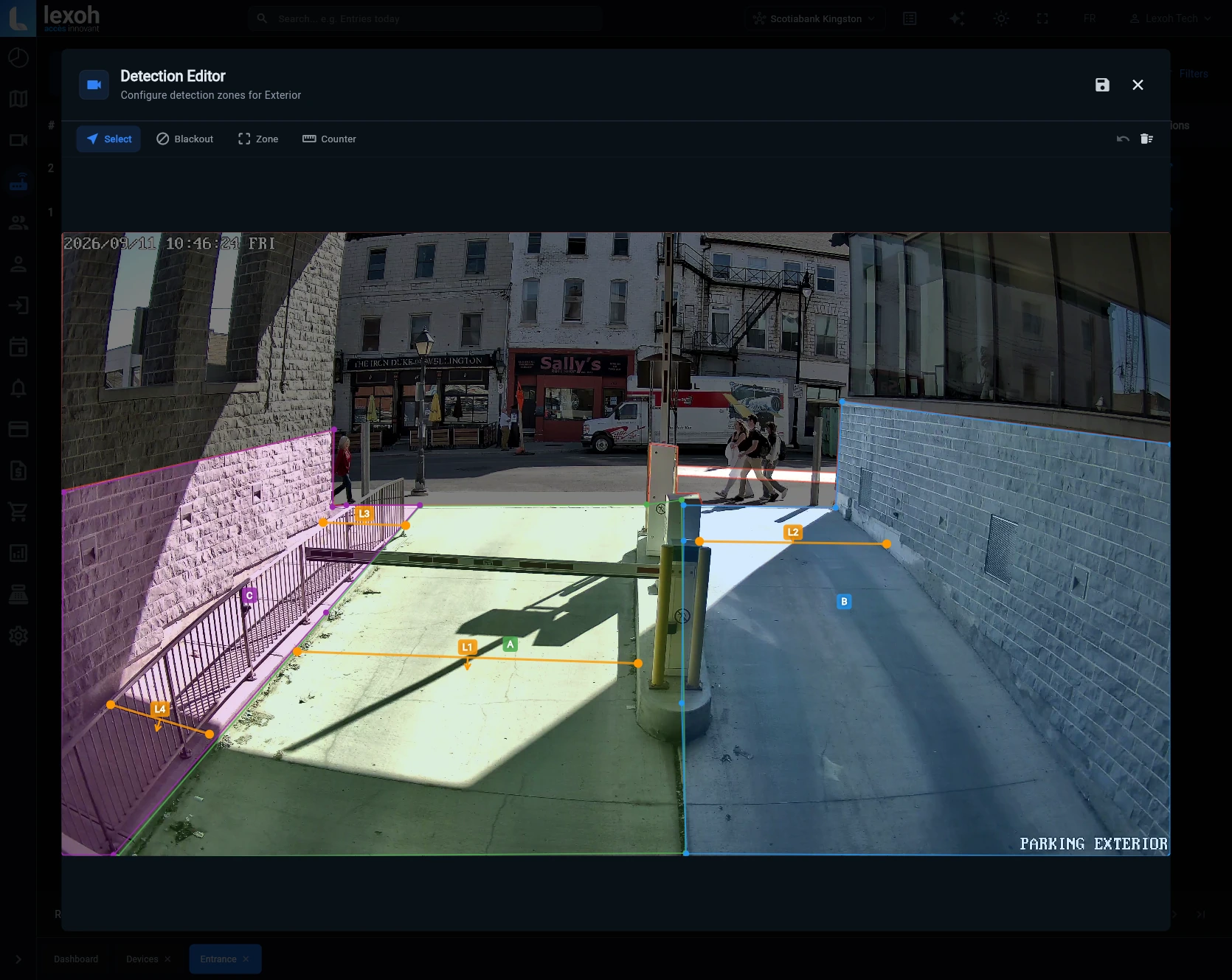
Detection Editor
Define detection zones and counting lines directly on the camera image. Give each part of the scene a purpose: count passages, distinguish entrances and exits, monitor loitering, or identify pedestrian crossings.
- Passage counting across defined lines
- Separate entrance and exit zones
- Zones for loitering detection
- Dedicated pedestrian crossing areas
 View full size
 Camera hardware
Choose the camera around the scene that must be understood.
Dome, bullet, pan-tilt-zoom (PTZ) and wide-view cameras serve different areas. Camera selection depends on the entrance geometry, mounting position, lighting and the detail operators need to see.
- Indoor and outdoor viewpoints
- Fixed and movable fields of view
- Hardware selected for the installation
 View full size
 One operating environment
Connect video to the access and device record.
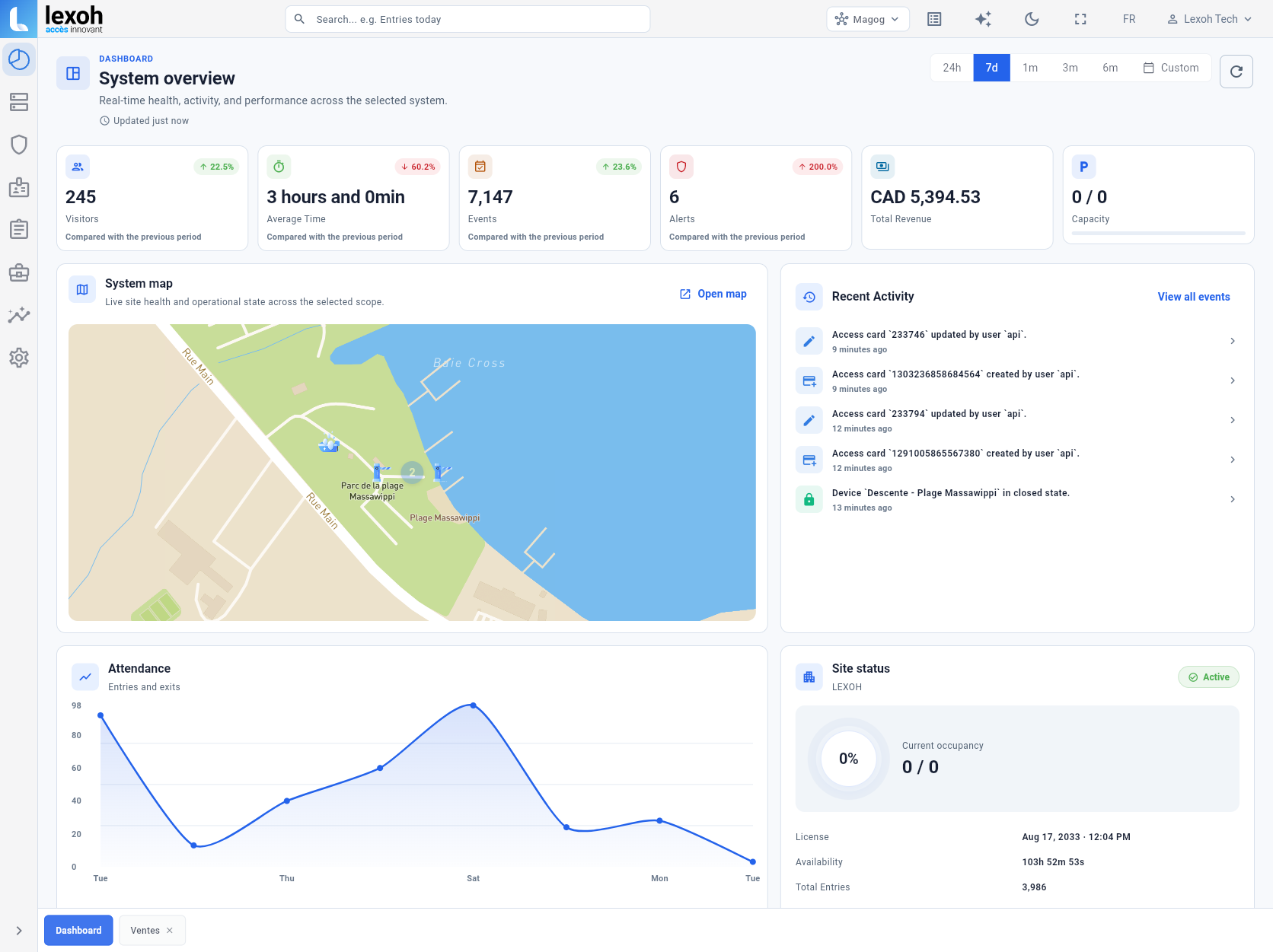
Security Center brings sites, devices, recent activity and event-related video together in one interface.
- Site and device context
- Access and video in one environment
- Operational review across configured sites
Video ecosystem
Match the camera to the operating context.
Build the view with the right hardware, then connect it to the site and event workflows in Security Center.
Video-security questions
How cameras and Security Center fit into the site operation.
Provide the camera models, firmware, recording equipment, network layout and representative footage. Lexoh can review the connection and recording requirements for the proposed scope. Confirm live viewing, playback, event association and any required PTZ controls separately before accepting compatibility.
Yes. Use a detection to locate a sequence, then review the surrounding footage before drawing a conclusion. Lighting, obstructions, camera placement and configuration can affect the result. Test representative vehicle and pedestrian movements in the installed scene, and repeat those checks when the view or detection zones change.
Yes. Lexoh Security Center is designed to keep video, sites, connected devices and operational events in the same environment.
The Lexoh catalogue includes dome, bullet, PTZ and wide-view camera options. The appropriate model depends on the physical scene and installation.
The video event interface includes a detection timeline and event navigation for reviewing the related footage.
Start with the site, the likely camera and a time interval around the report. Use the available timeline and event records to narrow the search, checking that the compared timestamps use the same time reference. Review enough of the sequence to understand the context. What can be found depends on camera coverage, retained recordings and the operator’s permissions.
Compare the new image with the scene the camera was intended to cover, including vehicle position, obstructions and lighting during actual operating hours. Check a representative live view and available recording before relying on the previous coverage assumptions. Update the site’s camera references and ask the responsible team to address gaps caused by the move, vegetation or layout changes.
Connect the scene to the event
Plan the cameras and the operating workflow together.
Tell us which areas, entrances and events your team needs to monitor and review.
Installation photograph: Scotiabank parking entrance, Kingston.