





















Accounting and reports
Accounting and financial reports in Security Center.
Find the invoice behind a payment question, review customer and supplier balances and prepare financial reports in Lexoh Security Center. Operators and accounting teams work from the same underlying sales and purchase records.
From document to review
Which records support the accounting reports?
A useful financial review starts with the underlying records. Lexoh keeps customer and supplier documents, invoice lines, payment references and balances available for review. Search by customer or supplier, document type, status or date, then connect the document to its accounting entry. The same environment provides account-level reports and exports for the accounting team.
A connected working process
Follow the document through to the report.
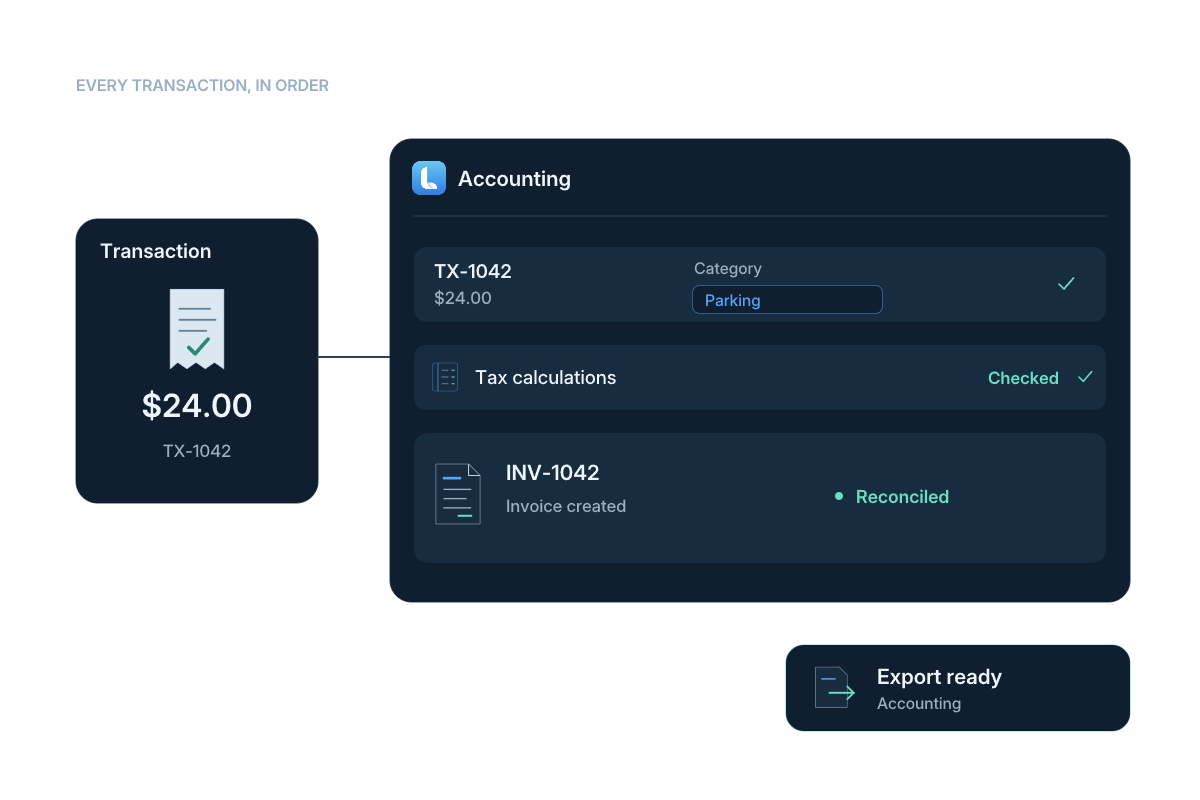
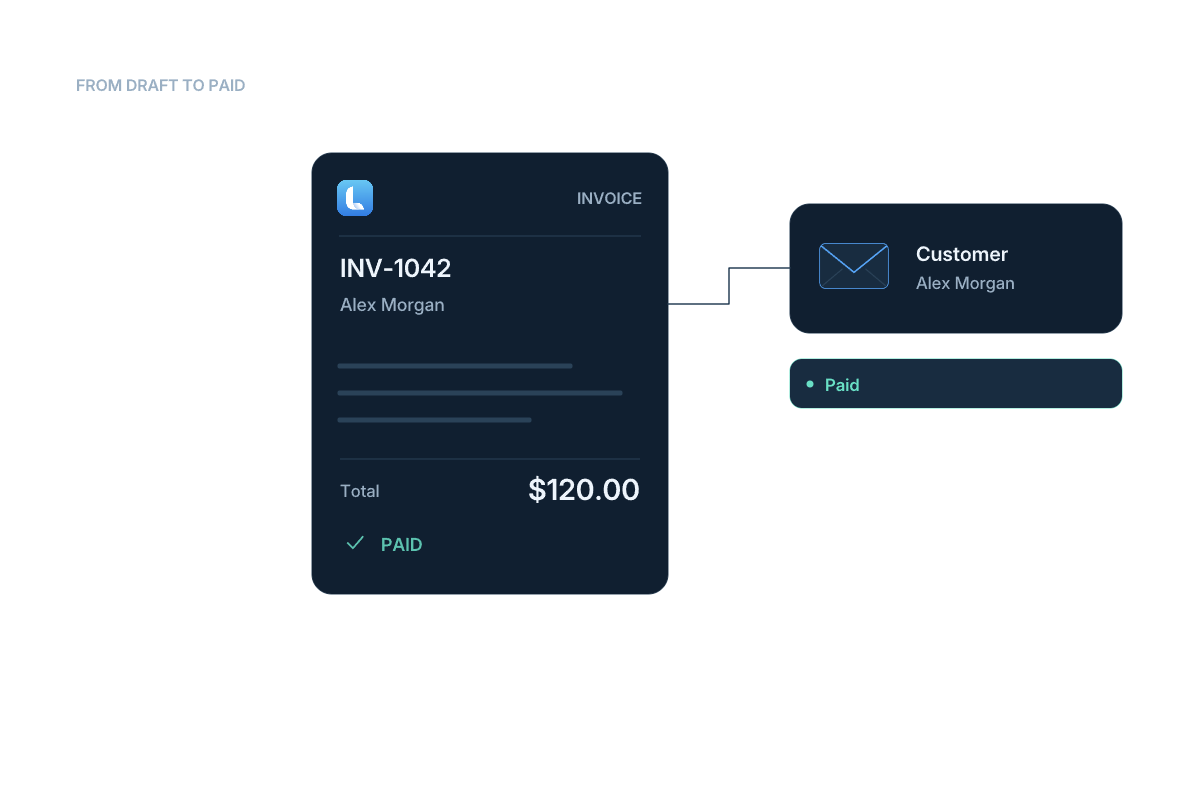
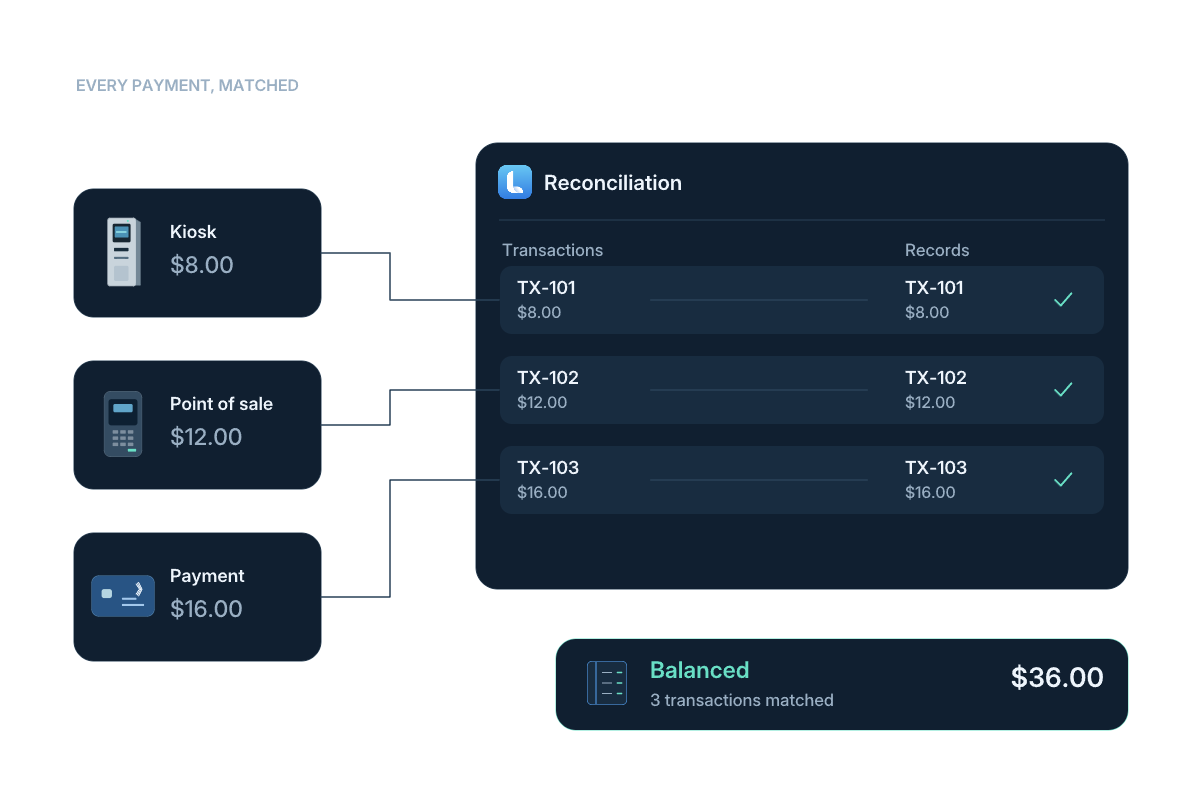
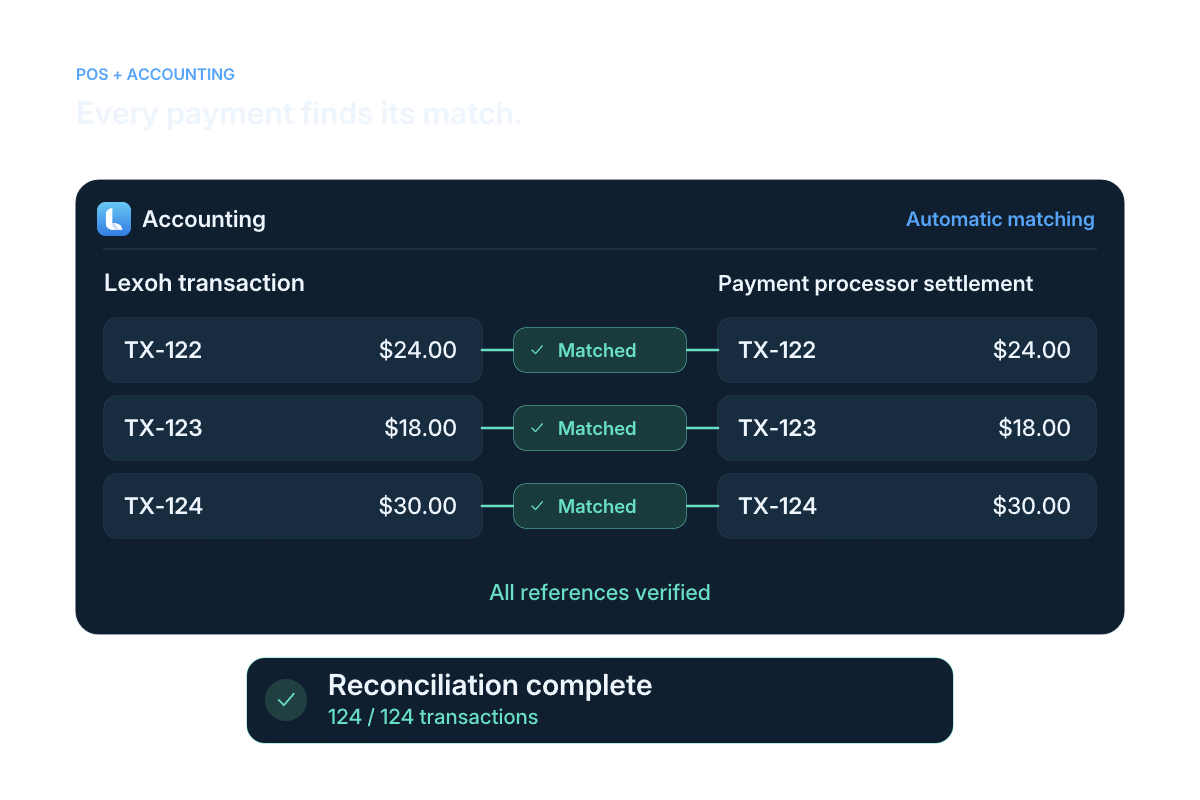
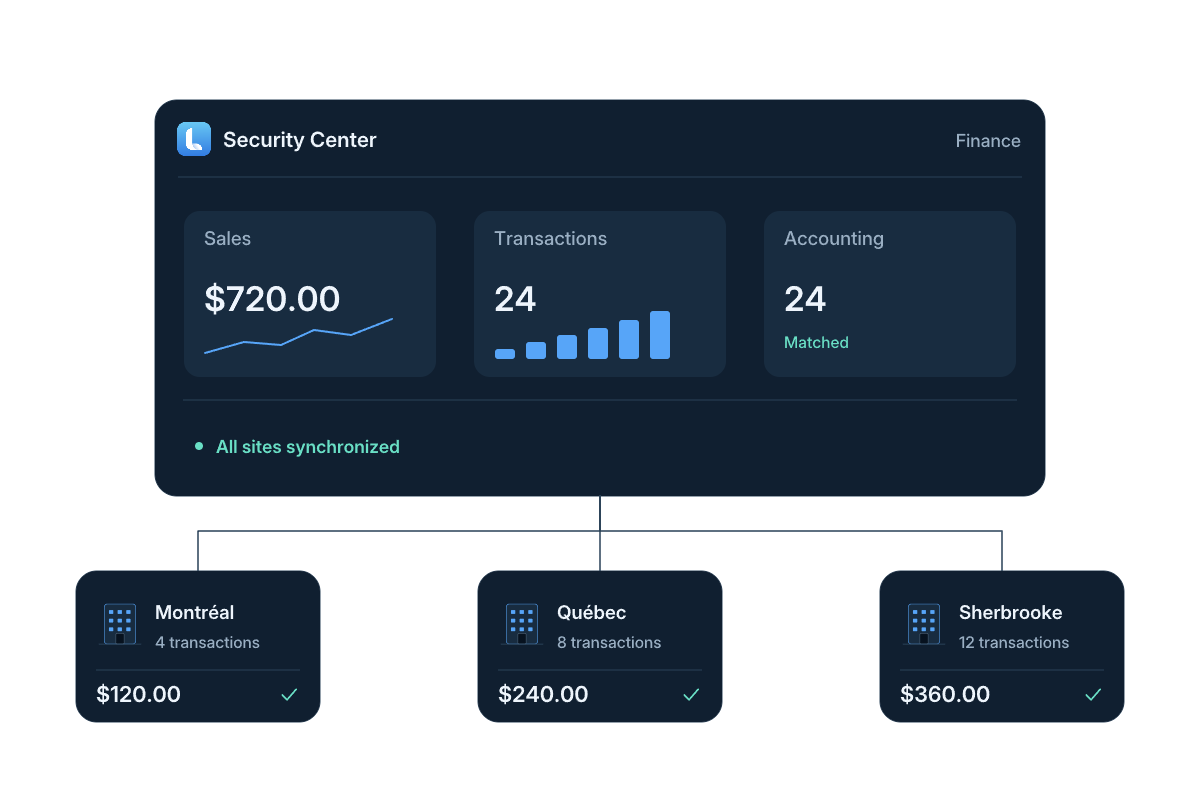
Illustrated accounting workflows: source documents, accounting entries and financial reports.
Read the workflow steps
- Record sales
Create sales quotes, invoices and credit notes. Keep the customer, line items, amounts and payment status together.
- Manage purchases
Work with purchase orders, supplier invoices and supplier credit notes. Find records by supplier, issue date, due date or status.
- Review the entries
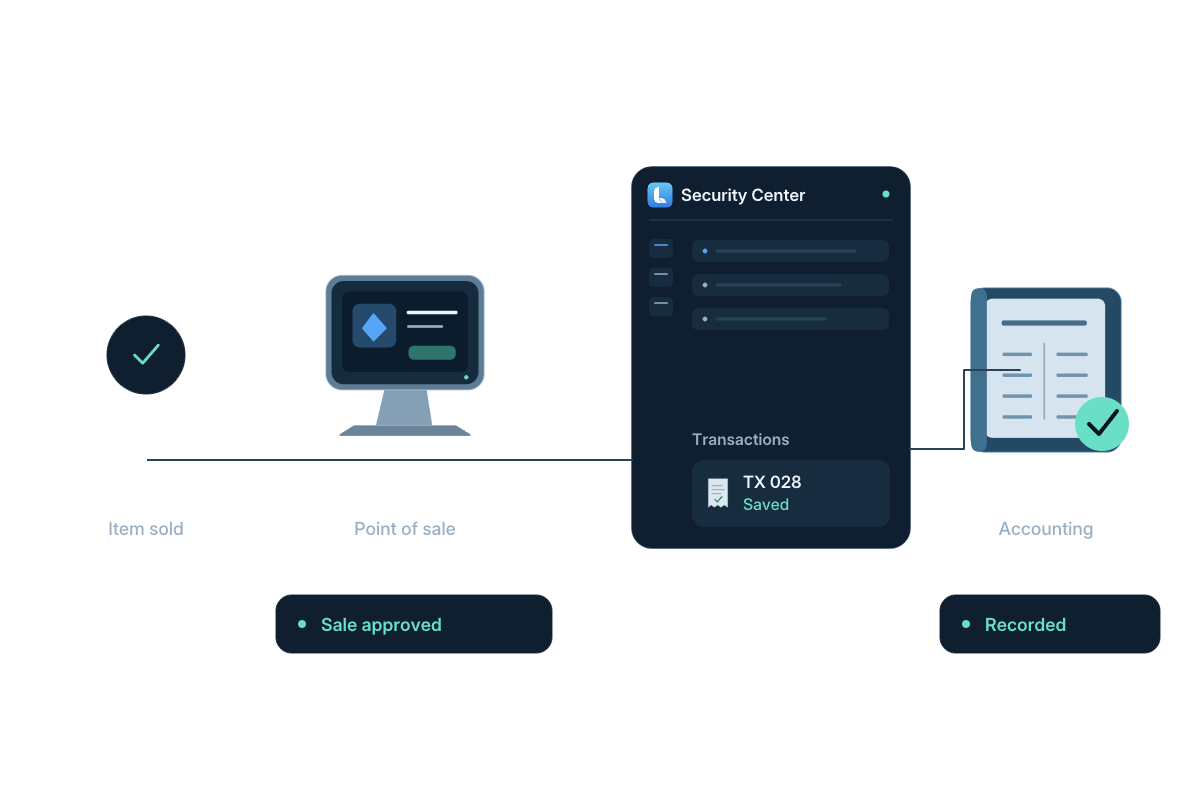
Post invoices and credit notes to accounting and review the associated entries. Follow amounts by account within the selected accounting period.
- Prepare the report
Choose the report and date range or period. Review the results, then export an Excel workbook with the appropriate permission.
 View full size
 Source documents
Start with the invoice behind the total.
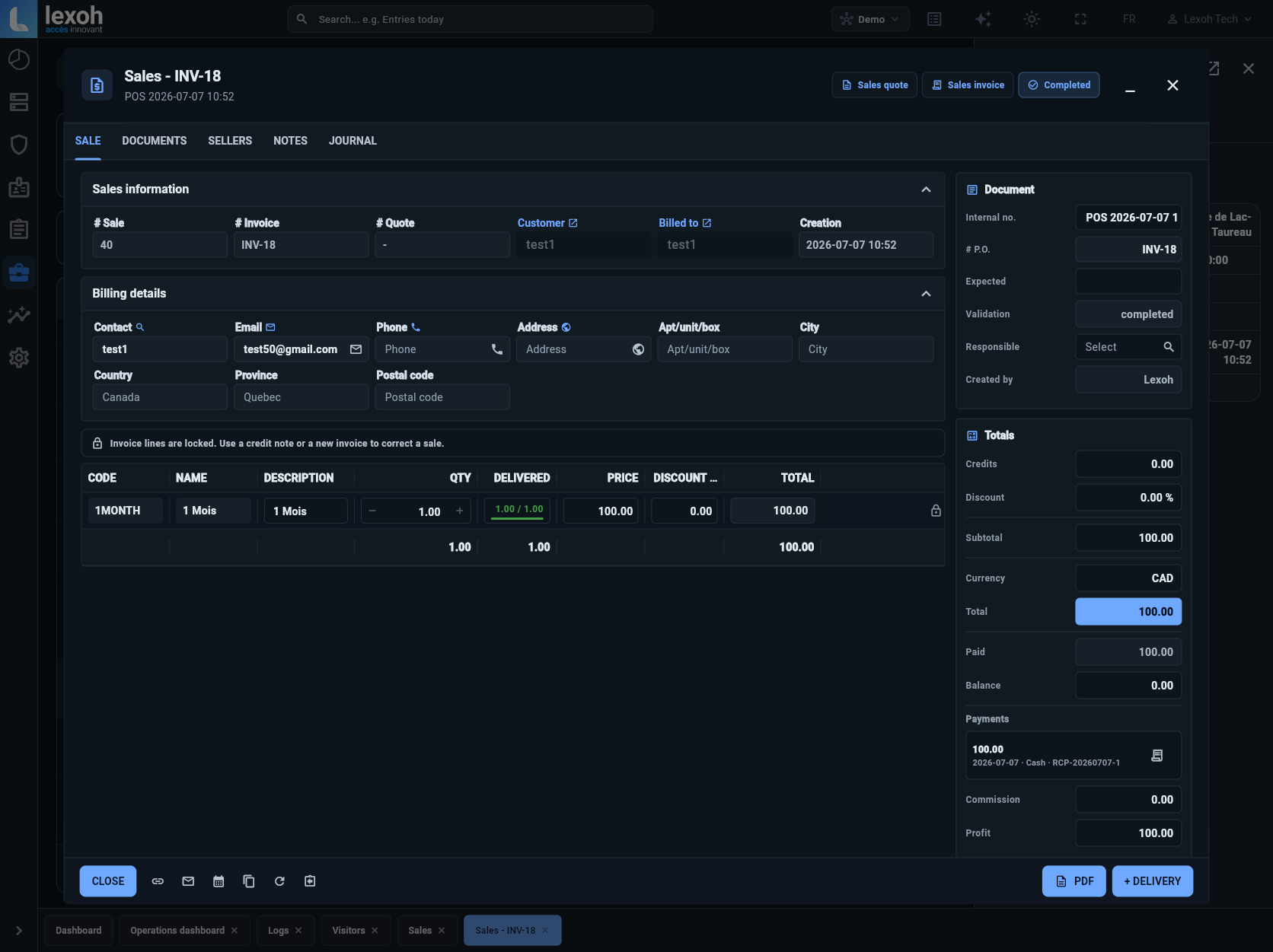
This Lexoh sales record shows the invoice reference, customer, billed items, total, paid amount and remaining balance together. Use the document references to investigate a billing question before reviewing the associated accounting entries and reports.
- Invoice and customer references
- Line items and amounts
- Payment reference and balance
Financial reporting
Give your accounting team the reports and source records.
Generate account-level reports for the selected period, trace totals to the associated documents and export the results to Excel.
Illustrated workflows
Billing and financial follow-up.
Accounting and reporting questions
The records, reports and access settings that support the review.
Lexoh provides a general ledger, trial balance, balance sheet and income statement. Reports use the selected dates or accounting period; the general ledger can also be filtered by account. Accounting report results can be exported to an Excel workbook.
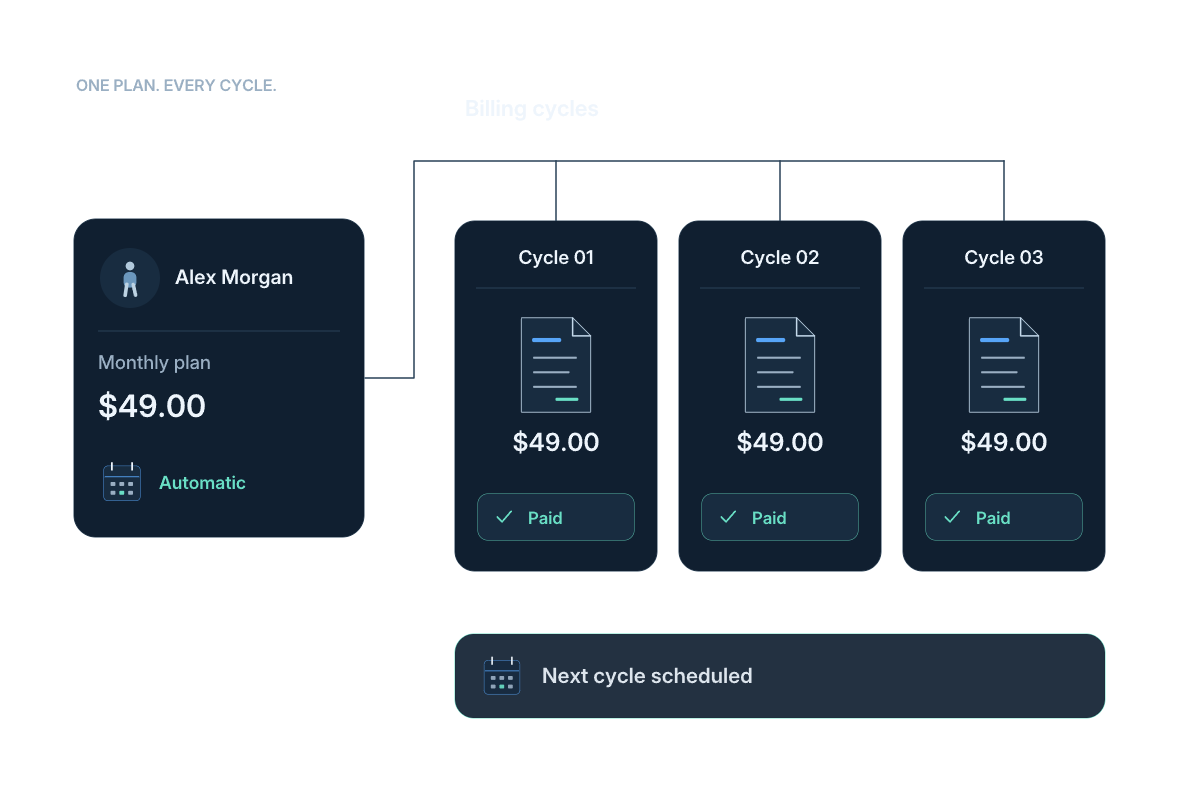
Sales and purchase documents retain their total, paid amount and balance due. Payment records include an amount, date, method and reference. Credit notes can be applied to the associated invoice, keeping the adjustment connected to its document.
Yes. Customer sales use quotes, sales invoices and sales credit notes. Supplier purchases use purchase orders, purchase invoices and purchase credit notes. Each workflow keeps its own customer or supplier details and document status.
The platform also includes revenue and activity reporting for site operations. Teams can review entries, exits and transaction amounts by day, week or month, then use accounting reports for the account-level financial review.
Viewing accounting reports and exporting them use separate permissions. Access to sales, purchases and accounting functions follows the permissions assigned to the user’s role.
They may describe different records or reporting periods. Check the transaction filters and statuses against the accounting period and posted documents used for the income statement. Then trace the relevant invoices, payments and credit notes before treating the difference as an error. Use the same reporting basis when preparing a comparison for the accounting team.
Include the report name, selected dates or accounting period and any filters used, alongside the export. Keep the relevant invoice, payment and adjustment references available so the reviewer can trace a total to its source documents. The person preparing the package needs the appropriate viewing and export permissions; the accounting team determines the closing review.
Plan the reporting workflow
Bring your records and reporting needs together.
Tell us about your sales and supplier documents, accounting periods and the reports your team needs to review.