



Parking and access equipment
Explore Lexoh kiosks, readers and the field equipment used with our access and parking software. Find the devices for your entrance, then confirm their configuration with our team.


Parking and access equipment catalog
Choose a category or search for a model or product name. Open a product page for its role, specifications and installation questions; confirm the selected model and options in your quote.
No equipment matches these filters. Try a shorter name, choose All products or reset the search.
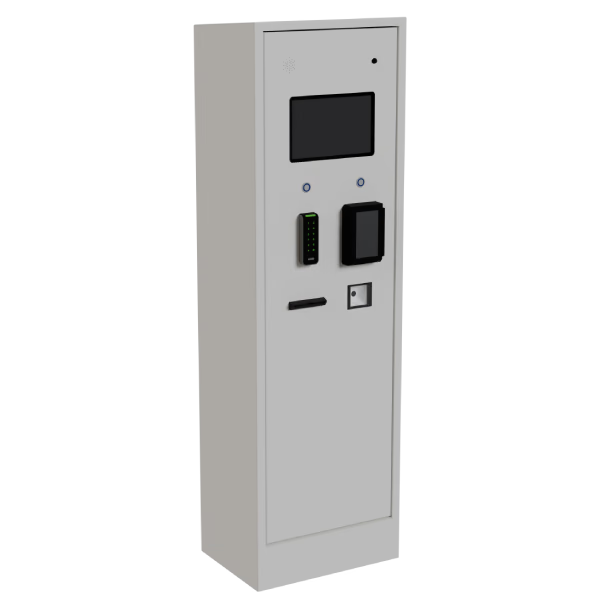
LPK-128
A configurable payment and access kiosk for touchscreen, credential and receipt workflows.
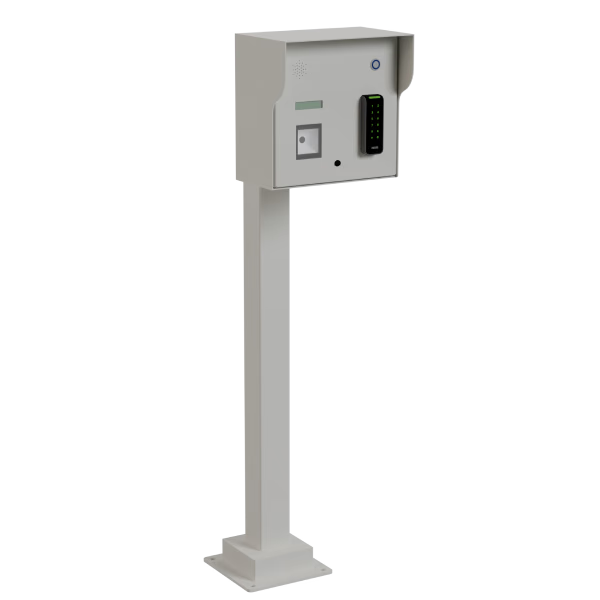
LCB-30
A configurable compact kiosk for credentials, payment and assistance at the entrance.
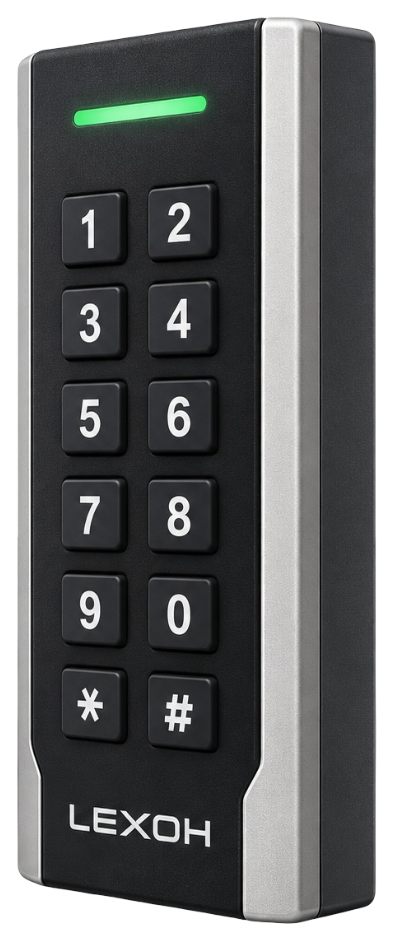
LEXOH-RFID-OSDP reader
Read compatible access cards and badges at a controlled door or entrance.

QR and 2D scanner
Scan digital and printed access codes at the kiosk or entrance.
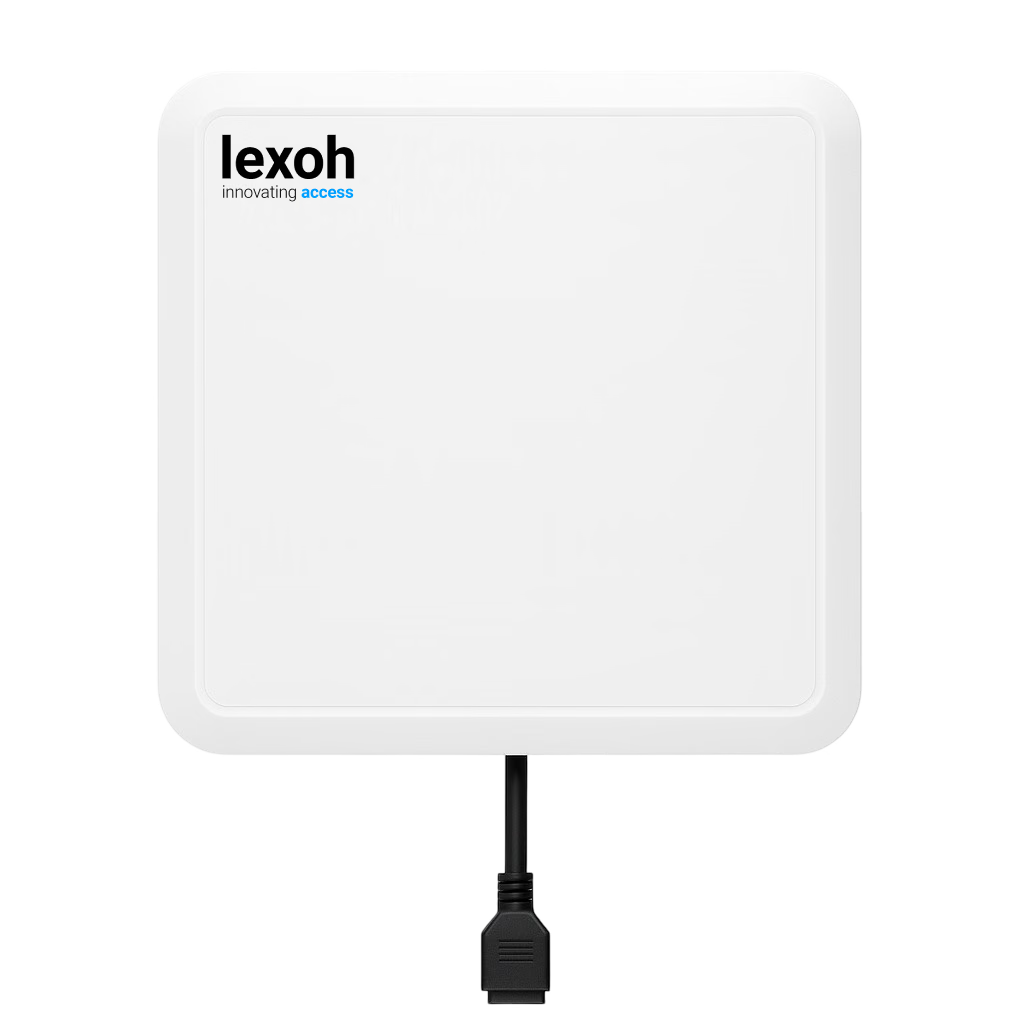
Lexoh UHF9DBI reader
Identify vehicle credentials as they approach a controlled entrance.

RFID card
An access credential for staff, residents, members and recurring visitors.

UHF credential
A vehicle credential paired with the site’s UHF reader and access rules.

LED signage
Display lane instructions and status where drivers need them.

I/O controller
Connect field inputs and outputs to the access-control sequence.
Parking barrier
Control vehicle entry and exit with a barrier suited to the lane.

Industrial barrier
Manage vehicle access around the operating requirements of an industrial site.

IP intercom
Connect visitors at the entrance with the team handling access assistance.

Lexoh Mic microphone
Audio input for an intercom or connected field interface.
Dome camera
A compact camera format for the entrances and spaces you need to monitor.

Bullet camera
A directional camera format for a defined view of the site.

PTZ camera
Pan, tilt and zoom controls for operator-directed monitoring.

Induction loop
An in-ground sensing loop used with a detector to identify vehicle presence in the lane.

Loop detector
Translate the induction-loop signal into a vehicle-presence input.

Virtual-loop detector
Above-ground vehicle detection for the configured lane zone.

Falcon detector
Vehicle detection selected around the approach and operating conditions.

Thermal paper rolls
Thermal paper for the kiosk’s configured receipt or ticket printer.
See the equipment in a complete system
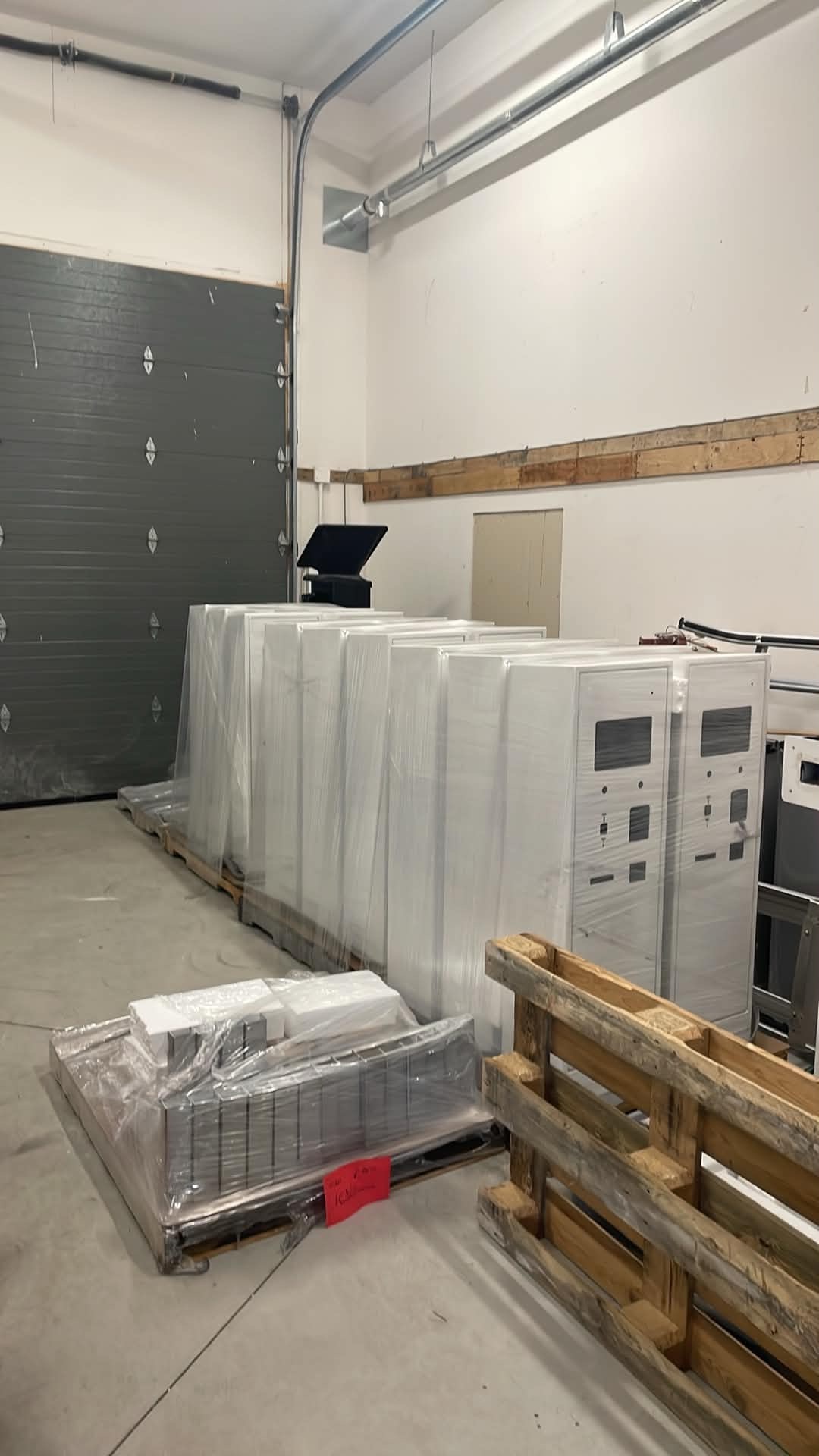 Compare kiosk systems
Compare the LPK-128 and LCB-30 around the credentials, payment and assistance your entrance needs.
Plan a kiosk
Compare kiosk systems
Compare the LPK-128 and LCB-30 around the credentials, payment and assistance your entrance needs.
Plan a kiosk
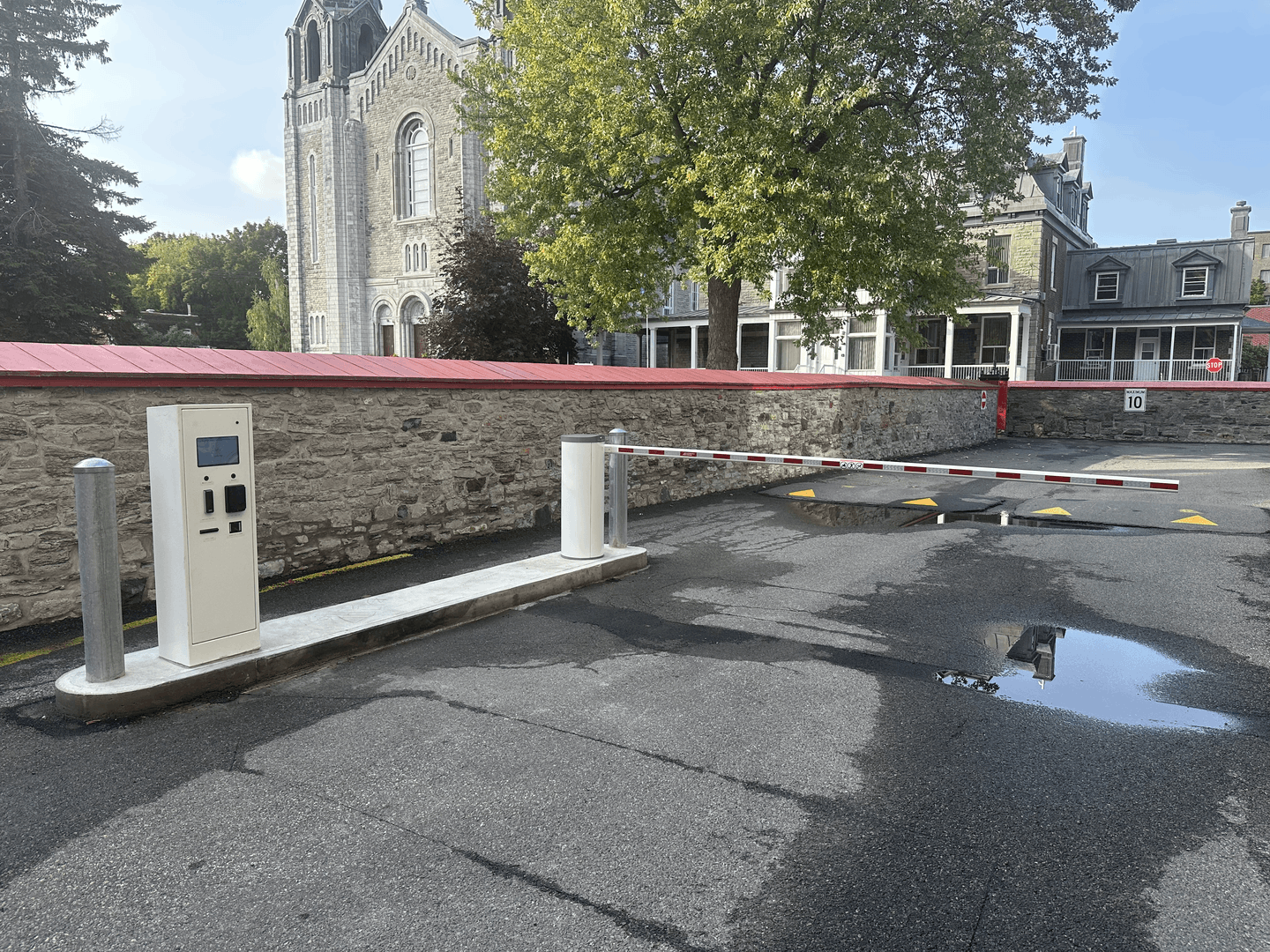 Plan the complete parking site
Connect kiosks, barriers, readers, detection and Security Center around the operating workflow.
Explore parking operations
Plan the complete parking site
Connect kiosks, barriers, readers, detection and Security Center around the operating workflow.
Explore parking operations
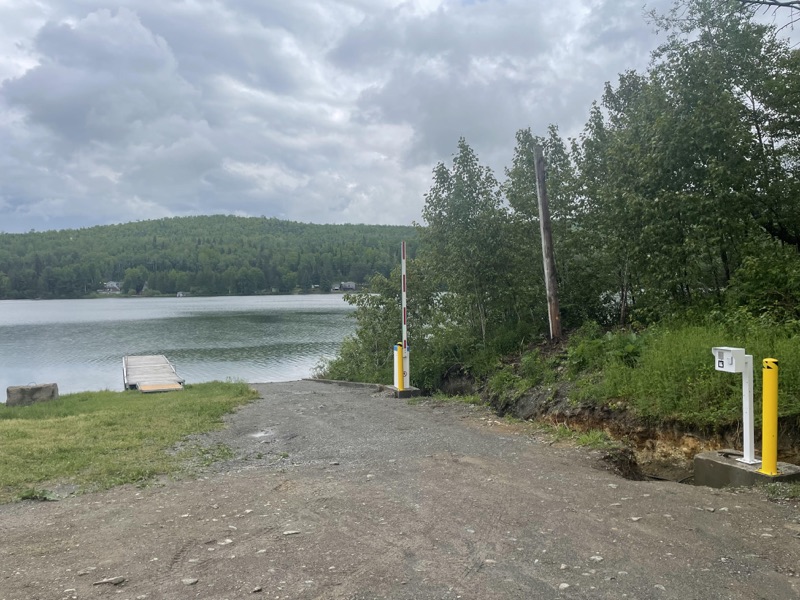 Protect lake access
Coordinate the wash record, user permissions and boat-launch entrance in one site workflow.
Explore lake protection
Protect lake access
Coordinate the wash record, user permissions and boat-launch entrance in one site workflow.
Explore lake protection
Match the hardware to the entrance and the software
For site owners, operators and installers, equipment selection starts with the required access action. Lexoh connects the proposed devices with the software configuration; the quote should identify the approved equipment, installation work and responsibilities.
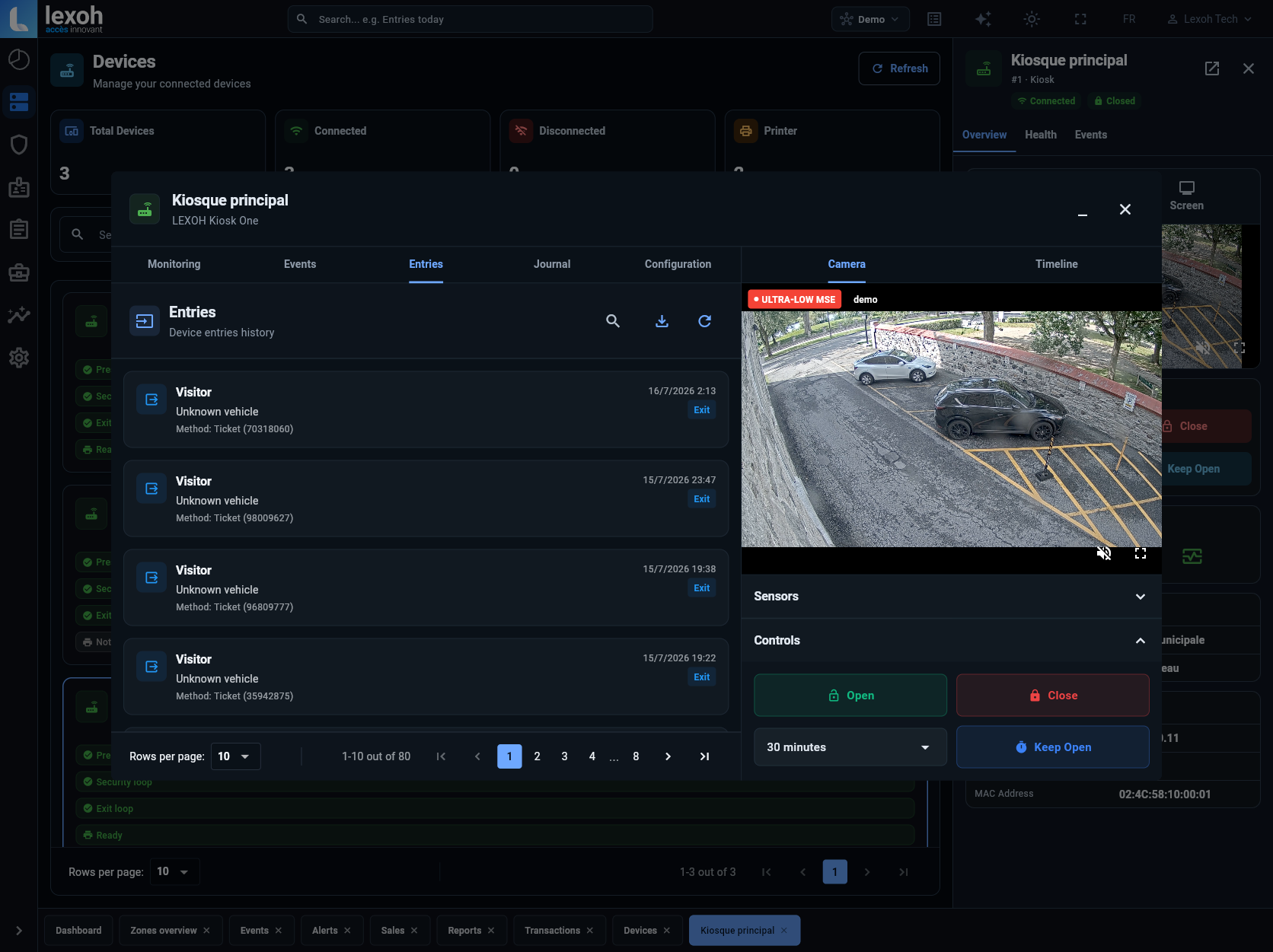
Define what each entrance must do
Identify who enters, the credential they use, whether payment is needed and who answers a help call. Include the lane layout and existing equipment models.
Check the actual model specifications
For example, the Lexoh UHF9DBI datasheet lists a 0–15 m read range, depending on the tag chip and environment. That reader specification is not a guaranteed detection zone for every lane. Confirm mounting, power, interfaces and the credential during selection.
Read the UHF9DBI datasheet (PDF, French)Agree on installation and acceptance
Specify equipment, software configuration, cabling, civil work, commissioning and support separately in the scope. Define the tests for normal use, rejected credentials and recovery before accepting the entrance.
Plan the integrator’s responsibilities
Build your equipment list with Lexoh
Send the site location, entrance photos or a plan, existing model references and the access workflow you need. We can review the equipment and configuration to include in your project estimate.
Request an equipment review