Entry zone
The arrival journey is handled as a distinct zone.

Card-based credential reader

UHF credential reader

QR and barcode credential reader

Device input and output controller

RFID access credential

UHF access credential

Lane and access display signage

Thermal printer paper

IP intercom communication

Analog omnidirectional microphone

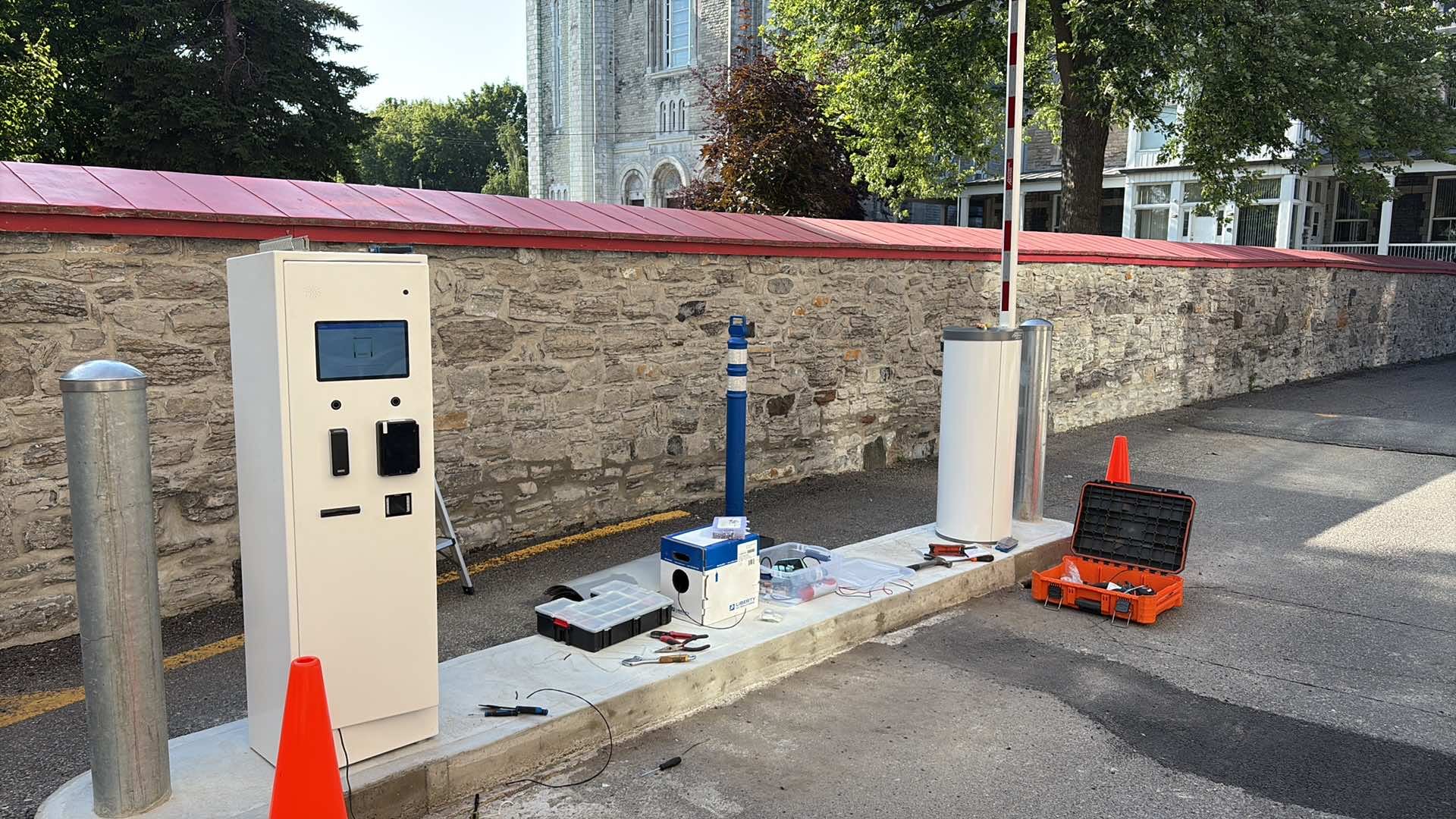
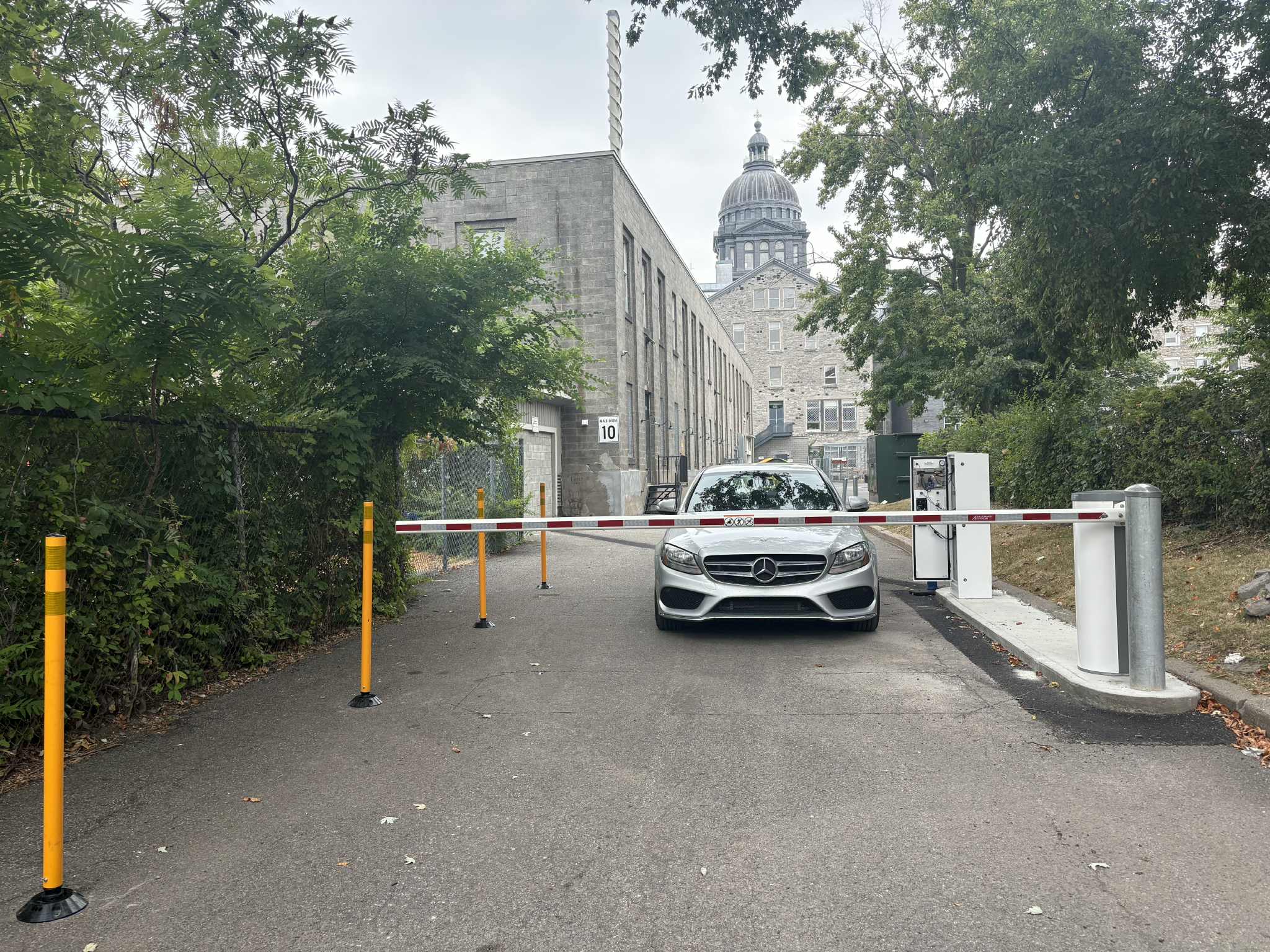
At Collège Sainte-Anne, an entry zone and an exit zone bring together two barriers and two LPK-128 kiosks with intercom and payment terminals. The entry accepts debit and credit cards. ClickNPark supports mobile reservations and monthly student subscriptions, while four cameras provide cloud recording.
Entry and exit are handled as two distinct zones. Two barriers carry out passage decisions across the parking journey.
Two LPK-128 kiosks bring the intercom and payment terminal together. At entry, a debit or credit card can be used within the confirmed access journey for this site.
The ClickNPark integration covers mobile reservations and monthly student subscriptions. Custom double-sided radio-frequency identification (RFID) cards complete the access journeys. Four cameras with cloud recording provide zone supervision.
The system serves more than 100 regular students, processes more than 2,000 transactions per term and records an average of 400 passages per day.
The arrival journey is handled as a distinct zone.
Departure uses a zone separate from the entry journey.
Two barriers control passage through the parking facility.
Both kiosks include an intercom and payment terminal.
The entry journey accepts debit and credit cards.
The integration supports mobile reservations and monthly student subscriptions.
The RFID access cards were customized and printed on both sides.
Four cameras provide cloud recording for the project.
Inspect the equipment and lane layout in original Lexoh project photographs. Open each image to see the complete frame.

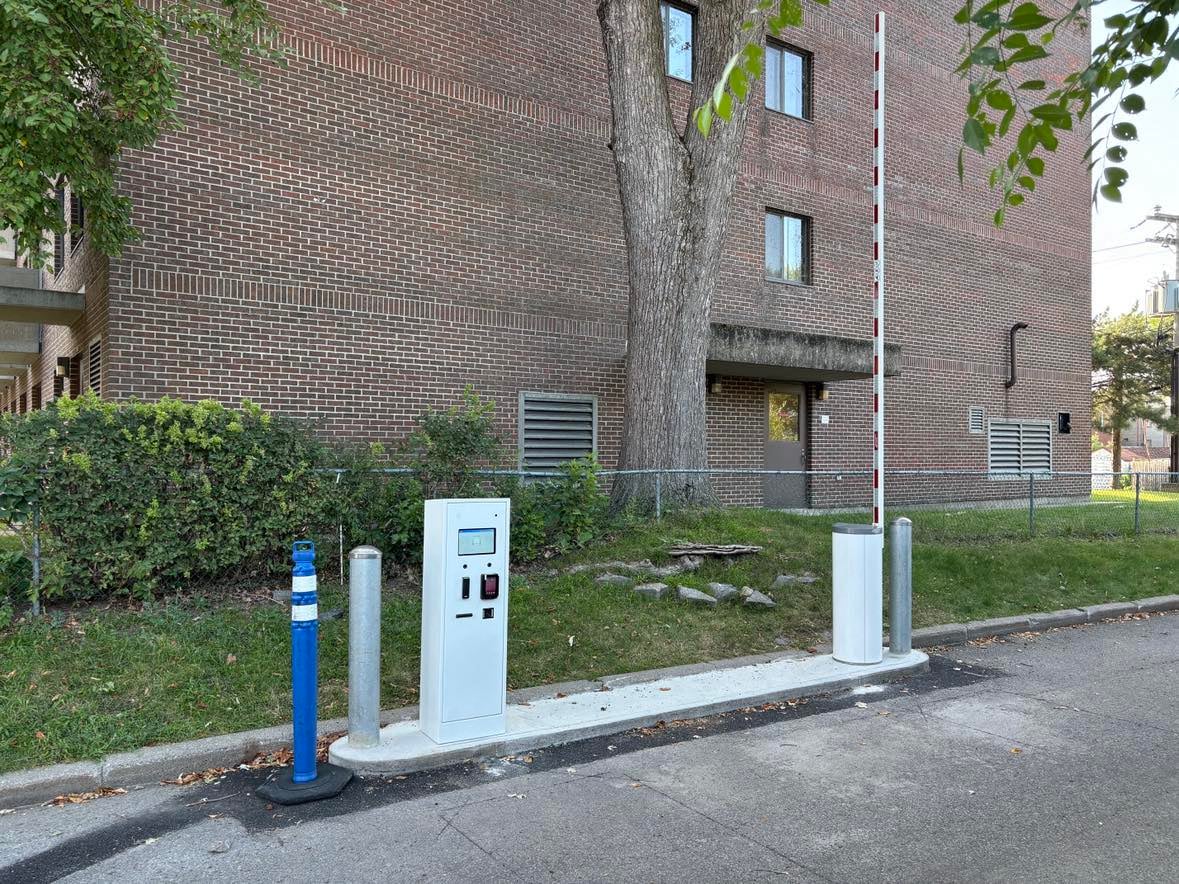
This page presents project photography, scope and usage volumes confirmed by Lexoh. It does not publish financial returns, the Collège’s internal policy or any personal information tied to transactions, reservations or student subscriptions.
At Collège Sainte-Anne, lanes, payments, ClickNPark and cameras are part of the same project. When planning a similar installation, organize acceptance checks around the following journeys.
Keep the entry and exit zones clearly distinct.
Position each LPK-128 around the driver’s actual stopping point and barrier movement.
Test the intercom from both zones under operating conditions.
Validate debit-card and credit-card entry journeys separately.
Test mobile reservations and monthly student subscriptions as distinct ClickNPark journeys.
Test RFID card issuance, reading and replacement with the authorized roles.
Check camera framing and recording playback for authorized users.
Send us the site context. We will start with the traffic path, users and operating constraints before selecting equipment.