



















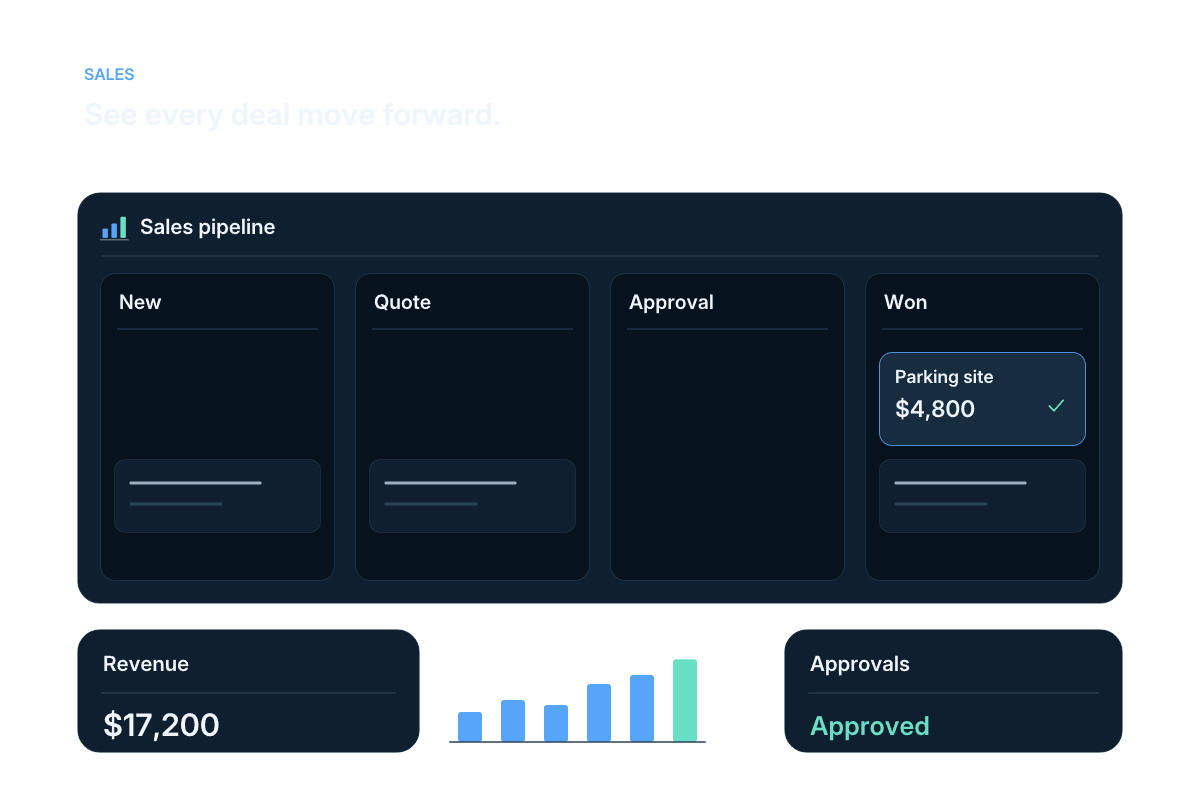
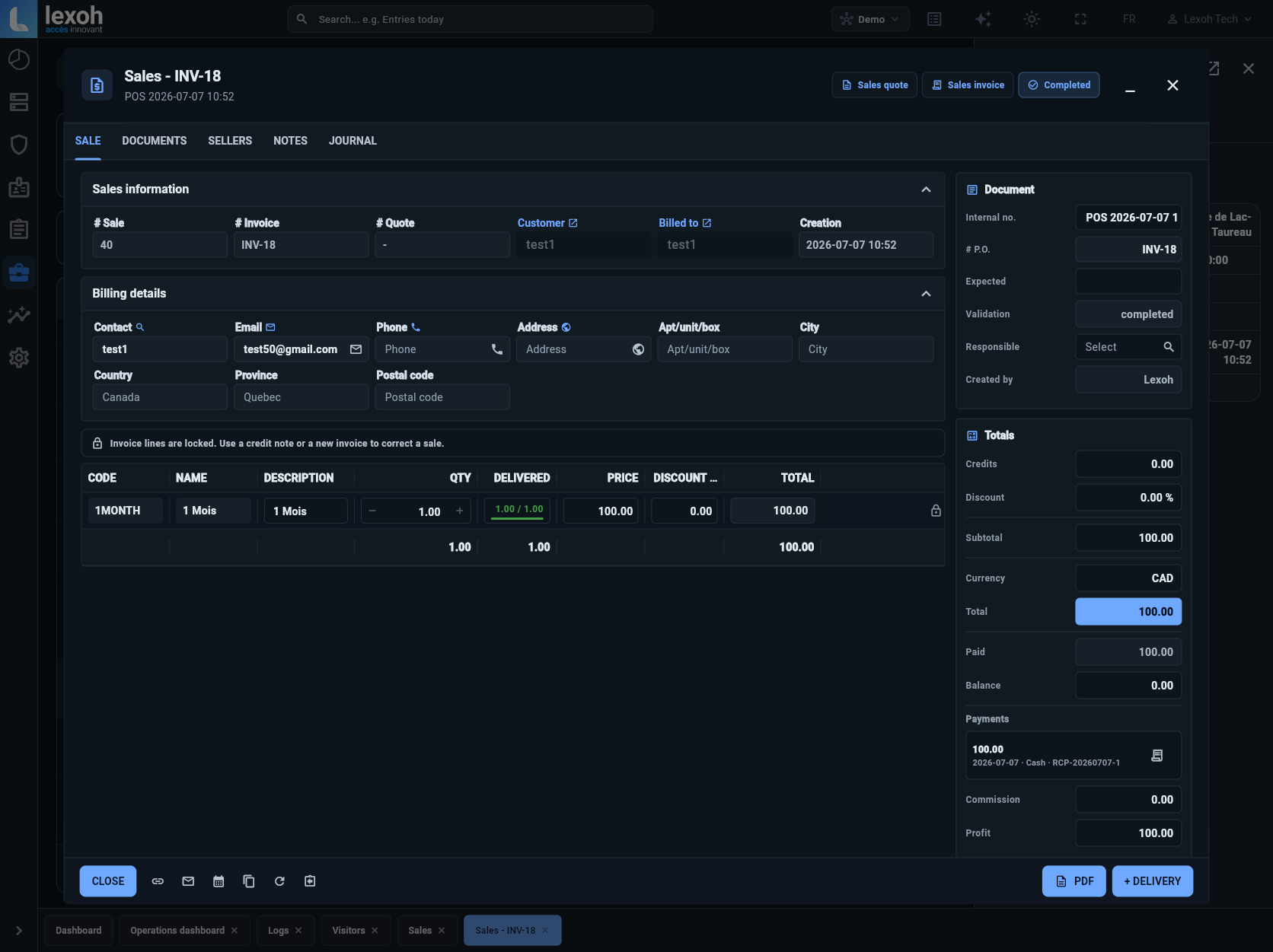
Yes. The Lexoh POS handles staffed sales alongside kiosk and online payment workflows. Sales records bring together the customer, purchased items, invoice, payments and balance.
Payments and transactions
Payment and transaction management for your site.
Connect your Lexoh point of sale, payment kiosks and online payments with sales, purchases and transaction follow-up in Lexoh Security Center.
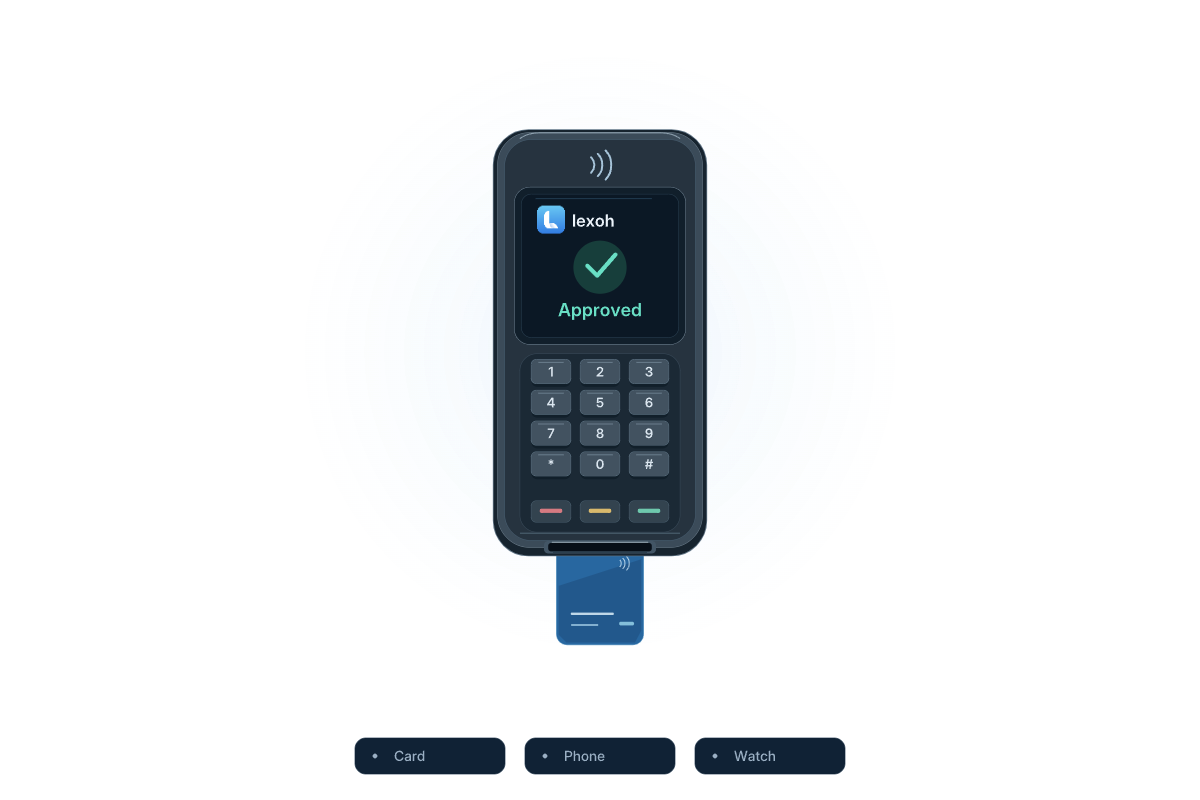
Payment illustration. Available methods depend on the selected terminal and payment provider.
Lexoh POS
How are counter, kiosk and online payments followed up?
Lexoh transaction management keeps configured sales and payment records available for operational follow-up. Staffed sales use the Lexoh point of sale alongside self-service kiosks and online payment workflows. The sale record connects the customer, purchased items, invoice, payments and remaining balance. To answer a billing question, locate the original transaction and review its source, date, status and receipt before taking an authorized follow-up action.
From purchase to follow-up
Make each payment easy to trace.
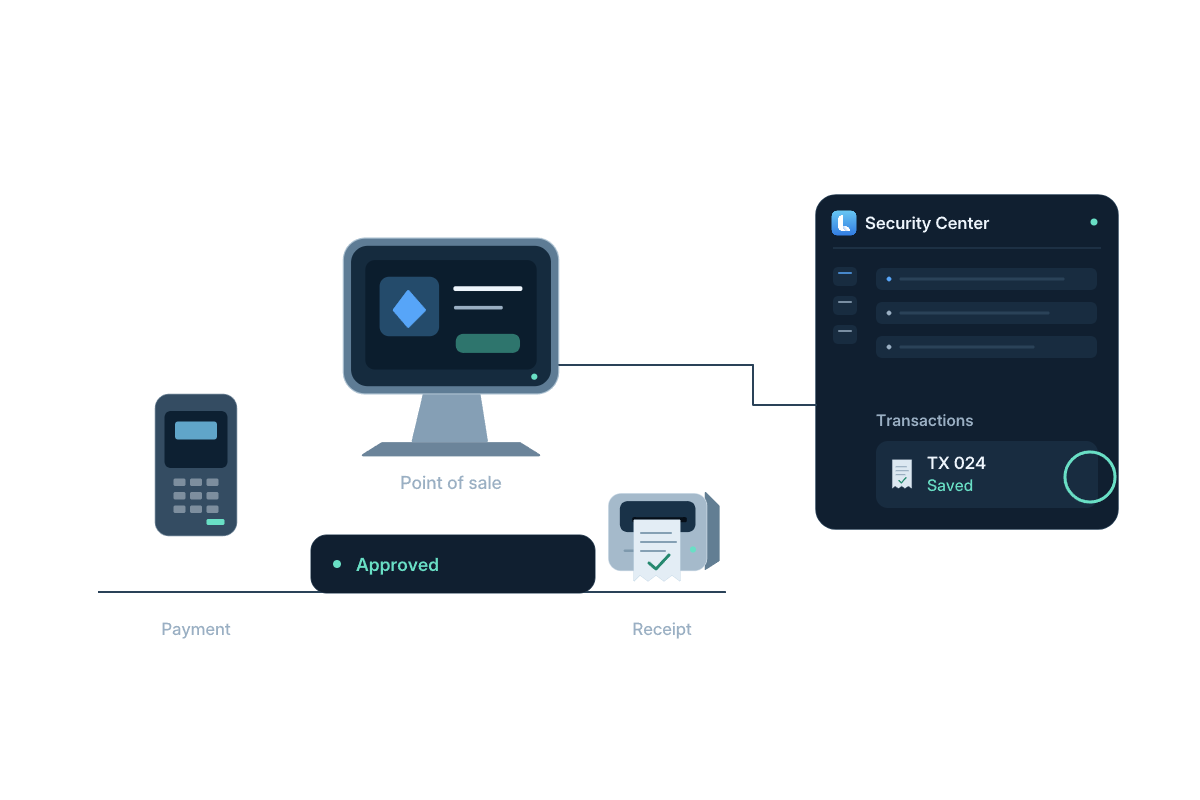
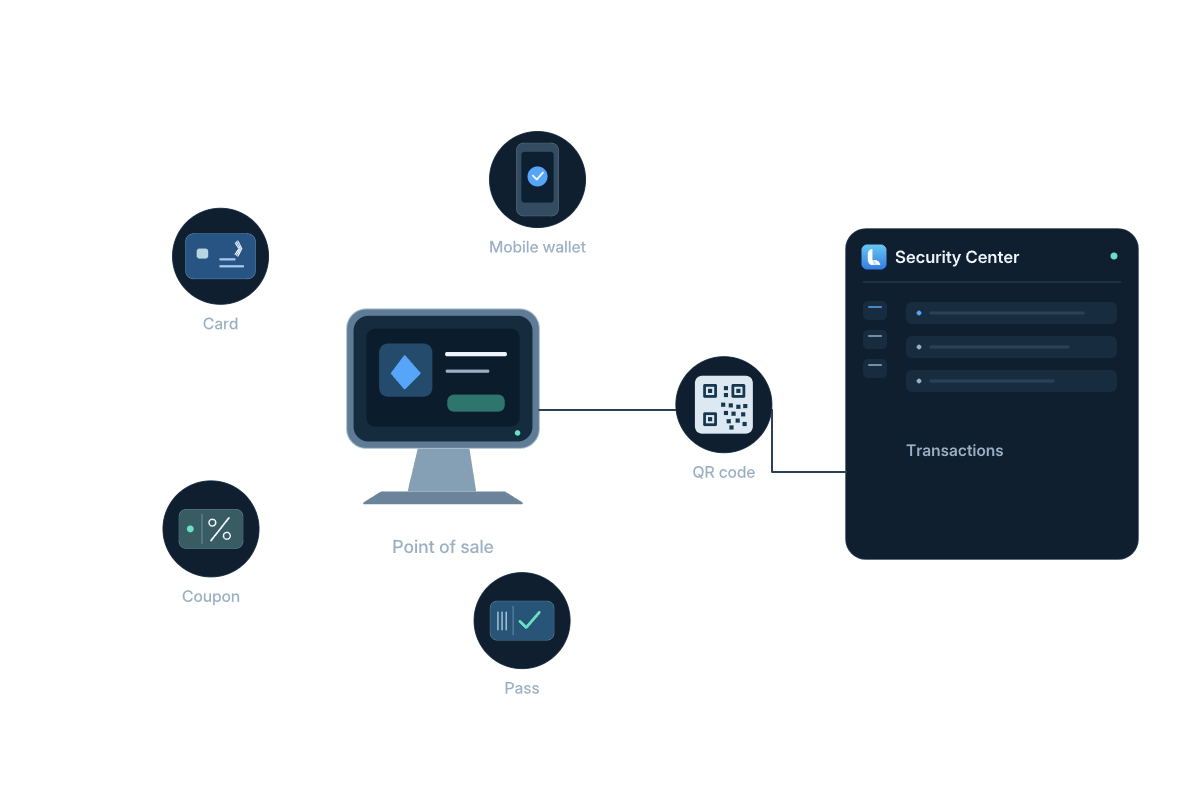
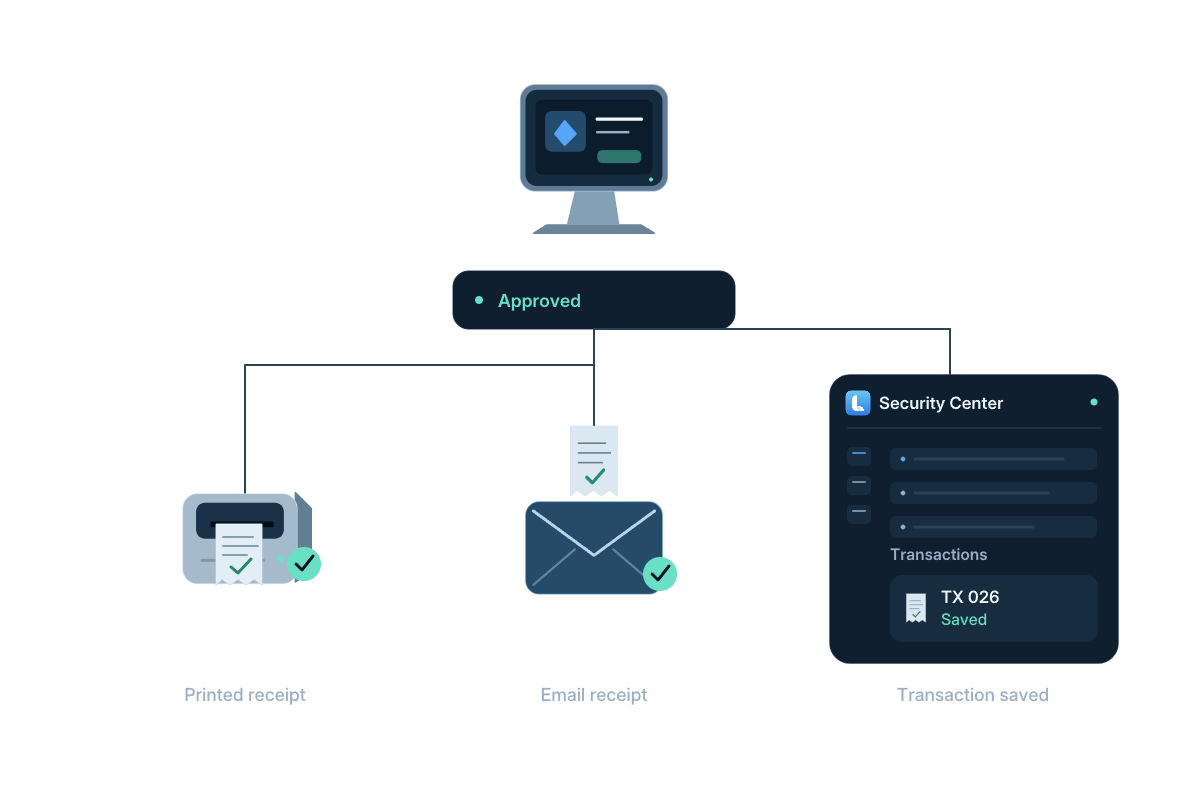
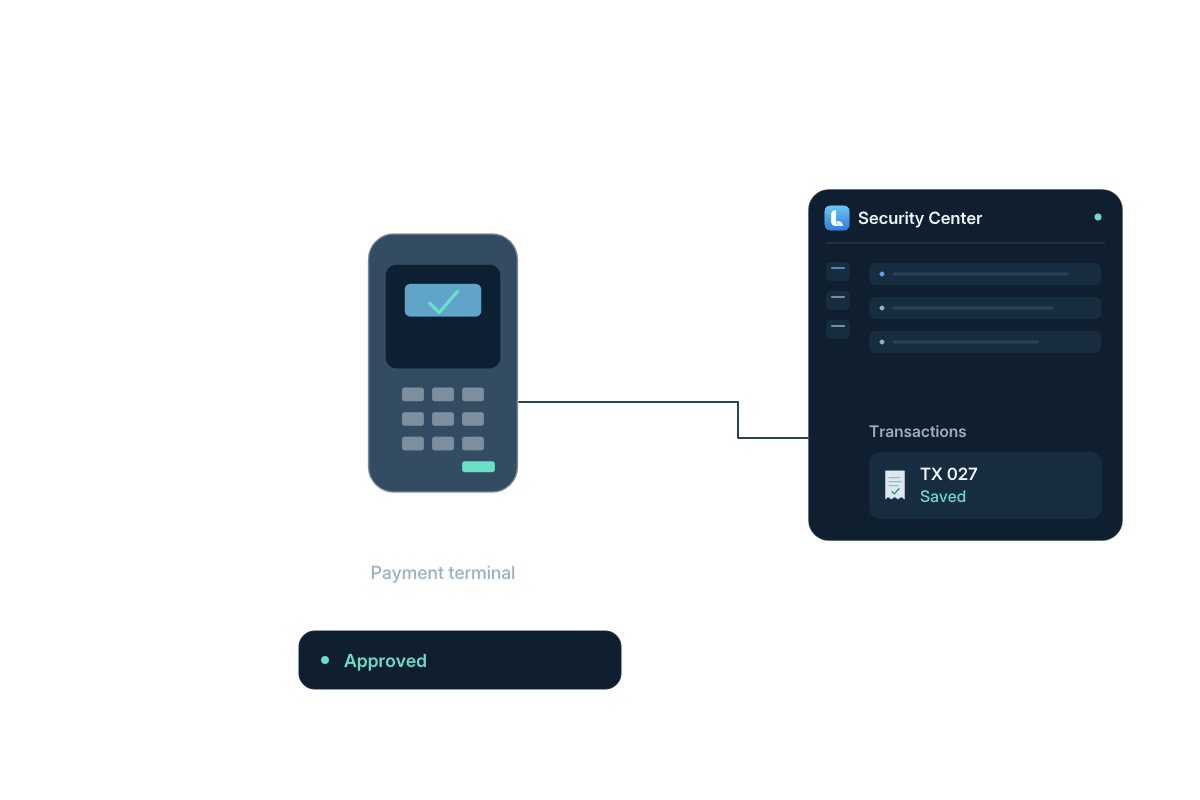
Illustrated payment workflows: collection, transaction search, receipts and authorized refunds. Available methods depend on the terminal and payment provider.
Read the workflow steps
- Choose the service
Apply the pricing for the parking session, pass or other configured site service.
- Take the payment
Collect at the Lexoh POS, at a payment kiosk or through the online workflow.
- Keep the receipt
Retrieve the transaction and its receipt when a customer needs a copy.
- Follow the status
Review completed, pending, refunded and voided transactions with their source and date.
 View full size
 Self-service payments
Bring payment to the point of access.
The LPK-128V2 combines the touchscreen, access credentials, payment integration and ticket handling at the entrance or exit. Its transactions remain identifiable by device and source for the team managing the site.
- Payment and access in one lane workflow
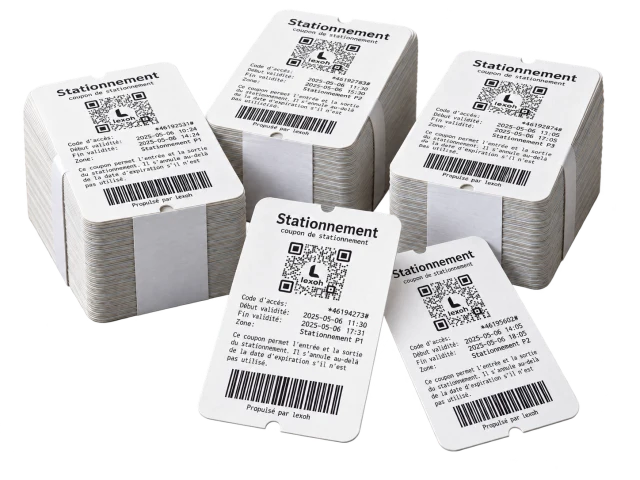
- Receipt or ticket handling
- Device-based transaction lookup
Sales and purchases
Keep customer sales and supplier purchases organized.
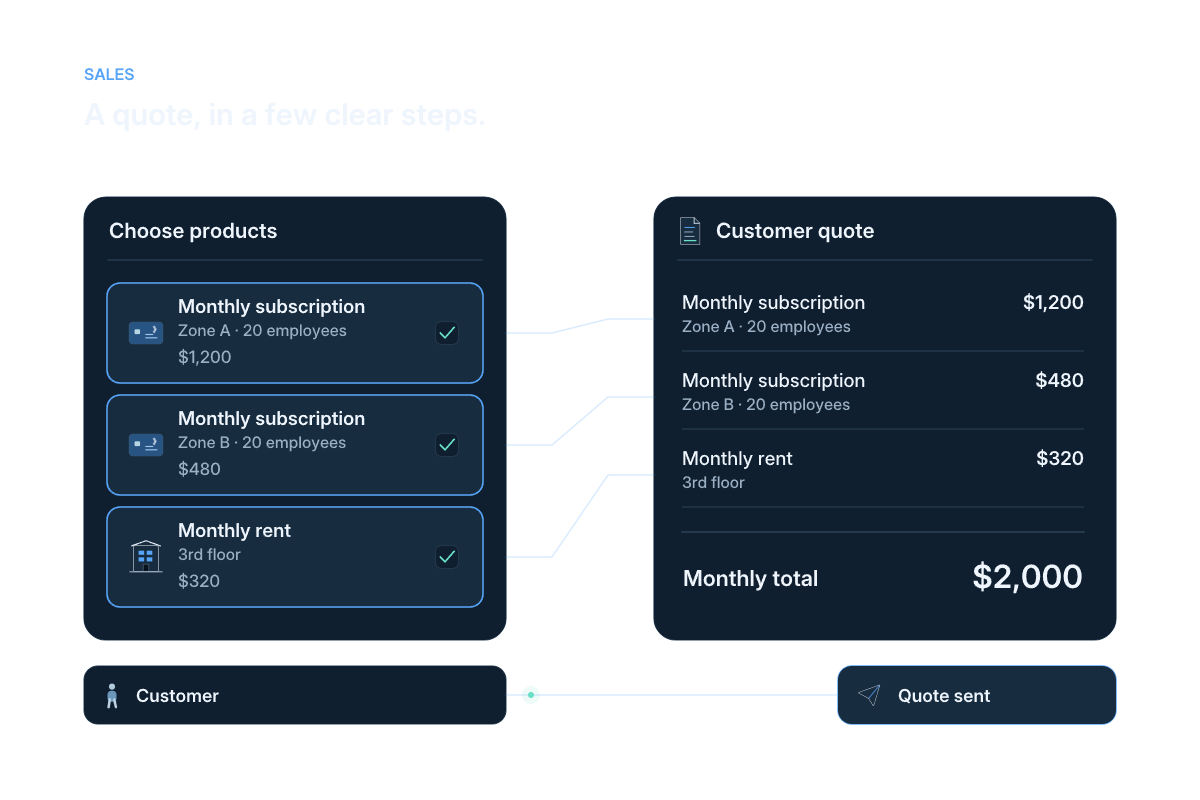
Manage customer quotes, sales invoices and sales credit notes alongside supplier purchase orders, purchase invoices and purchase credit notes. Each record keeps its own customer or supplier context, with dates, status and associated payments.
- Customer and supplier records
- Separate sales and purchase documents
- Payments attached to the relevant document
Transaction follow-up
Find the detail behind a customer question.
Search by invoice or customer, narrow the period and payment source, then open the transaction or export the filtered records.
Locate a payment
Search invoice numbers, customer names, amounts and payment methods.
See search tools
Check its status
Filter by date, device, source and status to review the relevant transactions.
See transaction filters
Resolve a request
Retrieve a receipt or process an eligible full or partial refund with the required permission.
See transaction details
Prepare the review
Export the filtered transaction records for analysis and accounting follow-up.
Explore accounting and reports
Payments and transactions questions
How collection, sales records and follow-up fit together.
Yes. Lexoh supports separate customer sales and supplier purchase documents, including purchase orders, purchase invoices and credit notes. Each record retains its customer or supplier context.
Yes. Transaction filters include date, device, payment source, customer and status. You can combine filters and export the resulting records.
Transaction details provide receipt viewing, printing and email actions. Authorized users can process eligible full or partial refunds and record a reason for the transaction history.
Find the transaction using the device or sales source, approximate time and available customer or payment reference. Review its recorded status, including whether it is still pending, before requesting another attempt. If the result remains unclear, use the authorized payment-support process to confirm it. A screen message alone should not be used to decide that no payment occurred.
A financial adjustment and an access-permission change need to be considered separately. Review the refunded transaction and the related pass, permit or customer record, then follow the configured process for any access change that is required. Confirm both outcomes with the responsible team; do not assume that issuing a refund has also deactivated a credential.
Your payment workflow
Connect the counter, the kiosk and the operating team.
Tell us what your site sells, where customers pay and how your team follows transactions. We will map the POS, kiosk and online workflows to those tasks.