










01
QR and 2D scanning
Read a supported digital or printed credential at the lane.
Depending on configuration
Card-based credential reader

UHF credential reader
QR and barcode credential reader

Device input and output controller

RFID access credential

UHF access credential

Lane and access display signage

Thermal printer paper

IP intercom communication

Analog omnidirectional microphone
KIOSKS · LCB-30
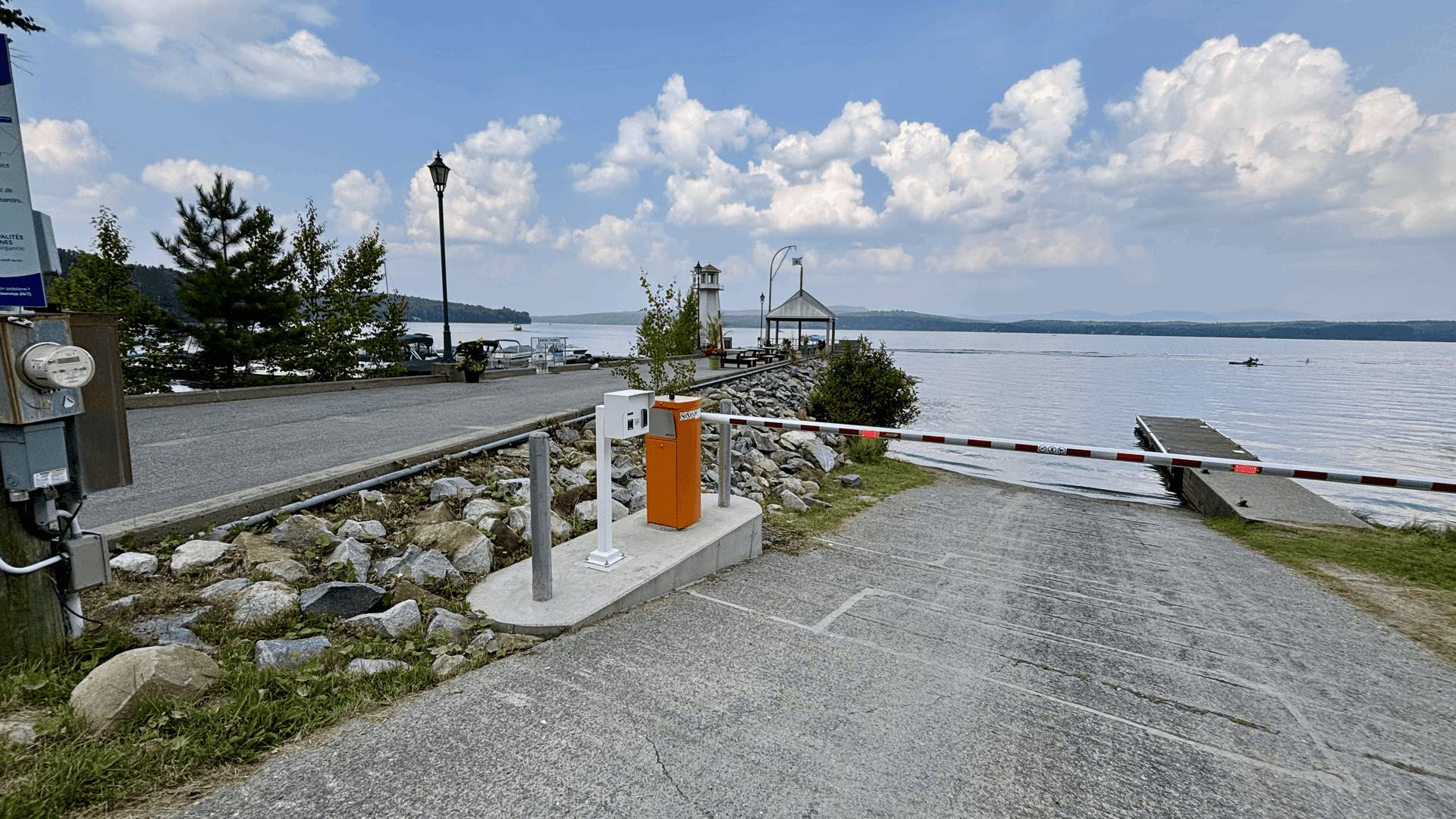
A compact Lexoh kiosk for controlled vehicle entrances. Specify the reader, visitor instructions and optional modules for your lane.
Overview
Before selecting modules, define what drivers need to do at the stopping point: present a credential, follow instructions, request assistance or complete a payment. Use that sequence to specify the equipment and operator actions required for the entrance.
Allow for the 310 mm width and 490 mm depth, driver reach and maintenance access. Confirm the stopping point and anchoring drawing before installation.
If the entrance requires payment or a printed document, identify the terminal, printer and consumables to include in the quotation.
Specify which access events reach Lexoh Security Center, who may open the barrier and where assistance calls are answered. Confirm these functions in the site configuration.
Capabilities
Choose the available modules to match the access workflow. Confirm the enclosure and combination of components for your project.
Read a supported digital or printed credential at the lane.
Depending on configuration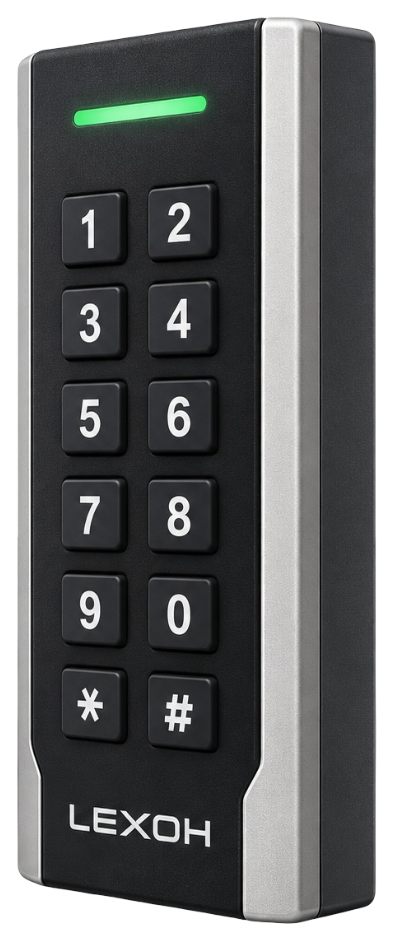
Read a compatible access credential. Payment requires a separately specified payment terminal.
Depending on configurationProvide a receipt or ticket when the configured workflow calls for one.
Depending on configurationInteractive product view
Rotate the 3D model to inspect the enclosure from different angles. Switch back to the product image at any time.

Security Center
If your installation includes Lexoh Security Center, it can bring site status, connected devices and activity into one operational view. Confirm which information and functions are available in your configuration.
Explore Security Center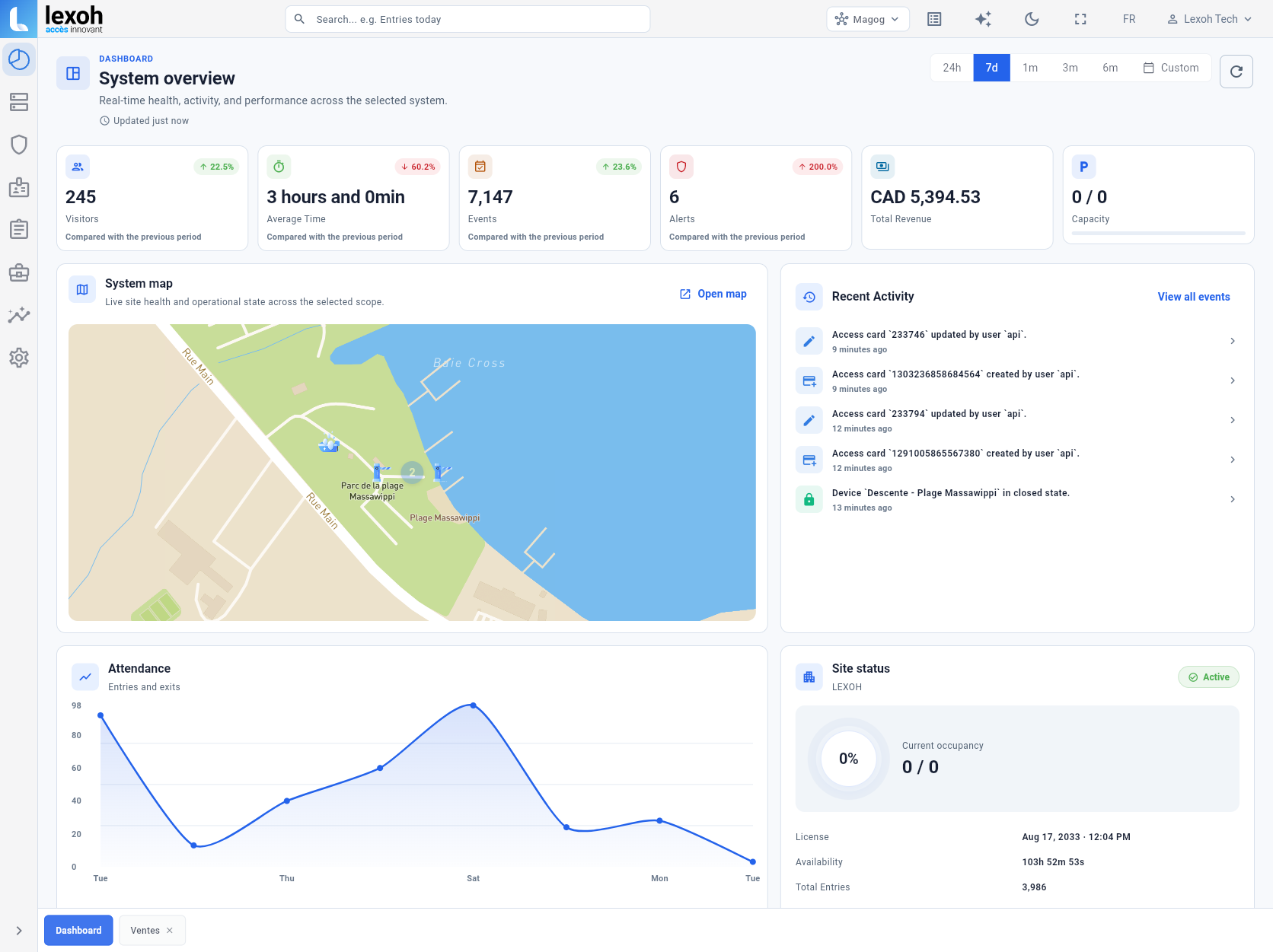
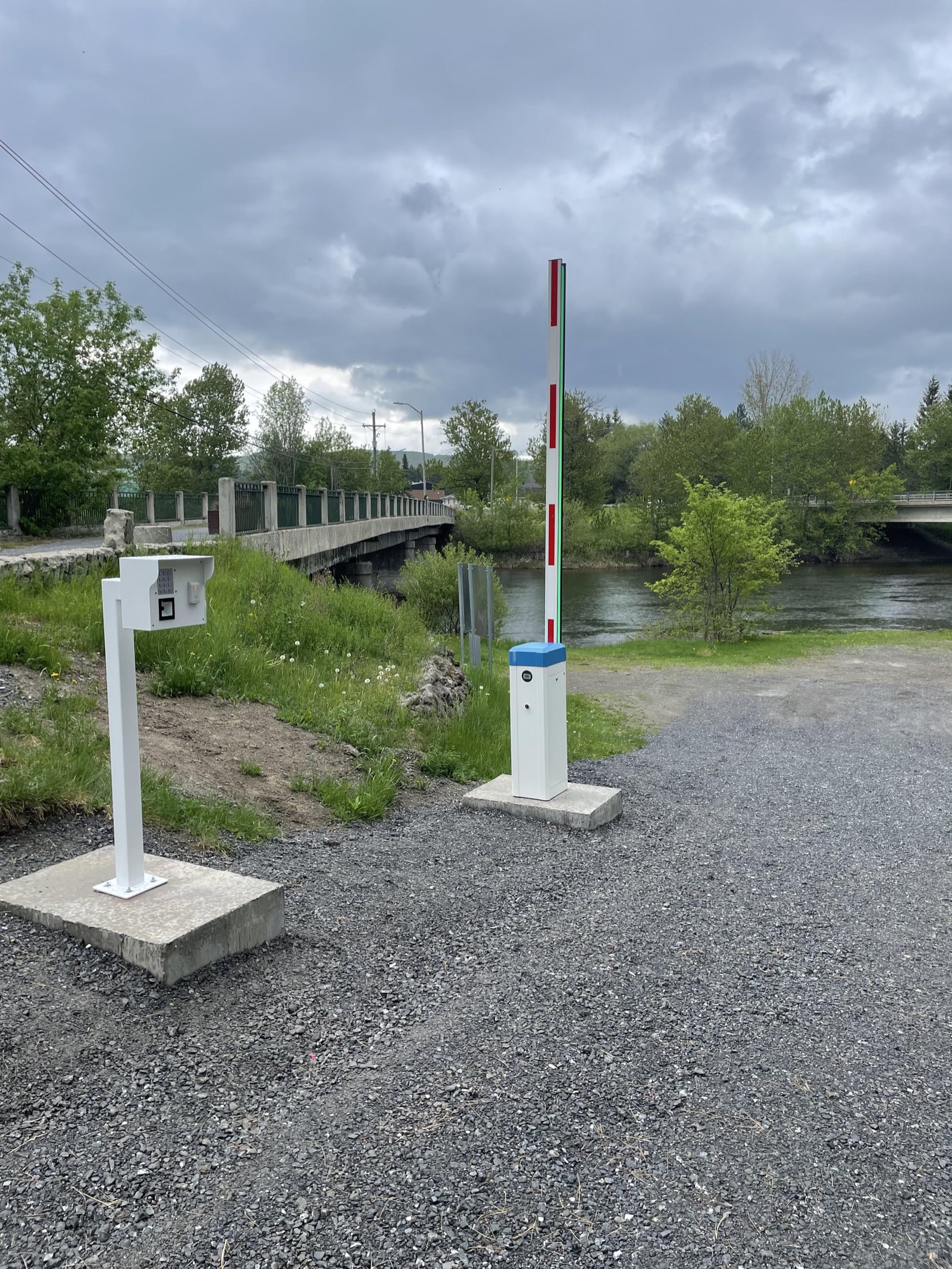
Documented Lexoh installation
Plan the LCB-30 with the barrier, vehicle detection and controller. Provide 110–120 V AC and confirm cable routes, mounting and network requirements with the installation team. Use the approved anchoring drawing for construction.
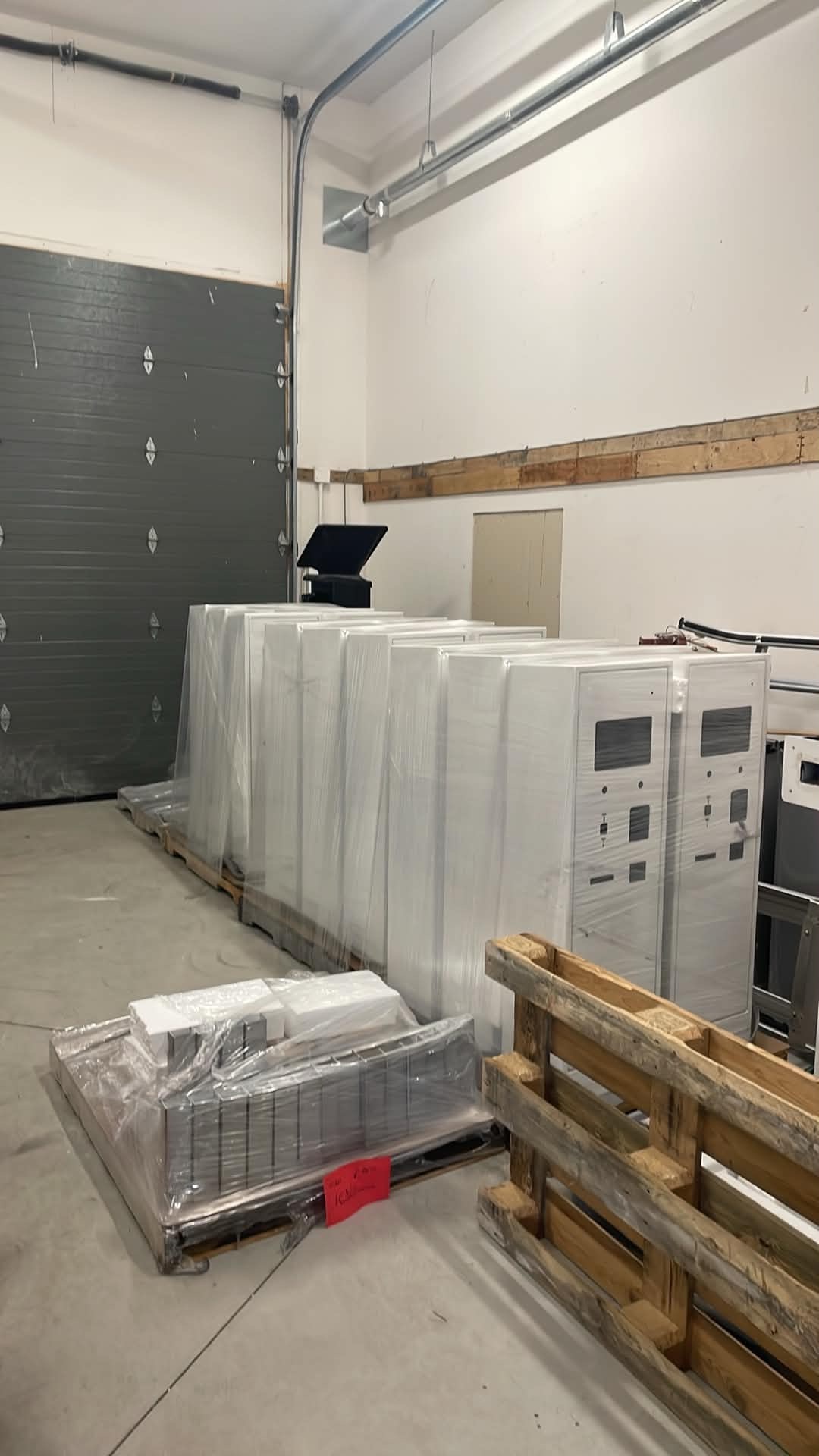
Production and service
Lexoh prepares physical equipment around the selected project configuration, then connects field commissioning with the operational platform.
| Specification | Details |
|---|---|
| Camera | Optional pinhole camera |
| Power supply | 110–120 V AC |
| Operating temperature | −40 to +70 °C |
| Height | 1330 mm |
| Width | 310 mm |
| Depth | 490 mm |
Confirm the display, credential reader, communication interface and optional payment or printing modules in the ordered configuration. These options are not included in the specifications above.
Specifications
Use the product datasheet to check dimensions, enclosure and power requirements. The quotation should identify the supplied modules and communication interfaces; the installation drawing defines their field connections.
Specify what drivers must read or enter, the display type and the language of the instructions.
Identify the credential technology and reader model. Verify how its result reaches the access controller.
Confirm the communication interface, cable routes and required site services. Use the approved installation drawing.
List the camera, payment terminal, printer or assistance equipment to include. Confirm compatibility and the operating workflow before ordering.
Assign responsibility for civil works, electrical supply, network connections, equipment configuration and commissioning. Record the tests and documents required for handover in the project specification.
LCB-30 — English technical datasheet
PDF · English
LCB-30 — French technical datasheet
PDF · Français
Answers about the LCB-30 kiosk, its configuration and its site installation.
Plan the complete system
To request a quotation, send your site plan, lane count, vehicle types, existing barrier references and required credentials. Include any payment, printing or camera needs so the quotation specifies the supplied modules and installation responsibilities.