



















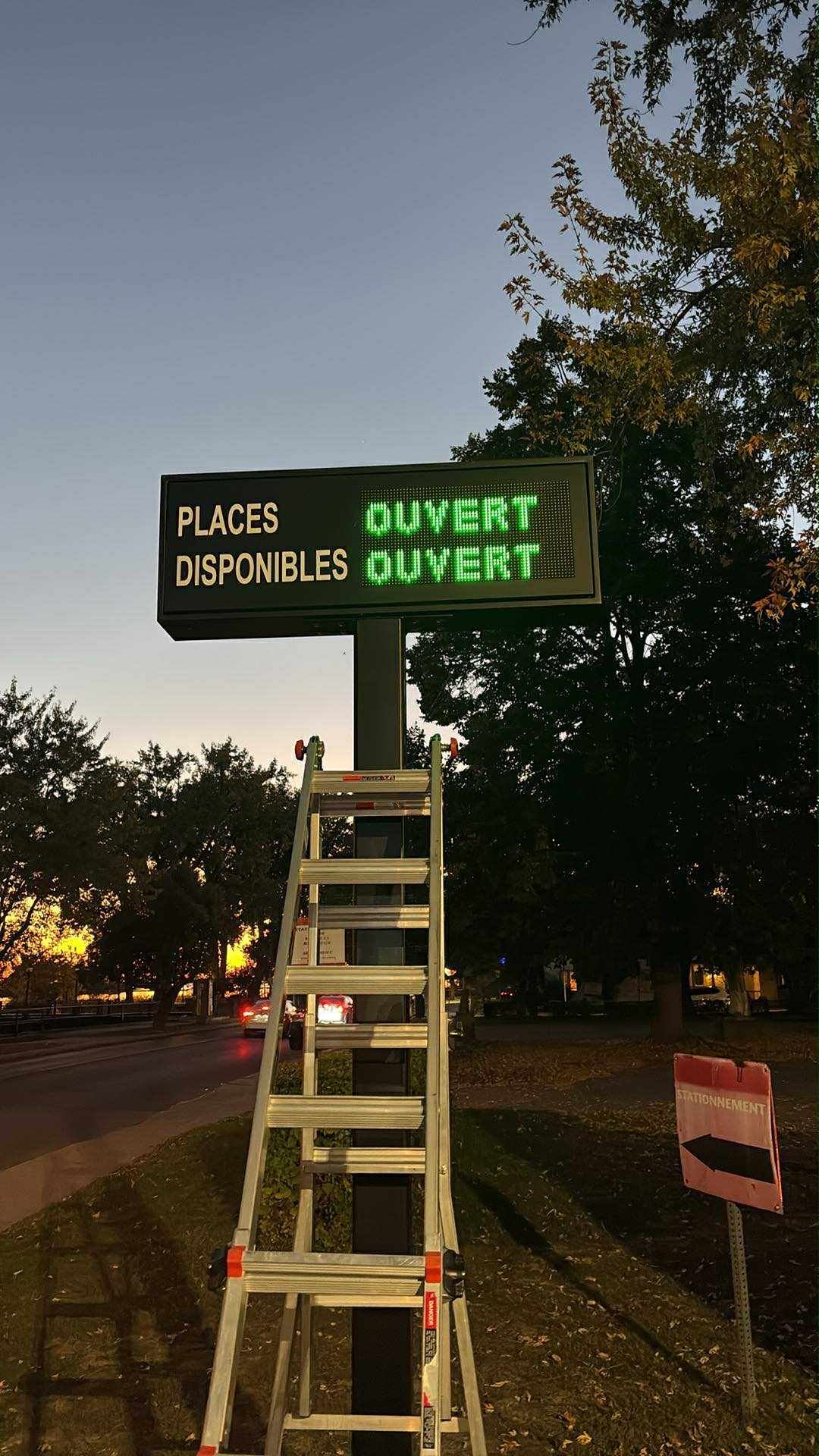
Define the source and meaning of each displayed value, including which area it describes and which message takes priority. Review the entrance signs, lane displays and visitor instructions together, then test transitions such as a full area or unavailable data. Matching wording alone is insufficient if the signs use different scopes or update rules.
Lane guidance
LED signage for parking guidance
Light-emitting diode (LED) parking signage gives drivers the messages or availability information supplied by the configured parking system. Choose the display and its position so the information can be read before the driver reaches the lane decision. Plan the display and its connection to parking operations with Lexoh.
- Role
- Driver information
- Content
- Project approved
- Performance
- Model-specific specifications

Message first
Give drivers useful information before they choose a lane.
LED parking signage displays the messages or values supplied by the configured system. Its usefulness depends on readable placement and reliable source information.
Does the sign count available spaces?
The sign displays information; the connected system provides the occupancy or availability value when that use is configured. Define the data source, update behavior and responsibility for correcting the count before relying on an availability display.
Choose the message for the viewing position
Keep messages understandable from the driver’s approach and check the required reading distance, ambient light and neighboring signs. Confirm the chosen sign supports the intended characters, colors and message format; do not assume every display can show the same content.
What should appear when data is unavailable?
Agree on a clear fallback rather than leaving drivers to rely on an outdated value. Test normal messages, unavailable-data behavior and recovery with the controller, including daylight and darkness at the installed position.
LED parking signage selection criteria
| Selection item | What to confirm |
|---|---|
| Message format | Confirm whether the proposed sign displays fixed states, numbers, text or graphics. Approve the characters, languages and message length on the exact display layout. |
| Reading position | Assess character size, viewing angle and contrast from the driver’s approach before the lane decision. Confirm the display and brightness control for daylight and darkness. |
| Data and updates | Identify the source for each displayed state or value and the supported control interface. Specify what happens when the source stops updating and how normal operation resumes. |
| Mounting and enclosure | Obtain dimensions, weight and mounting requirements for the sign and its support. Assess visibility, service access and the exposure of the installed assembly. |
| Power and environment | Use the selected model’s supply, consumption, protection and temperature documentation. Do not infer these ratings from the display size or installation photo. |
| Supply and service | Confirm the included controller, configuration, installation scope and service terms in the quotation. Warranty duration and coverage must come from the actual offer. |
Request the current datasheet and approved configuration for the proposed sign.
Prepare a display plan
Tell Lexoh what drivers need to know at each approach
Provide the parking layout and message requirements so the sign, source information and placement can be reviewed together.
| Request detail | Information to provide |
|---|---|
| Site and approach | Mark the proposed sign position, the driver’s direction of travel and the point where a lane decision is needed. Include photos showing nearby signs and obstructions. |
| Message schedule | List each normal message and the area it describes. Add the wording for a full or closed area, temporary changes and unavailable data, in every required language. |
| Source and responsibility | Identify where availability or status comes from, who approves updates and who resolves incorrect information. Describe existing parking software or controllers to be retained. |
| Acceptance record | Agree on the displayed result for each state and test it from the actual approach. Record the approved messages, installed position, update behavior and maintenance contact. |
Configuration: The quotation should identify the exact supplied reference and included scope.
Equipment questions
Practical details for planning, operating and maintaining this equipment.
Confirm the selected sign supports the proposed characters and presentation, then assess the complete message from the driver’s actual approach. If messages alternate, check that the driver has time to understand the relevant instruction before making a lane decision. Approve the wording and update behavior in every language rather than assuming a translated message fits the same display.
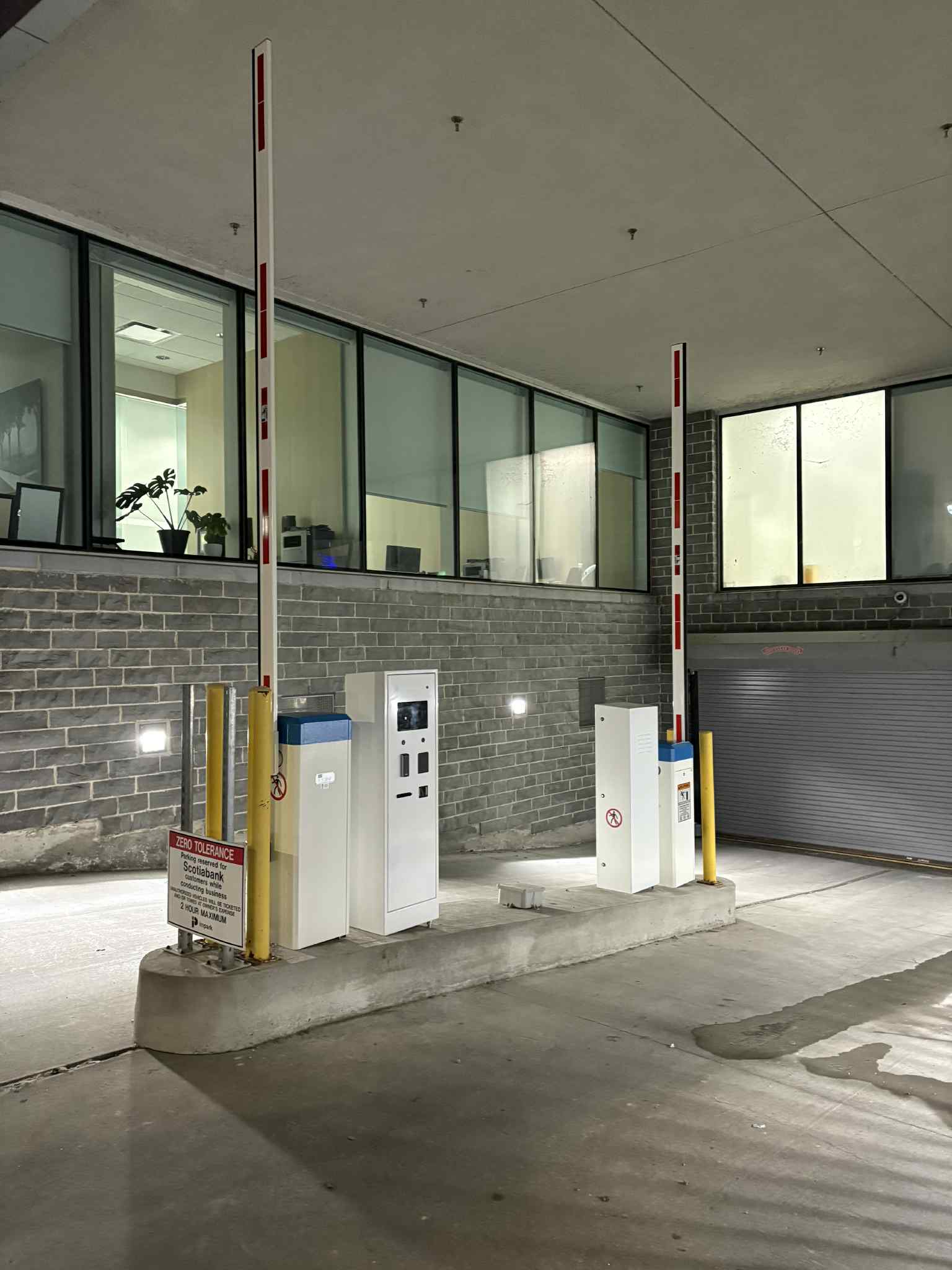
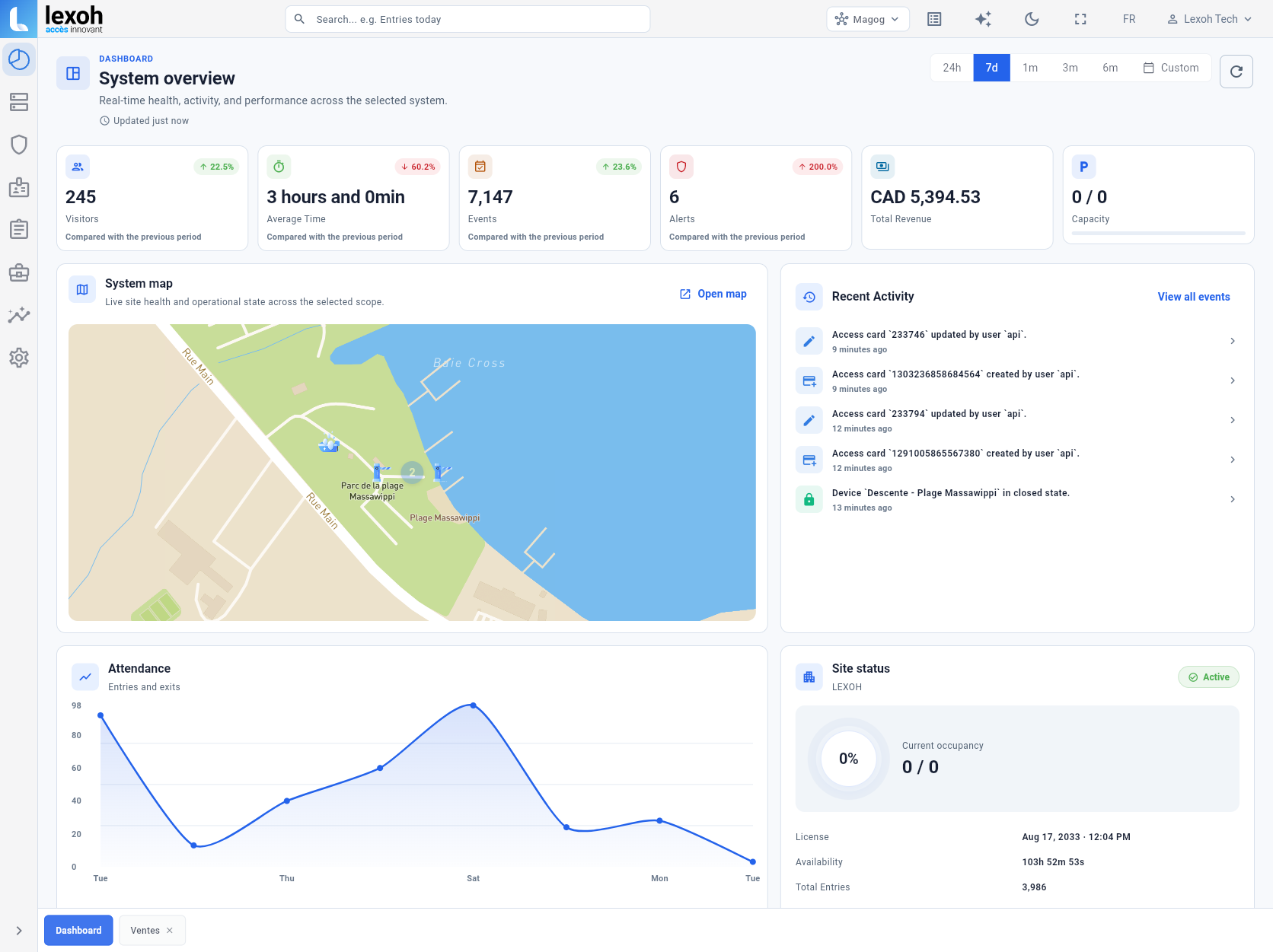
Project review
Plan the information drivers see.
Show Lexoh the approaches, display positions and messages needed. Include the source of parking status or availability so we can review the sign and its updates together.