




















Request the current drawings and instructions for the selected kiosk, barrier, readers and detection equipment. Have the responsible installer validate power, wiring, interfaces and protective functions against the approved site design.
Parking systems for integrators
Parking systems for installation teams
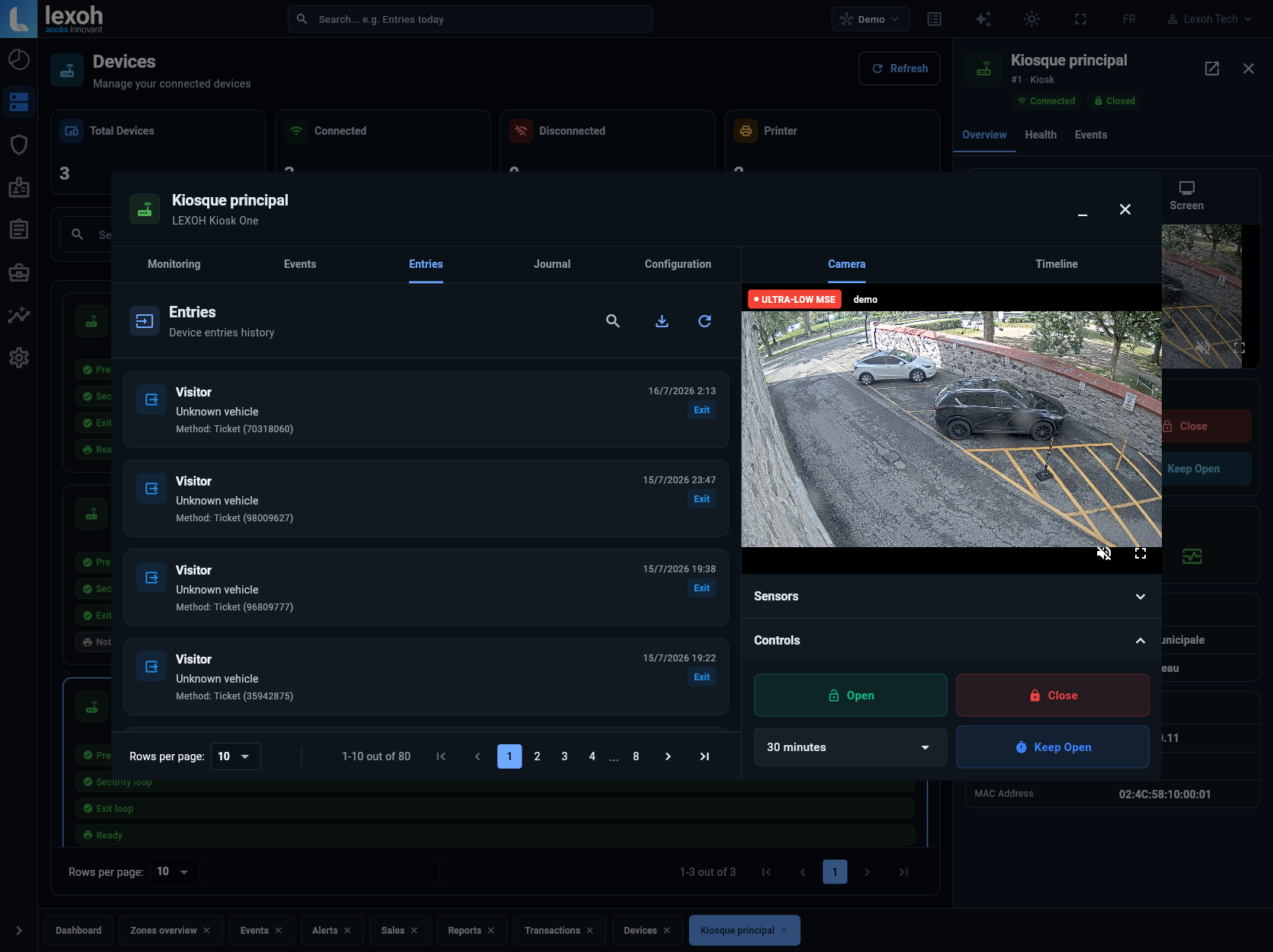
Build parking entrances with Lexoh kiosks, credential readers and Security Center, connected to the project’s barriers and detection equipment. Lexoh’s hybrid architecture combines cloud management with offline mesh communication between site devices. Your installation team coordinates the lane layout, power, wiring and commissioning.
Make the buying decision
Which equipment can the installation combine?
The LPK-128V2 and LCB-30 are Lexoh kiosk options. RFID and QR readers serve presented credentials; the Lexoh UHF9DBI reads compatible vehicle tags at a distance. Lexoh Security Center manages configured devices and access records. The lane design brings these components together with the selected barrier, detection and assistance equipment. Choose the precise modules and documented interfaces for each entrance.
| Deliverable | Scope to define | Evidence to obtain |
|---|---|---|
| Lane survey | Approach, stopping point, vehicles and clearances | Annotated plan and photographs approved for design. |
| Power and communications | Supply, network path and equipment interfaces | Responsibilities and model-specific installation documents. |
| Control sequence | Identification, authorization, detection and movement | Demonstrated normal, refused and interrupted journeys. |
| Handover | Configuration, test records and operating contacts | Customer acceptance and a documented support path. |
01
Turn the site survey into a lane schedule
Record the entrance and exit separately, including vehicle types, queue space, driver reach and pedestrian routes. Identify the mounting and foundation work for each selected device. A drawing that locates a barrier without showing the vehicle journey leaves essential integration decisions unresolved.
- Document the precise retained equipment references.
- Assign civil, electrical and network preparation.
- Confirm equipment-specific drawings before construction.
- For a Lexoh UHF9DBI reader, use its model-specific datasheet to check the power supply, mounting and selected communications interface.
02
Plan the LCB-30 kiosk footprint and supply
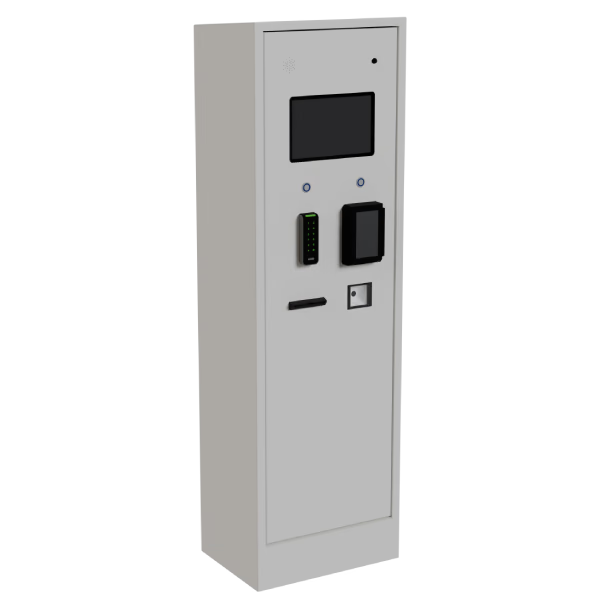
The Lexoh LCB-30 measures 1330 mm high, 310 mm wide and 490 mm deep. It uses a 110–120 V AC supply and has an operating temperature range of −40 to +70 °C. Use these model-specific values when preparing the equipment schedule and locating the kiosk on the lane plan.
- Allow space for the driver to reach the selected reader and for technicians to access the equipment.
- Use the installation drawings to locate anchors, cable entries and service clearances; enclosure dimensions alone do not define the foundation.
- A pinhole camera is optional. Specify the required modules in the equipment list.
03
Test the whole sequence, not only the relay
An opening command does not prove that the correct user was authorized, the lane was clear or the passage was recorded. Prepare valid and refused credentials, expired rights, vehicle changes and the agreed assistance case. The installer verifies the complete protective design using the applicable equipment instructions.
- Record the expected event and observable result.
- Test the agreed network and power interruption procedures.
- Resolve failed tests before customer acceptance.
04
Make handover usable for the operating team
Deliver the approved equipment list, configuration record, credentials procedure and test evidence. Train staff on the actions they are authorized to perform and the situations they must escalate. Include the owner of software updates, equipment inspections and spare-parts decisions.
- Name the contact for field work and the contact for configuration.
- Document unresolved exceptions and accepted limitations.
- Review a representative support request with the customer.
Connect the equipment and the operating software
Review the LPK-128V2 kiosk’s selected modules alongside the lane plan. During commissioning, verify that each tested passage produces the expected device state and operating record in Security Center. Use the Collège Sainte-Anne project to examine a real kiosk-and-barrier installation, then validate your own site’s equipment and sequence.
Integrator project questions
Possibly, if the existing equipment is suitable and the supported interfaces are verified. Review mechanical condition and the full operating sequence before committing to partial reuse.
A dated record of the tested journeys, selected configuration, observed results, responsible approver and unresolved items. Include refused access and agreed interruption cases, not only a successful opening.
Yes. Lexoh combines cloud management with an offline mode that uses a mesh network for local device communication. Include this behavior in the site’s commissioning plan alongside the equipment’s power requirements. Remote access, external software exchanges and payment authorization depend on their respective connections.
Review your parking installation with Lexoh
Send the lane layout, equipment models, site photographs and the installation responsibilities your team will handle.