Known call point
Associate the call with a specific entry, exit, kiosk or site.

Card-based credential reader

UHF credential reader

QR and barcode credential reader

Device input and output controller

RFID access credential

UHF access credential

Lane and access display signage

Thermal printer paper

IP intercom communication

Analog omnidirectional microphone

A parking intercom lets a driver request assistance at an entrance, exit or payment point. Lexoh connects call-point equipment to the assistance workflow configured for the site. That workflow routes the call to the designated team and can give authorized operators the lane and event context needed to resolve the request or issue a permitted command.
Plan the call as an operating process, not only an audio connection. A lost ticket, payment question or unmatched plate needs a reachable button, understandable sound, an answering destination and clear operator authority. Coordinate the intercom with parking access rules and visitor arrival procedures so the answering team knows what it may verify, change or authorize.
Associate the call with a specific entry, exit, kiosk or site.
Send it to the responsible team under the agreed schedule.
Show recent lane events before the operator decides.
Offer remote action only to authorized roles and procedures.
Document lost-ticket, unknown-visitor and device-down cases.
Place microphone, speaker and button for natural use from a vehicle.
The driver requests help, the call reaches the responsible team, and the operator checks the lane context before taking an authorized action. A transfer or unanswered call needs a defined next step and instructions the driver can understand.
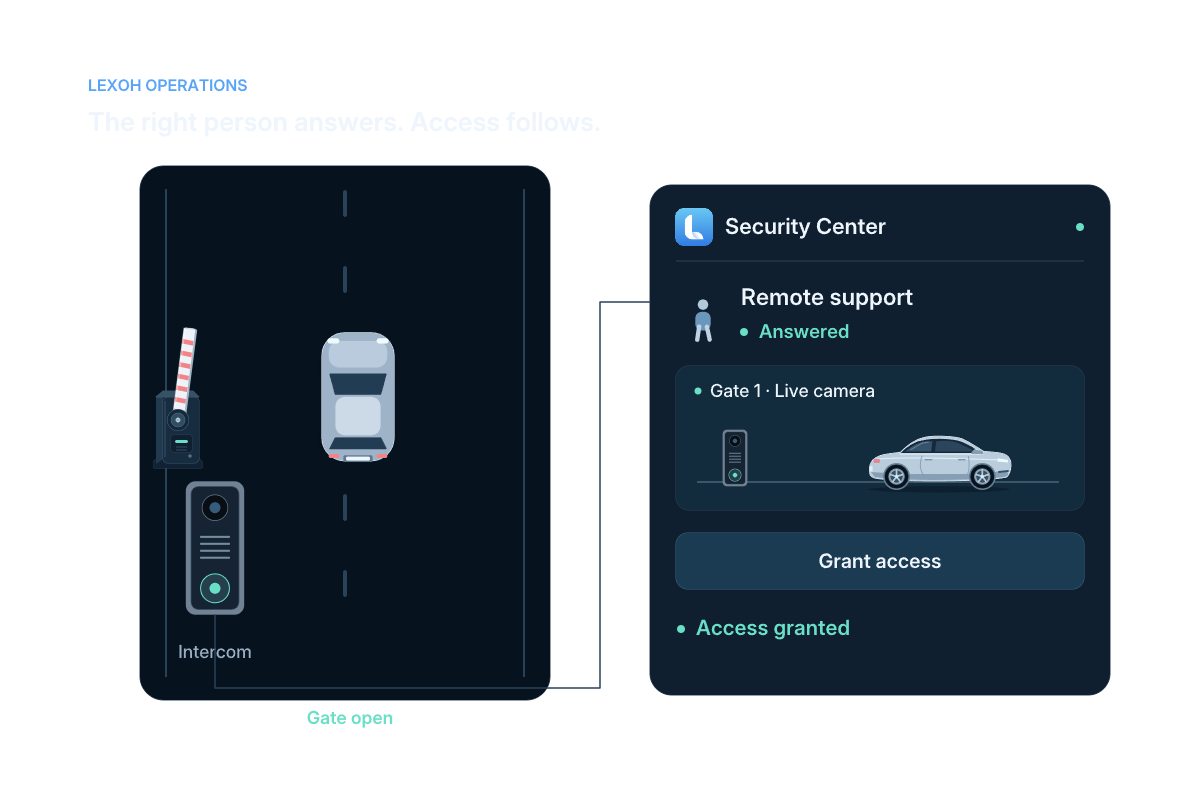
Reachable lane button
Site and call point known
Reason and context checked
Instruction or authorized action
Outcome available for follow-up
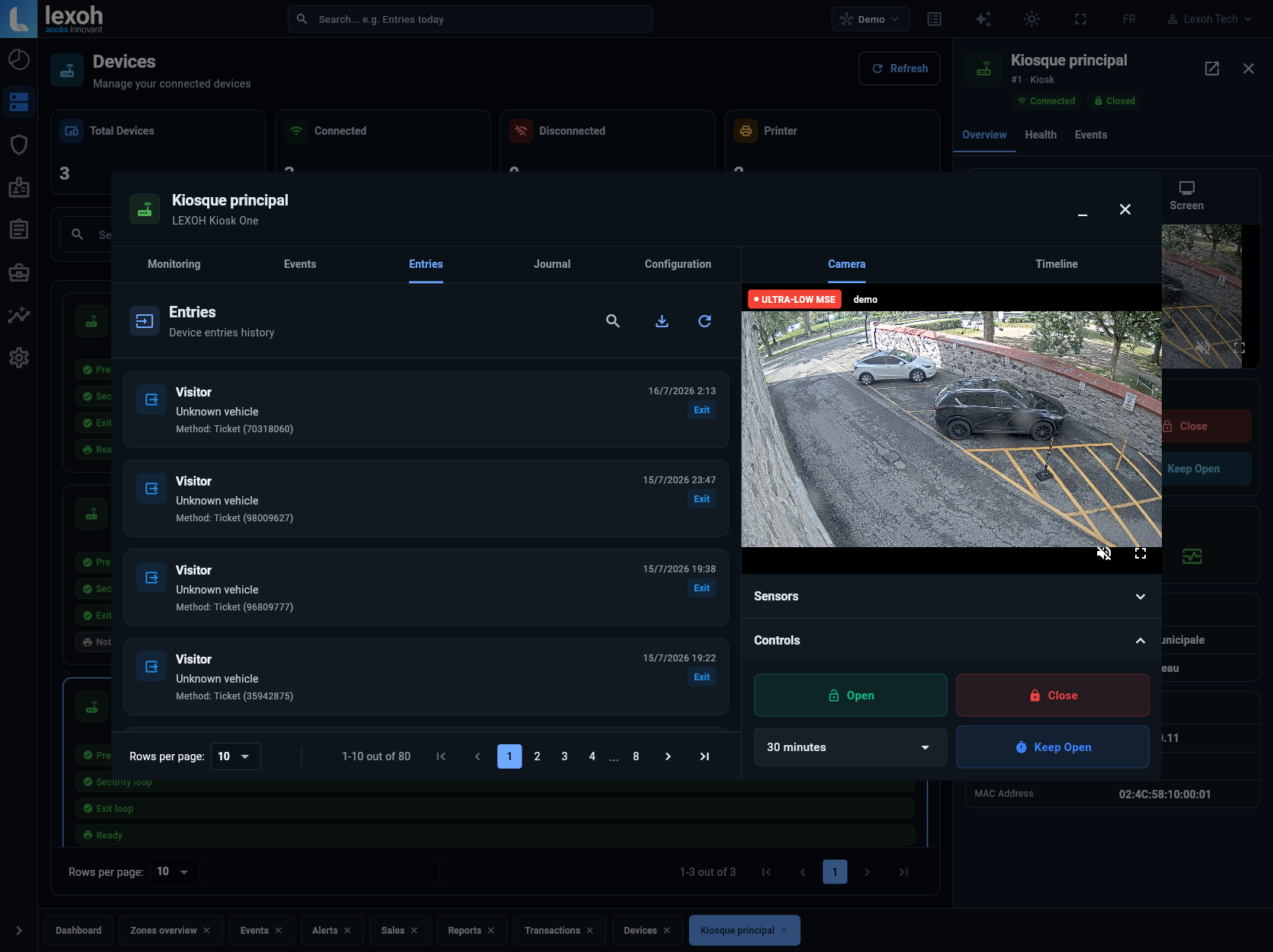
The linked capture shows entry history, a camera view and Open, Close and Keep Open controls in the Demo account of Lexoh Security Center.
View actual Lexoh interface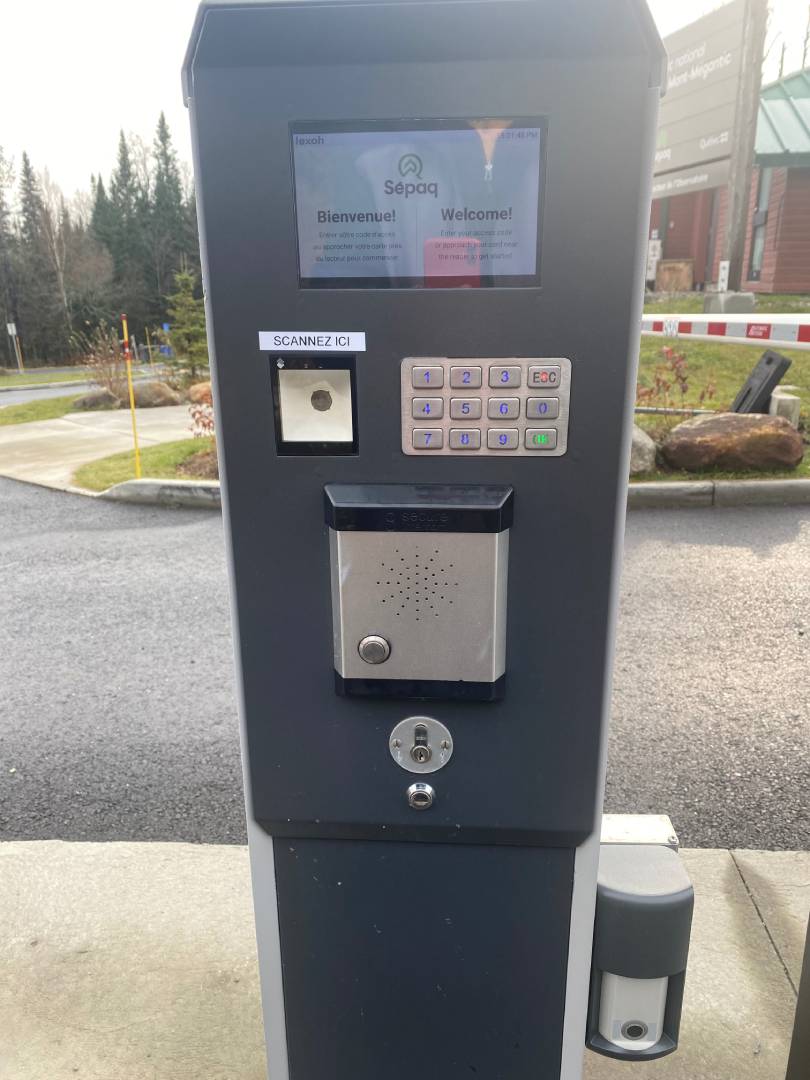
On this outdoor kiosk, assistance sits with the screen and identification methods. The driver stays in the lane while staff respond around a known access point.
View the Sépaq Mont-Mégantic entrance →
Plan call points, answering coverage and operator permissions →
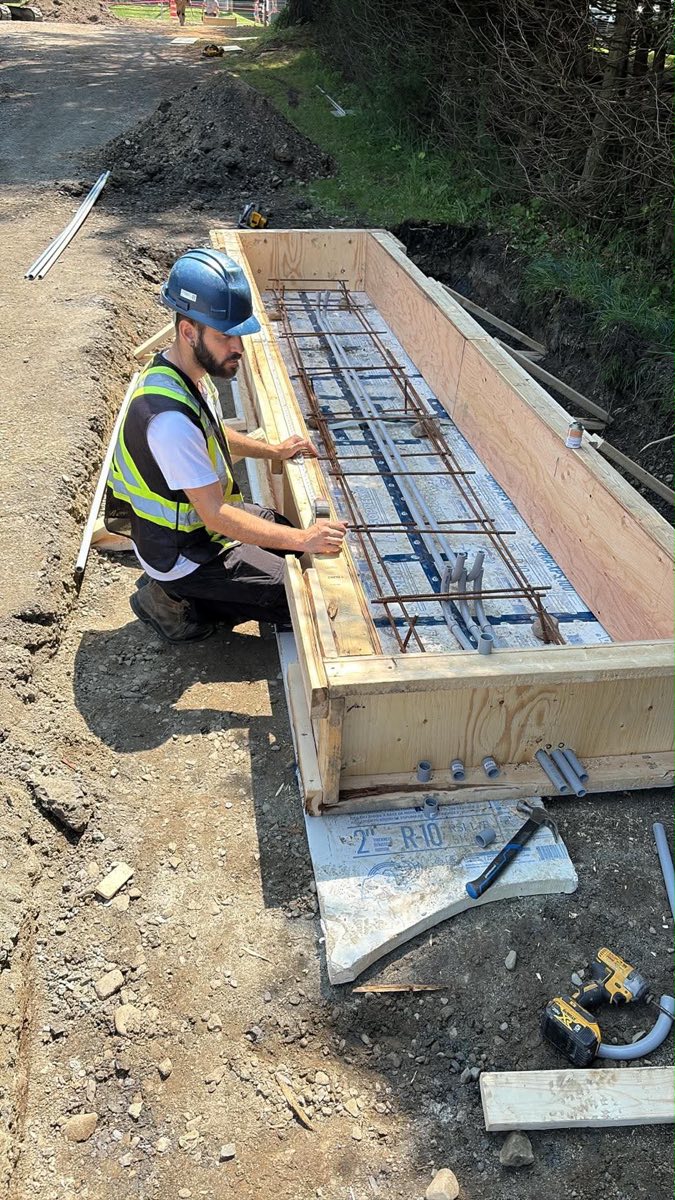
Lexoh reviews the hardware, network, routing and staff procedures that meet at the call point. Define the installation and operating responsibilities before commissioning.
Help when a transaction or validation is incomplete.
Verify an unplanned arrival and reach the correct host.
Confirm the destination and follow the opening procedure.
Route to the planned service or present a clear instruction.
Check height, distance and vehicle path on site.
Routing must match the team’s real coverage.
Lane location and recent events support a faster decision.
A backup procedure and visible instruction prevent a dead end.
Use this response plan during design and acceptance. Routing and remote commands depend on the selected equipment, network and permissions; staffing must be agreed separately.
| Situation | Operational owner | Acceptance check |
|---|---|---|
| Staffed hours | The reception or security team assigned to that site and lane | Confirm the call-point name, two-way speech and the actions allowed for the answering role. |
| After hours | The designated on-call team or contracted answering service | Test the scheduled destination and confirm its hours, escalation contact and service scope. |
| Busy or unanswered call | The person responsible for the escalation procedure | Agree the next destination or visible driver instruction; test the supported routing instead of assuming automatic transfer. |
| Network or power interruption | Site operations and the equipment/network support team | Confirm the loss-of-service procedure, alternate assistance and restoration checks for the installed system. |
Give the entry kiosk, payment point and exit distinct names. In a trial call, ask the operator to identify the correct lane before any remote command. Record the outcome with the staff who will actually answer.
Clear answers about scope, operation and integration.
We can review call points, responsible teams and the actions required at your site.