




















Residential access
Condominium access control for residents and visitors.
Manage resident credentials, building entrances, garage access and common-area schedules with Lexoh access control and Security Center.

One building, one operating model
What does condominium access control manage?
A condominium access control system manages which residents, visitors and service teams can use the building’s connected entrances, parking and shared rooms. Permissions can follow the person, access point and allowed schedule within the configured system.
Lexoh brings configured credentials, connected access points and their operational records into one environment so property teams can make changes without rebuilding the workflow at every entrance.
The project design specifies compatible credential types, readers, intercoms and third-party integrations for the property.
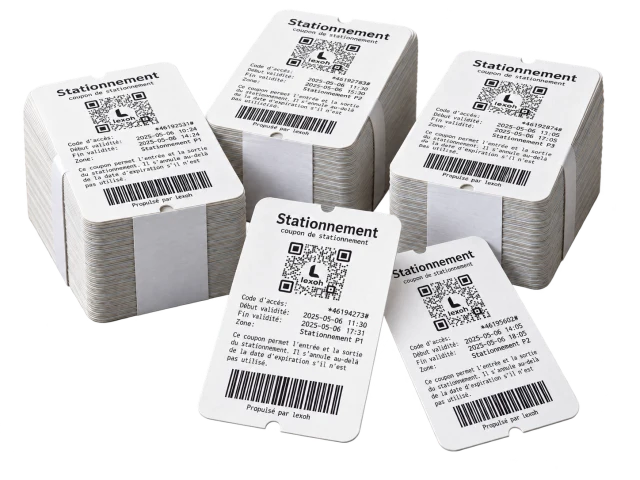
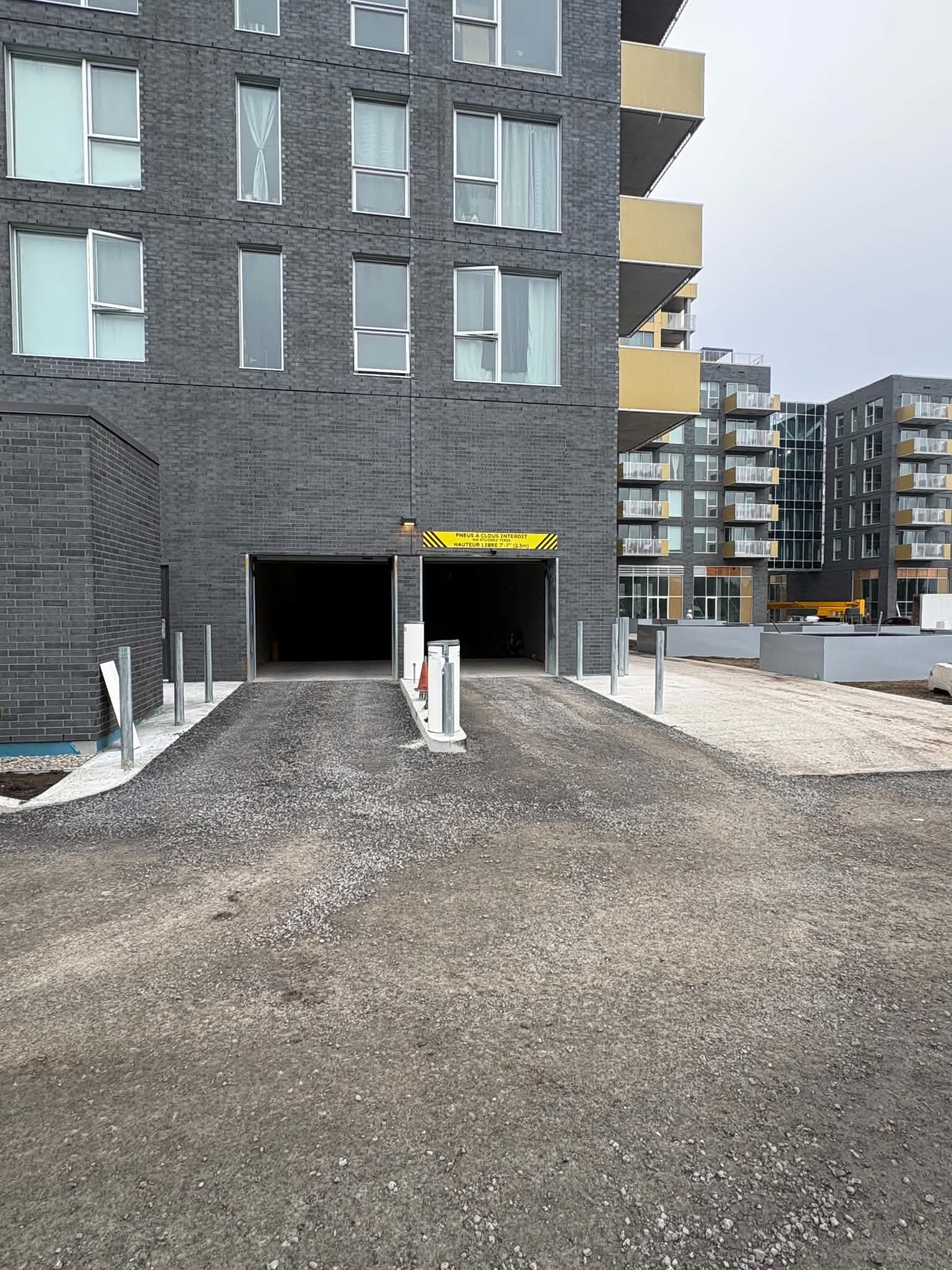
Manage resident and visitor parking
Operational journey
A clear decision at every access point.
-
Identify
A resident, visitor or service provider presents a configured credential.
-
Evaluate
The system checks the relevant zone, schedule and access permissions.
-
Act
The connected reader, door or barrier carries out the permitted action.
-
Review
The event remains available to authorized operators for follow-up.
Credentials and rules
Give each person the access they need.
Resident and visitor records can be connected to the zones and schedules defined for the property.
- Update or revoke permissions centrally
- Issue time-bounded visitor access when configured
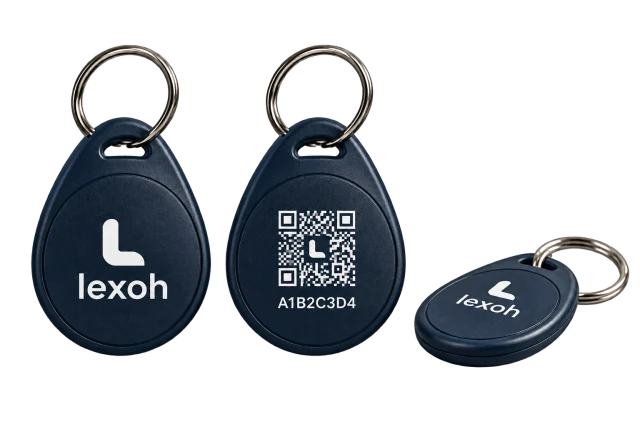
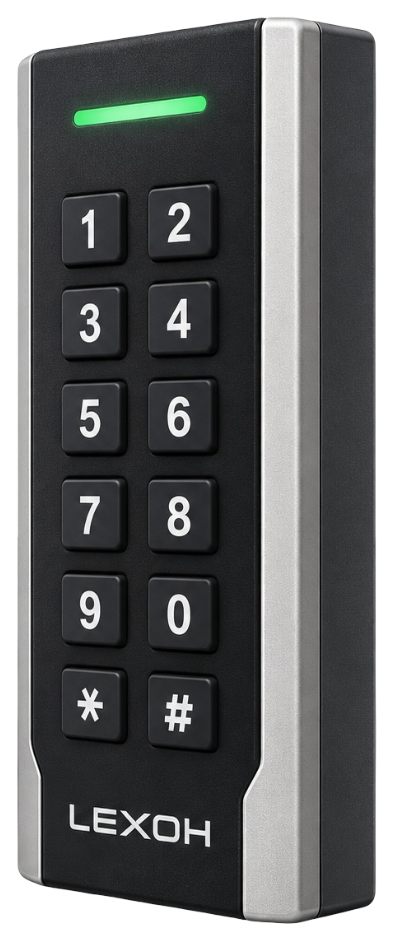
- Support compatible QR, RFID or NFC readers
- Keep shared-space rules consistent
 View full-size software image
 Operational context
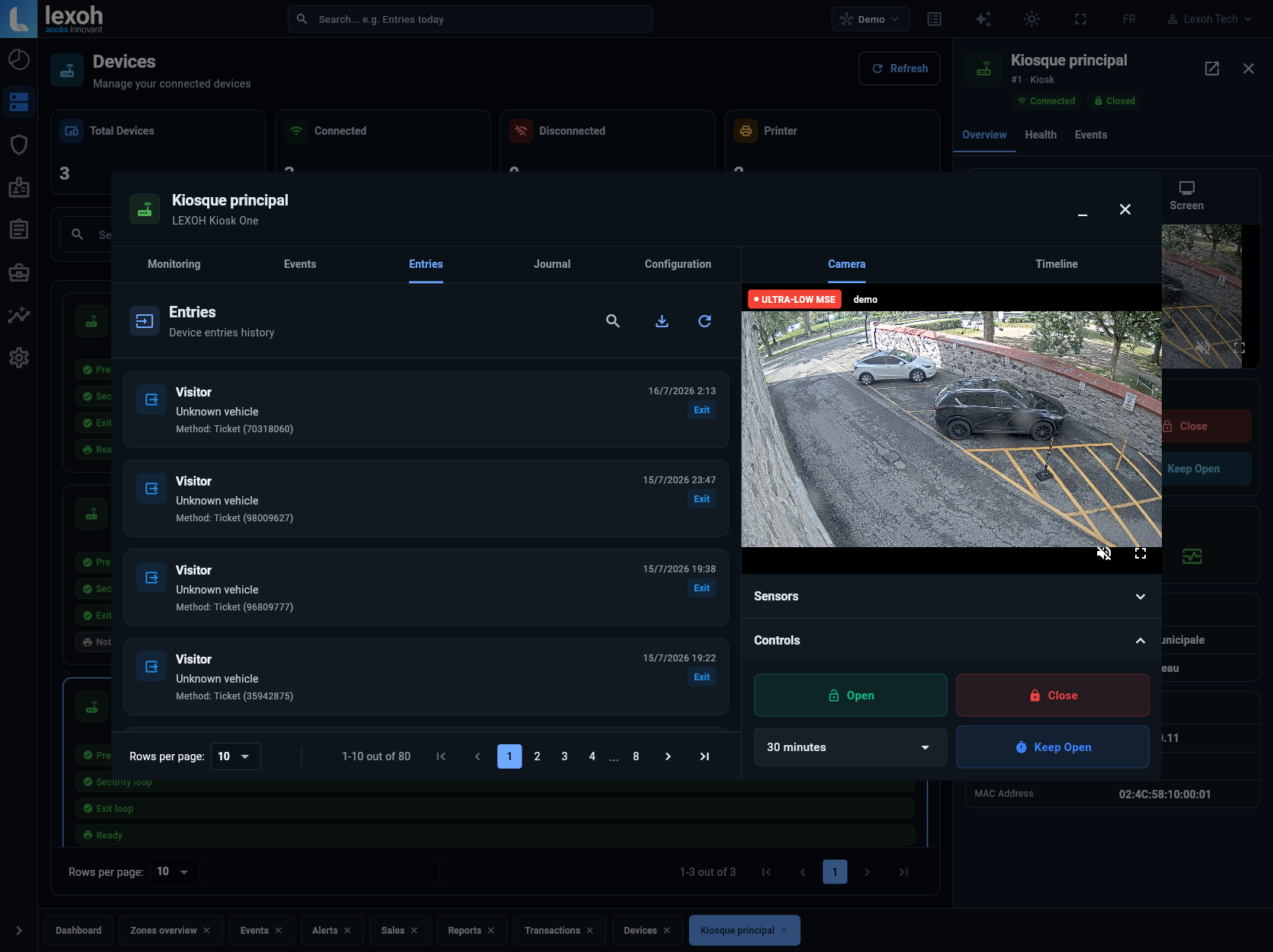
See the device, the event and the response together.
Security Center connects access records with device status and site context. Remote actions are available where the installed hardware and authorized workflow support them.
- Review entries and access outcomes
- Check connected-device status
- Keep event history in the same operating environment
- Support authorized remote response workflows
Prepare a resident change
Who owns each decision when occupancy changes?
Use a planned change of occupancy to review the whole credential set, including the main door, parking and shared rooms. In this planning example, the manager assigns the decisions below using the functions and roles confirmed for the building.
- The property manager confirms the effective change, the outgoing resident’s credentials and any associated visitor access.
- An authorized operator reviews the connected entrance, parking and shared-space permissions before changing the approved records.
- The incoming resident’s required access is tested; the outgoing credential is checked through the approved revocation process.
- The manager records unresolved shared-space or hardware issues and assigns assistance so the handover does not depend on an informal promise.
Building contexts
One system, shaped around the property.
The final access design follows the building, its residents and the operating responsibilities of the management team.
-
Main entrances
Resident and visitor credentials at primary access points.
-
Parking
Configured access for residents, visitors and service vehicles.
-
Shared amenities
Zone and schedule rules for common areas.
-
Service access
Defined permissions for deliveries, maintenance and contractors.
FAQ
Residential access, clarified.
Which credentials can residents use?
The available options depend on the readers and workflow selected for the project. Compatible cards, fobs, QR, RFID or NFC credentials can be evaluated during design.
Can visitor access be temporary?
Yes, when the configured workflow supports it. Visitor permissions can be limited by zone and time, then updated or revoked by an authorized operator.
What happens when a resident moves out?
Authorized staff can deactivate the resident record and its associated permissions centrally, according to the property’s operating process.
Can Lexoh connect to property-management software?
Potential integrations are assessed against the software’s documented API, the required data flow and the security scope of the project.
How should access be prepared for a scheduled move or large delivery?
Map the route from the loading area to the required entrance and shared spaces. Where the configured system supports it, give the moving or delivery team access only to those zones for the approved period. Name the person responsible for assistance, then remove temporary permissions and check the access points when the work ends.
Can an amenity close for maintenance while residents retain building access?
Plan the closure around the access points that serve the amenity. If the configured zones and hardware allow separate permissions, authorized staff can adjust the affected area without changing the main entrance or parking rules. Check which routes remain necessary for residents and staff, then restore the amenity’s permissions after the closure is cleared.
What should the building team confirm for an internet or power outage?
Lexoh uses a hybrid architecture: cloud management plus an offline mode, with a mesh network that lets site devices communicate without internet. The building design separately defines door and barrier response, available power, locally available permissions and assistance procedures. Commissioning checks these functions and the delivery of permission changes when connections return.
How should a condo handle a lost resident fob?
The resident should report the loss to the designated building administrator. Follow the building’s identity-check procedure, locate the specific credential and revoke its permissions through the approved process. Check that the change reaches each affected controller, including any that was disconnected. Issue and test a replacement with the approved entrance, garage and shared-space permissions; do not cancel other household credentials by assumption. Confirm this workflow and the credential register during project handover.
Plan the access architecture
Start with the building, its people and its access points.
We can review entrances, shared spaces, credentials and operating responsibilities before defining the system.
Plan the project