Permit administration
Define who approves, renews, suspends and removes rights.
Explore permit administration
Card-based credential reader

UHF credential reader

QR and barcode credential reader

Device input and output controller

RFID access credential

UHF access credential

Lane and access display signage

Thermal printer paper

IP intercom communication

Analog omnidirectional microphone
Employee parking
Lexoh connects employee parking permissions with credential readers, controllers and barriers. Manage access around approved shifts, temporary assignments and vehicle changes, with a defined process for issuing and withdrawing permits. Select the credential and lane equipment around your staff’s arrival patterns.
A current employee does not necessarily have access to every lot or every hour. Conversely, a contractor or temporary worker may need a defined parking period. Name the owner of eligibility and the administrator who applies changes, including the time at which an update must take effect.
| Arrival or user | Policy to define | Design consequence |
|---|---|---|
| Regular staff | What zones and periods are included? | Use approved recurring rights with a clear update owner. |
| Overnight shifts | How does a shift crossing midnight work? | Test arrival and departure across the date boundary. |
| Temporary assignments | When is the assignment approved and ended? | Set explicit start and end dates, including extensions. |
| Vehicle changes | Which vehicle or credential is being replaced? | Avoid leaving the previous right active unintentionally. |
Choose the necessary employee and vehicle information, the authorizing role and the active period. Where another system supplies data, confirm the interface and synchronization behavior before depending on it.
A changed shift, transfer or borrowed car may require a different zone or credential. Define whether the previous right is revoked, suspended or retained, and tell the user when the change applies.
At employment or assignment end, revoke the parking right and account for physical credentials. Acceptance testing should show the expected refusal at relevant lanes, including the procedure used if equipment is unavailable.
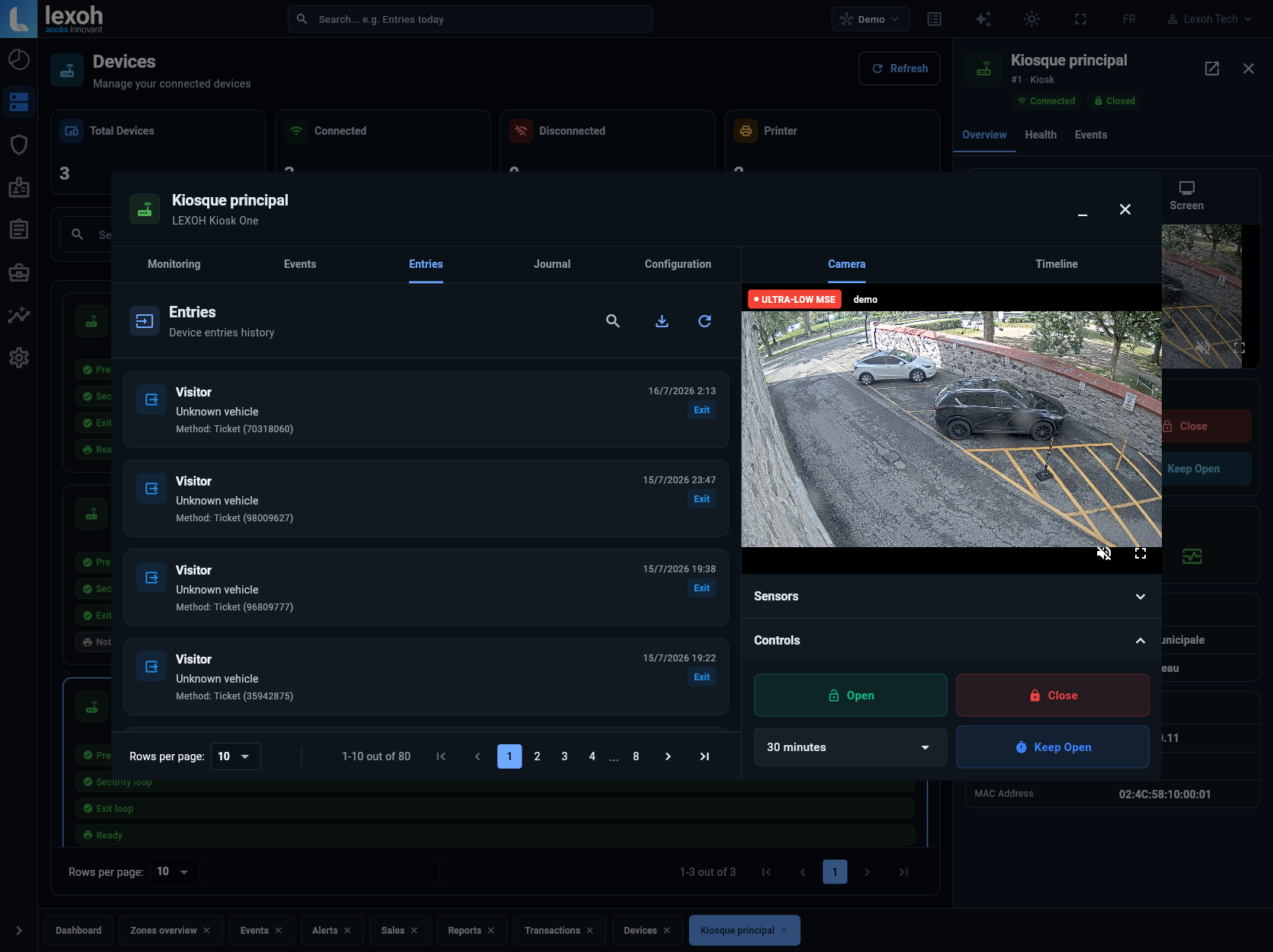
Define the people who administer permits and the entrances those permits authorize. The interface shown above displays device events, camera context and barrier commands; it is not a payroll or attendance screen.
Compare an RFID card presented at a reader, a vehicle-mounted UHF tag and license plate recognition. For a UHF design, review the Lexoh UHF9DBI reader with the selected tags and lane geometry. Confirm compatibility before retaining existing cards.
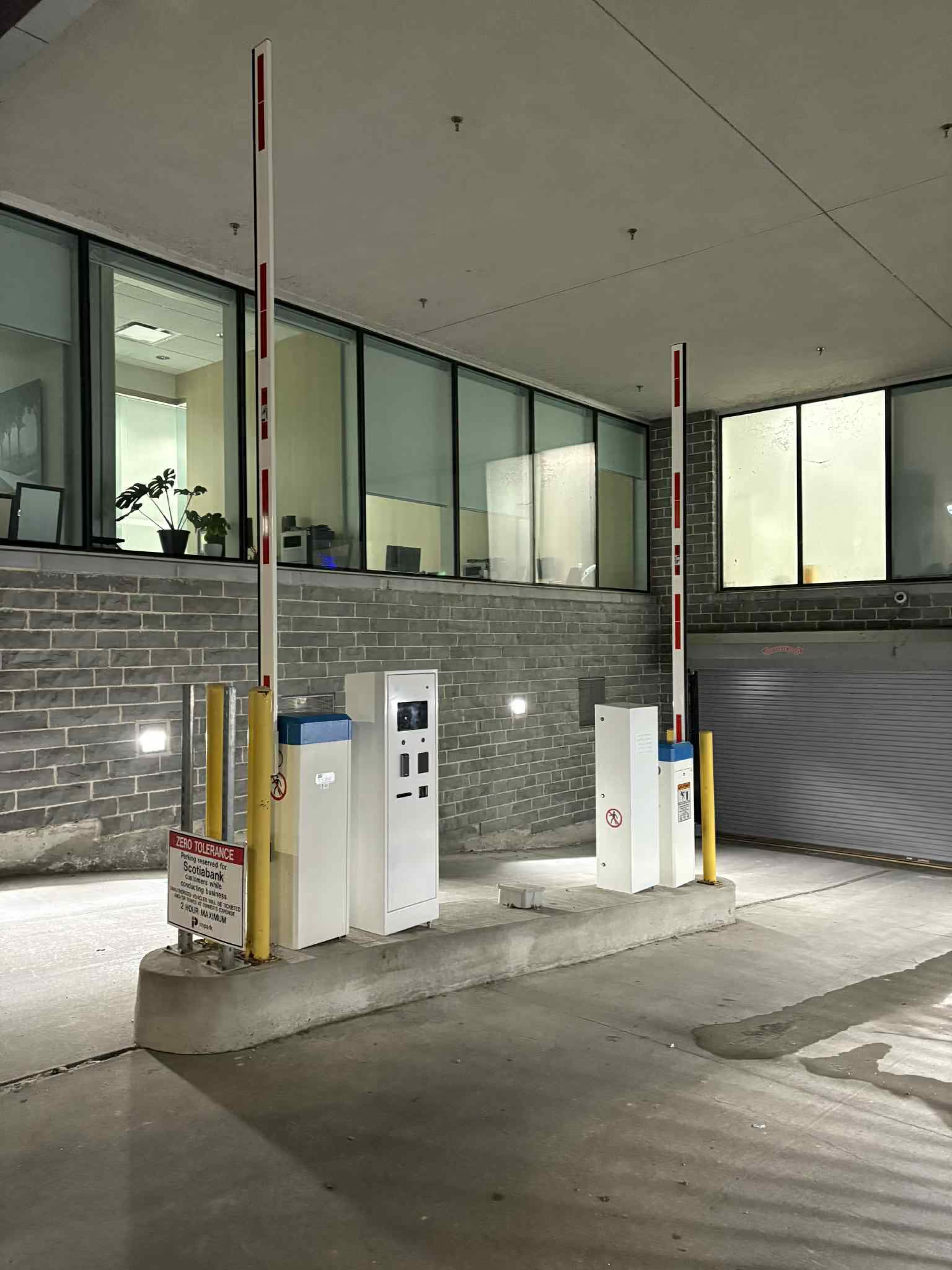
Review the barrier controls, vehicle detection, power and network connection together. Include a way to resolve a lost credential or rejected entry during early and late shifts. Retaining a barrier requires checking its control interface and condition.
Consider a temporary maintenance team using employee parking while permanent staff keep their normal access. The temporary rights need a start date, approved nights and a final expiry. Test a shift that ends the next morning, an approved extension and a credential presented after the assignment ends. This distinguishes the employment or work-order decision from the lane’s access decision.
Eligibility rules, parking areas, shift patterns and the roles that approve new or changed rights.
Credential types, replacement procedures and the source and timing of any external data updates.
Departure and assignment-end procedures, exception handling and a list of records needed for parking administration.
Questions to settle before selecting the equipment and configuration.
Share the shift patterns, eligibility rules and current credentials to scope the equipment and administration process.