



















Vehicle access guide
LPR vs RFID vs UHF vs QR: which credential should open the barrier?
Most sites end up with two credentials, not one: a hands-free identifier for regular users and a temporary one for visitors. This guide compares the four options used on Lexoh lanes so you can pick the pair that fits each entrance.
Short answer
Plates for people you know, QR for people you don’t, UHF when the vehicle matters more than the driver.
License plate recognition (LPR) is the default for registered users on sites that operate from spring to fall, because nothing has to be handed out or carried. On lanes that run through a Canadian winter, plates get hidden by mud, packed snow and salt film often enough that a UHF windshield tag should lead and the plate should back it up. QR codes are the default for visitors, deliveries and reservations because they can be sent by email or text and expire on their own. Long-range UHF tags are the choice when the vehicle itself is the credential, such as fleets, trailers, campground seasonal sites and service vehicles. RFID cards remain useful where the same card already opens doors, or where a driver must deliberately present something.
The right answer is per lane, not per site. A campground can run plates for seasonal campers, QR codes for short stays and a card reader on the staff gate. Lexoh lanes accept several credentials on one controller, so the question is which combination serves each arrival, not which single technology wins.
Side by side
Compare the four credentials on what changes the project.
| Criterion | License plate (LPR) | RFID card | Long-range UHF tag | QR code |
|---|---|---|---|---|
| What is read | The plate, by a camera | A card or fob held near the reader | A windshield or headlamp sticker, from several metres | A code on a phone or paper, at a scanner |
| Driver action | None | Stop, present the card | None | Stop, show the code |
| Read distance | Vehicle stopped or slow in the camera field | A few centimetres | Up to about 15 m depending on reader and mounting | Contact distance at the scanner |
| Issuing a credential | Register the plate online or at the office | Hand out a card | Apply a sticker to the vehicle | Send by email or text, print, or show in an app |
| Good for | Members, residents, staff, permits, paid stays | Sites where the card also opens doors | Fleets, trailers, seasonal campers, service vehicles | Visitors, reservations, deliveries, day passes |
| Weak spots | Dirty or covered plates, temporary plates, rental cars | Lost cards, handing cards to others | Sticker must stay on the same vehicle | Screen glare, phone battery, shared screenshots |
| Winter and weather | Weakest option from December to March: mud, sticky snow and road-salt film hide the plate and reads drop; needs a second credential on year-round lanes | Reader must be reachable from the window | Best in winter; the tag is inside the windshield and the reader is sealed | Scanner must be reachable and sheltered |
| Works offline | Yes, plate list cached at the lane | Yes | Yes | Yes for pre-issued codes; new codes need the connection |
| Typical lane cost driver | Camera, lighting, mounting position | Reader and card stock | UHF reader, antenna, tag stock | Scanner and the issuing flow |
Decision rules
Five rules that settle most projects.
Use these in order. Stop at the first rule that applies to the arrival you are designing for.
-
1. If the user is registered and comes back often, use the plate in season and a UHF tag year-round.
Residents, members, employees and seasonal campers arrive many times with the same vehicle. Plate recognition removes the card, the sticker and the stop, and it is the right primary credential for sites that operate from spring to fall. On lanes used through a Canadian winter, mud, sticky snow and salt film hide plates often enough that a UHF windshield tag should be the primary credential, with the plate as the second read. Keep a fallback for rental cars and temporary plates in any season: a QR code or the intercom.
-
2. If the user is temporary, use a QR code.
A visitor, a contractor, a delivery or a reservation gets a code with a start, an end and the zones it opens. Nothing to collect afterwards. The code can be issued by the host through the visitor flow, or automatically from a reservation.
-
3. If the vehicle is the credential, use a UHF tag.
Trailers, fleet trucks, service vehicles and campground seasonal sites are about the vehicle, not the person driving it. A long-range tag opens the lane at driving speed and stays with the vehicle.
-
4. If a card already opens the doors, reuse it at the lane.
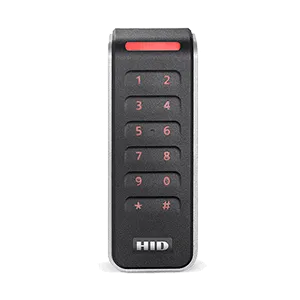
Office and condo sites often already run HID or Mifare cards. A weatherproof reader at the lane keeps one credential per person. Accept that the driver stops and reaches out of the window.
-
5. If the lane is paid, plan the exception path before the credential.
Payment sites need a way to handle a failed read, an unpaid stay and a lost ticket. The kiosk, the intercom and the remote operator decide the driver’s experience more than the reader does.
Worked scenarios
What each type of site usually ends up with.
| Site | Regular users | Temporary users | Why |
|---|---|---|---|
| Campground or RV park | Plate or UHF tag for seasonal campers | QR code from the reservation for short stays | Seasonal vehicles stay the same all summer; short stays change every few days. |
| Marina | Plate for member parking, UHF tag for trailers | QR code for guests and contractors | The trailer, not the tow vehicle, is what the launch ramp cares about. |
| Condominium | Plate for residents, card for the pedestrian doors | QR code created by the resident for a guest | One credential per resident for doors; nothing to carry for the garage. |
| Office building | Card already used for doors, or plate for assigned parking | QR code for visitors and deliveries | Reuses the existing badge programme. |
| Municipal paid lot | Plate tied to a permit | Ticket or plate tied to a paid session at the kiosk | Enforcement by plate, no stickers to print. |
| Industrial site | UHF tag on fleet vehicles | QR code or intercom for carriers | Vehicles move fast through wide lanes; tags read at distance. |
Barrier integration
How the credential connects to the barrier.
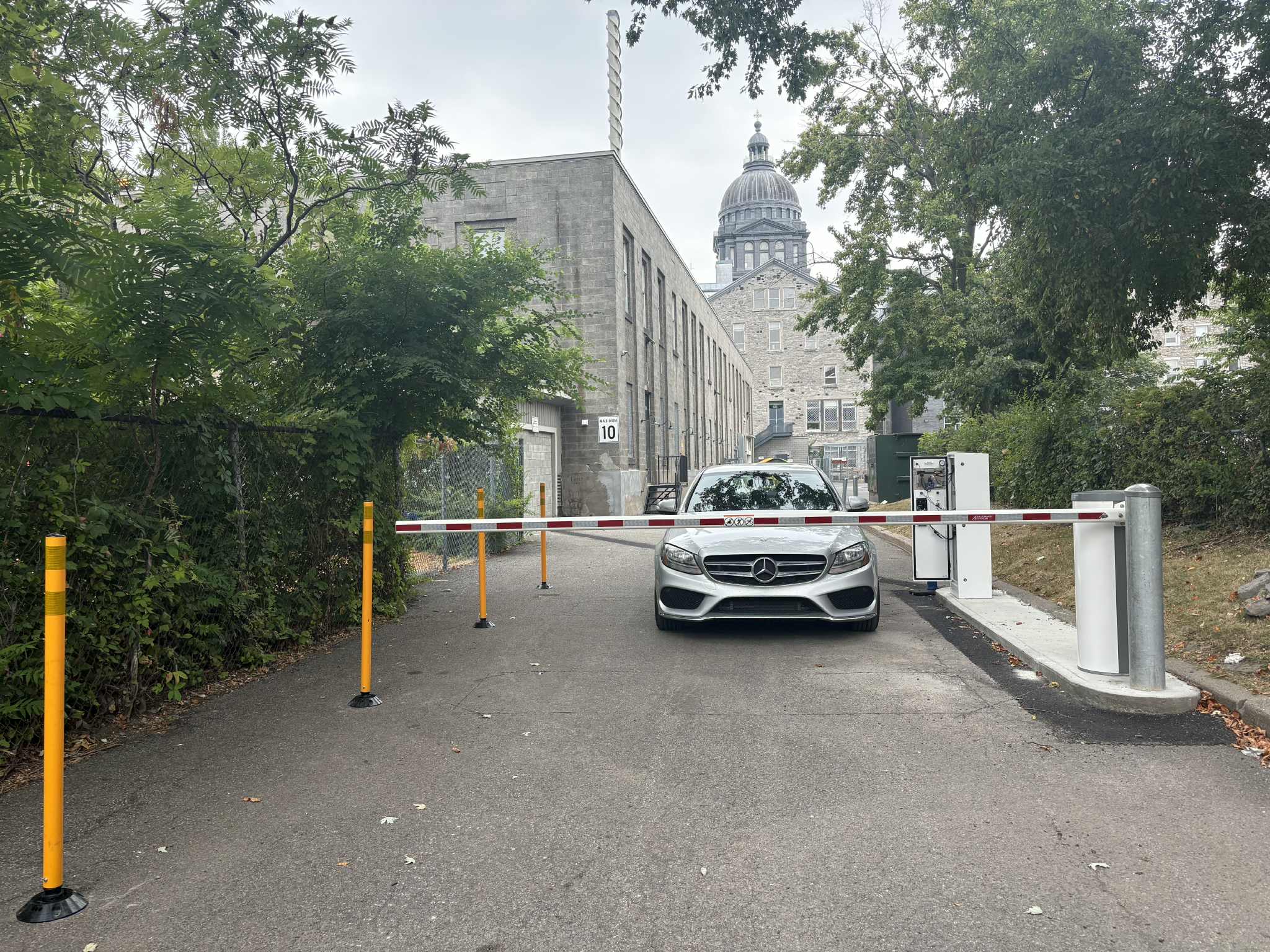
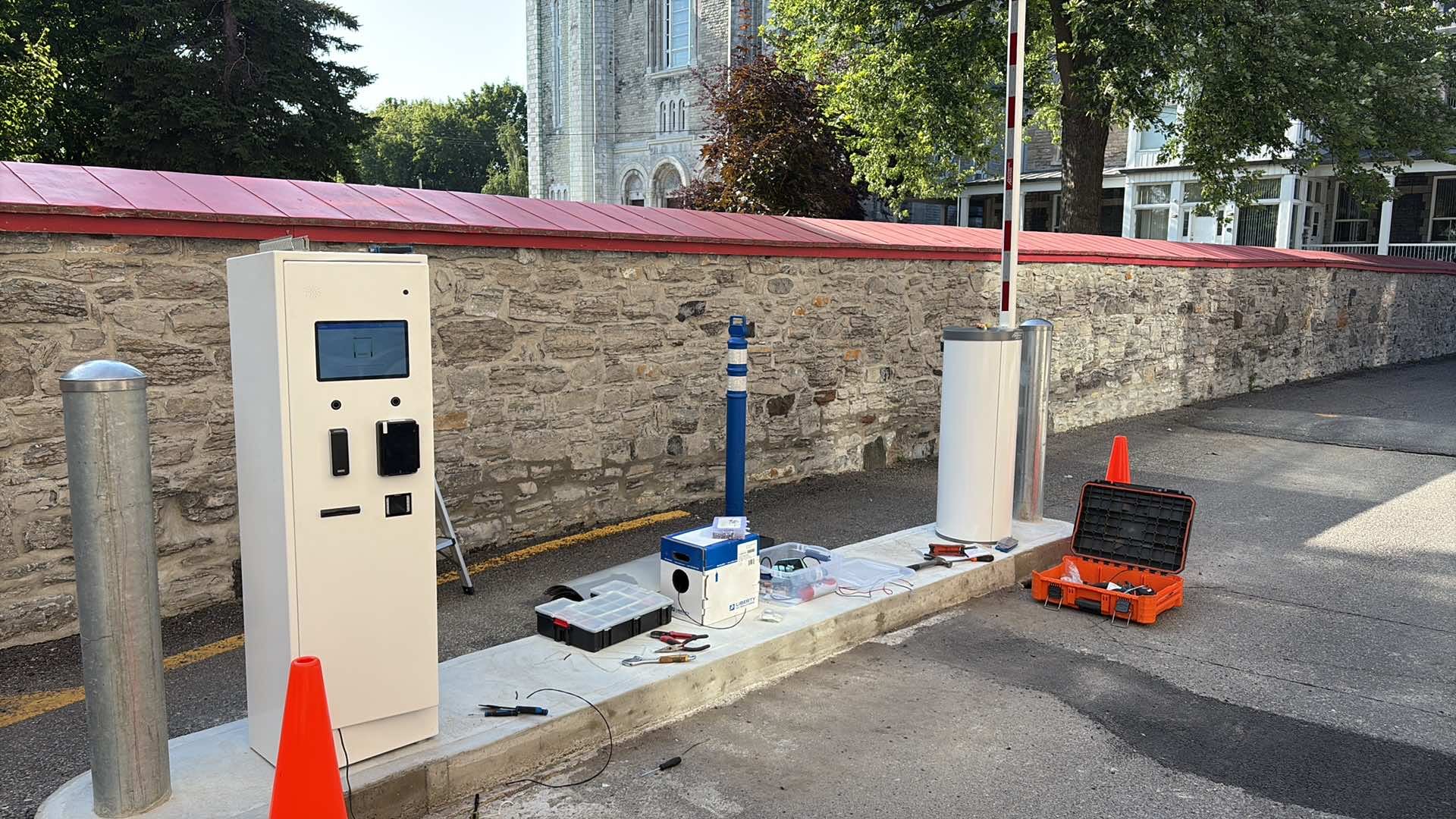
Whatever the credential, the sequence is the same: the reader identifies the vehicle, the platform checks the right (zone, period, status, payment), the lane controller commands the barrier, and the detection loop or radar closes it behind the vehicle. Lexoh’s I/O controller connects standard barrier operators and Wiegand or OSDP readers, so an existing barrier can usually be kept.
Plate recognition adds a camera and lighting to that chain. UHF adds a reader and antenna. QR adds a scanner, often built into the kiosk. RFID adds a small reader on a post. Vehicle detection is needed in every case; the vehicle detection guide compares loops, radar and virtual loops.
-
Anti-passback
One credential cannot enter twice without exiting. Works with every credential type once the exit is also read.
-
Offline cache
The lane keeps the list of valid credentials so an internet outage does not stop regular users.
-
Video evidence
Each read is tied to an event; a camera on the lane lets staff review refusals and tailgating.
Canadian winter
What a Quebec winter does to each credential.
Between December and March, the plate is the credential that suffers. Slush thrown up by the road, sticky snow packed into the plate frame and the grey salt film that builds up over a week all hide characters, and no camera setting recovers a plate it cannot see. Sites that rely on plates alone see more refused reads, more intercom calls and more manual openings in winter. The other three credentials are largely unaffected: the UHF tag sits inside the windshield behind the wipers, the card is presented by hand, and the QR code is on a phone.
The practical rule for year-round lanes in Canada is to make the UHF tag the primary credential for regular users and keep plate recognition as a second read and for enforcement. For seasonal sites that close before the snow, campgrounds, marinas, parks and beaches, plate recognition remains the simplest choice because the failure season never arrives.
-
Plate (LPR)
Reads drop when plates are muddy, snow-packed or salt-coated. Fine for spring to fall operation; pair with UHF for year-round lanes.
-
UHF tag
Unaffected by what is on the bumper. Reader is sealed; tag stays clean behind the windshield.
-
RFID card and QR code
Work as long as the reader or scanner is reachable and sheltered from blowing snow.
Project checklist
Questions to answer per lane before choosing
Answer these for each entrance; the credential pair usually follows.
-
Who arrives here, and how often with the same vehicle?
Regular users with a stable vehicle point to the plate or a tag. Changing vehicles point to a card or a code.
-
Do these users already carry a credential for doors?
If yes, a lane reader for the same card avoids a second credential.
-
How are temporary users invited today?
Reservation system, front desk, resident portal: the issuing flow determines whether QR codes can be automated.
-
What happens to a vehicle the reader cannot identify?
Intercom, kiosk, remote operator or a second credential. Decide this before the equipment.
-
Is the lane paid?
Paid lanes need the payment and exception path designed with the credential.
Practical questions
Questions asked when choosing a credential
Is license plate recognition reliable in Quebec winters?
Less than in summer, and it is better to plan for that than to be surprised. From December to March plates are regularly covered by mud, sticky snow and the grey film left by road salt, and a camera cannot read what it cannot see. Correct camera placement and lighting help, but they do not solve a hidden plate. For lanes that operate all winter, Lexoh recommends a UHF windshield tag as the primary credential for regular users, with the plate read as a second confirmation and a QR code or the intercom for exceptions. For seasonal sites such as campgrounds and marinas, plate recognition alone is usually enough.
Can one lane read plates and QR codes at the same time?
Yes. The lane controller evaluates whichever credential is presented against the same rights, so a seasonal camper drives through on the plate while a weekend guest scans a code at the same barrier.
What is the read range of a UHF vehicle tag?
Up to roughly 15 metres with a long-range reader and a correctly mounted windshield tag, which is enough to open a barrier before the vehicle has to slow down. Range drops with metallised windshields and poor antenna placement, which the site survey checks.
Which credential is cheapest per user?
The plate, because there is nothing to issue. QR codes are next since they are sent electronically. Cards and tags carry a small per-unit cost and the administration of handing them out and replacing them.
Can a QR code be shared or reused?
A code is valid for its period and zones and can be limited to one use or one vehicle. Sharing is a policy decision: a single-use code for a delivery, a multi-day code for a contractor.
Do I still need a card if I use plate recognition for parking?
Only where people also open pedestrian doors. Many condos and offices keep the card for doors and use the plate for the garage, so residents carry nothing extra.
How do rental cars and temporary plates get in?
Register the temporary plate for the rental period, or issue a QR code. Both are done from the office or the customer portal without a site visit.
Does the choice of credential change the barrier?
No. The barrier operator is chosen for the lane width, traffic and climate. The credential changes the reader mounted beside it.
References and further reading
- Lexoh parking access control
How rights and lanes are configured.
- Lexoh UHF reader
Read range and mounting.
- Lexoh vehicle detection guide
Detection options for the barrier.
Lane review
Bring the arrivals you need to serve.
Lexoh reviews each entrance with your team and proposes the credential pair, reader placement and fallback before a proposal is prepared.
Discuss your lanes