




















Temporary access
Temporary access for visitors, movers and contractors
A temporary credential should carry only the access needed for a visit. The useful design work is deciding where it works, when it ends and who can change it.
The decision
Define the visit before issuing the credential
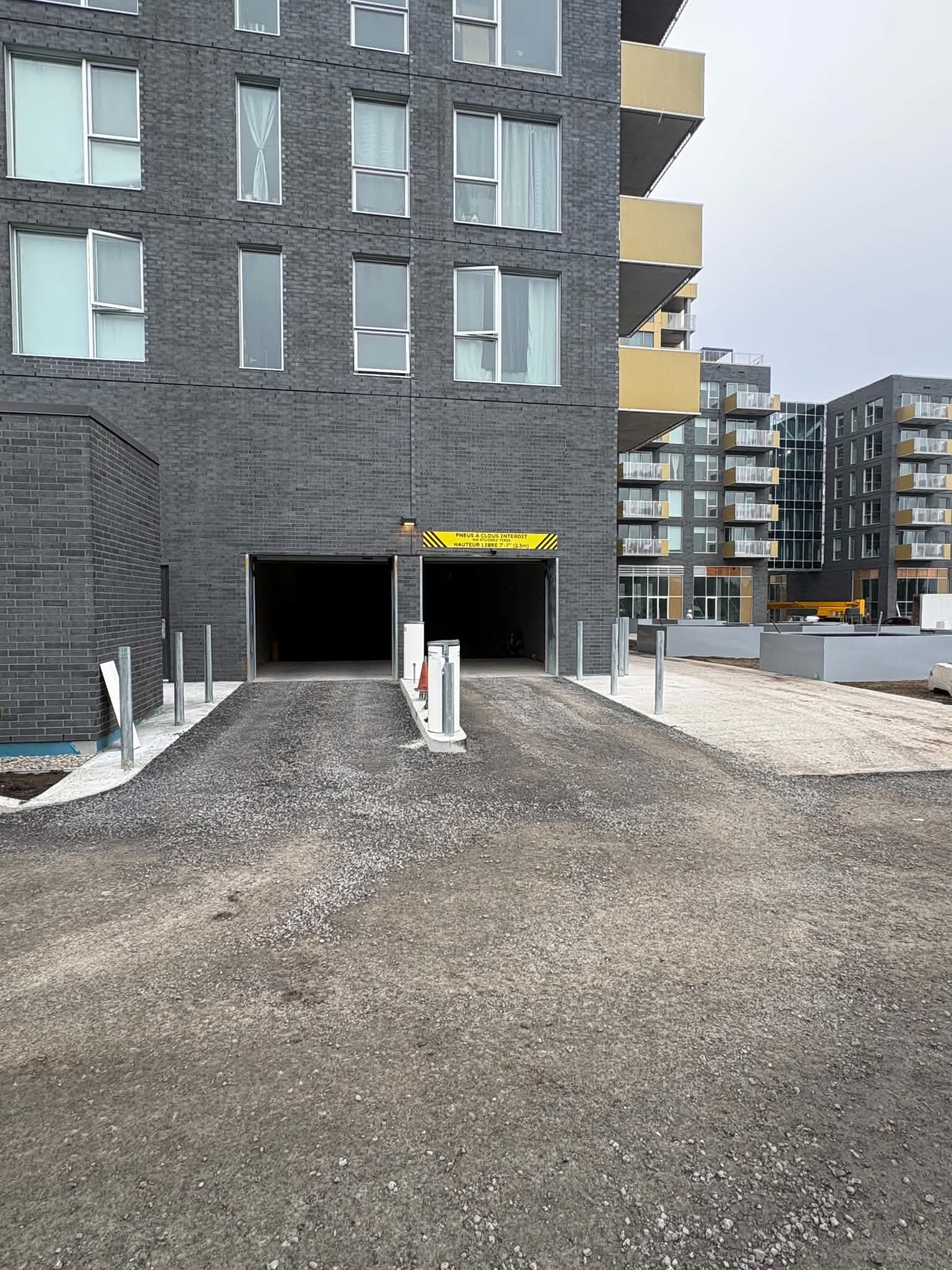
Temporary access is a permission limited to an approved visit, entrance and time period. Record the host or responsible person, destination, permitted entrances and validity period. Include the return route: a mover may need the loading entrance and service elevator area, while a guest may need only the lobby.
Lexoh supports configured visitor and contractor workflows administered by authorized staff. Confirm who can create, modify and revoke a visit; do not assume every resident or tenant has the same administrative rights.
Match the method to the entrance
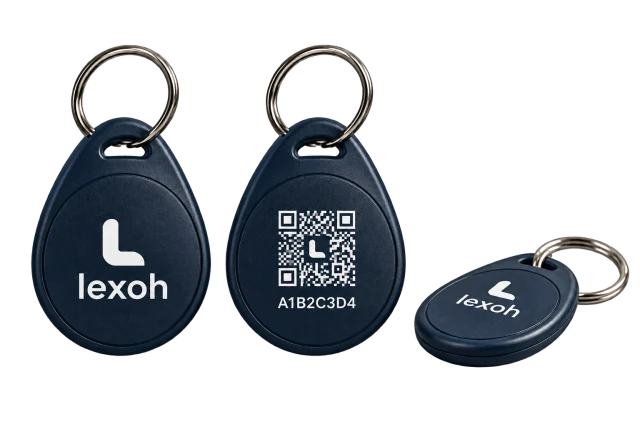
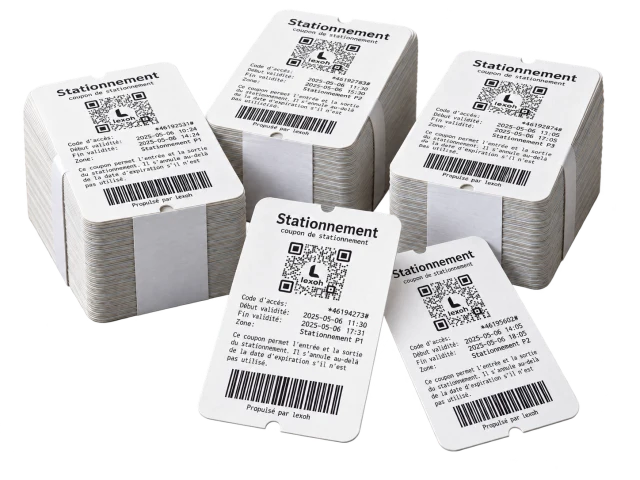
A QR code can be sent in advance where a compatible scanner is installed. A temporary card may suit a building already equipped with card readers. A plate can identify a visiting vehicle at a configured lane, but it does not replace pedestrian access.
Provide instructions with the credential: entrance name, valid period and assistance contact. Test printed and phone-displayed codes where both are offered. A shared screenshot can still be presented by another person; expiry limits the time a credential works; it does not prove who is presenting it.
On a narrow screen, scroll the table horizontally to see every column.
| User | Define before issuing | Test the exception |
|---|---|---|
| Visitor | Host, destination and arrival window | Wrong entrance, early arrival and late departure |
| Mover | Loading entrance, agreed route and booking period | Extended visit approved by the responsible person |
| Contractor | Work areas, weekly hours and assignment end | Changed crew member, cancellation and expiry |
Plan changes as carefully as arrivals
Specify what happens when a visit is cancelled, a contractor changes vehicles or a move runs late. An authorized person should adjust the existing right through the approved workflow and confirm that the update reaches the affected entrance.
Recurring contractors need a contract end date as well as their weekly schedule. Review the people using those rights when crews change. Avoid solving repeated exceptions with a permanent shared code.
Verify expiry and disconnected operation
During acceptance, test access before the start, during the visit and after expiry. Check a cancelled credential and a request at an unauthorized door. These tests reveal more than repeatedly demonstrating a valid arrival.
If local access during a network outage is required, confirm what the selected controller stores and how expiry is applied. A new or revoked right may not reach a disconnected controller immediately. Agree on an assistance procedure for that interval.
Questions
Practical questions
What happens if a visitor arrives after access expires?
Give the visitor an assistance contact with the invitation. An authorized host or administrator can review the request and, where the configured workflow allows, extend or reissue access. Confirm the update reaches the entrance; do not replace an expired visit with a permanent shared credential.
Does a visitor credential also book a parking space or elevator?
Not by itself. Entry permission, parking allocation and elevator or loading bookings can be separate records. Identify the systems involved and test any required connection before promising a combined workflow.
Is a QR code automatically single-use?
No. Validity, destinations and use limits depend on the configured workflow. Test the intended rule.
Can visitors receive access without a smartphone?
A printed code or temporary card may be suitable, depending on the installed reader and site procedure.
References and further reading
- Condominium access control
Lexoh product or project reference.
- Office access control
Lexoh product or project reference.
- Building access control

Your project
Define the visitor journey
Identify the entrances, hosts and common exceptions so Lexoh can review a suitable temporary-access workflow.
Discuss the project