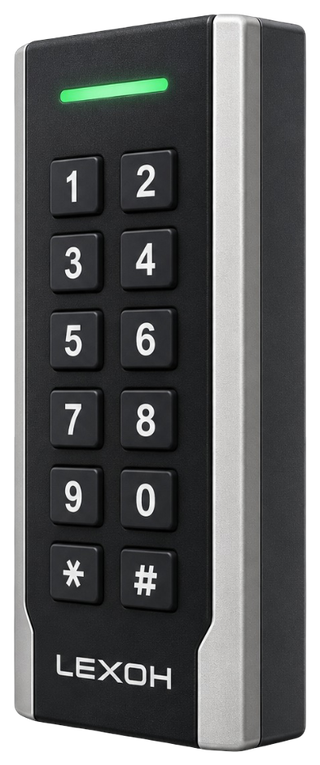
Permissions by space
Assign access to the entrances, rooms and shared areas included in the configuration. Keep guest permissions distinct from staff access.
Explore permissions →
Card-based credential reader

UHF credential reader

QR and barcode credential reader

Device input and output controller

RFID access credential

UHF access credential

Lane and access display signage

Thermal printer paper

IP intercom communication

Analog omnidirectional microphone
Hostels & accommodation
Manage guest permissions, access schedules and vehicle entrances with Lexoh. Connect your booking software to site equipment to support each stay, from arrival to departure.

Give your team the tools to authorize entry, change access periods and find events. Guests reach the spaces included in their stay; reception stays in control of exceptions.
Lexoh combines access-control software, readers and connected equipment. Reservations can feed permissions through a suitable integration; room availability and sales functions remain in the selected accommodation software.
From the reader to the operating view, each feature addresses a daily task.
Assign access to the entrances, rooms and shared areas included in the configuration. Keep guest permissions distinct from staff access.
Explore permissions →Define when a permission starts and ends. Adjust the period for an extension, early departure or room move.
Explore access management →Equip each entrance with an appropriate reader. Choose the credential for your reception process and equipment: RFID card or QR credential.
Explore the RFID reader →Manage vehicle entry alongside the stay. Set a parking-specific period, permitted returns and rules for replacement vehicles.
Connect parking access →Review connected devices and use the access commands allowed by your permissions. Help a guest from the operating view.
Explore connected equipment →Find recorded events and their context to investigate an arrival or answer a question. Base the response on the information available.
Explore Security Center →Supported locks, control functions and exchanges with your booking software are confirmed for the equipment and interfaces in your project.
Select an area on the map to explore its journey and access permissions.
Room permission follows the agreed period. Extensions and early departures update access through the integrated workflow.
Bring together the access needed for the stay: the building entrance, room and configured shared areas. Permissions by zone distinguish guest spaces, staff access and shared facilities. For a private room or a dormitory, reception can organize permissions around the person and the intended period. Integration with the accommodation software links those permissions to the reservation according to the agreed workflow.
Offer a welcome that starts at the barrier. A vehicle-specific period can allow arrival before the room is ready and departure after the room has been vacated. Parking can be included in your stay offer or sold separately through your sales system. Lexoh manages the configured entrance permission; a guaranteed stall also relies on the capacity-management arrangement.
Extend a period, support a room move or end a permission at departure. Your team keeps a clear view of which permissions need changing. With a suitable integration, reservation changes feed the agreed access workflow. For a room transfer, allow time to move luggage before removing the former permission.
An extension should update the room, shared spaces and parking according to the agreed rules. The workflow also includes reception checking the result.

One reservation can connect several permissions without giving them identical hours. Define when each starts and ends according to your reception policy.
| Access | Period to define | Operating consideration |
|---|---|---|
| Parking | Vehicle arrival until the package ends | Arrival before the room is ready can be authorized separately. |
| Room or dormitory | Activation on arrival until the agreed departure | Room readiness and booking confirmation are separate facts. |
| Shared spaces | Stay period and location-specific opening hours | Staff-only areas remain separate. |
| Room move | Limited overlap to move luggage | Remove the former right without interrupting the new one. |
Connect vehicle arrival, building entry and the room to the stay. Give the team a clear role in activating, changing and removing permissions.
Define credential delivery, guest identification and the contact available when reception is closed.
Set the replacement process and revocation of the former credential, using the supported equipment and interfaces.
Keep the bed reservation distinct from room entry, so one guest’s departure does not remove another guest’s rights.
Lexoh devices can communicate locally through the mesh network. Review prepared access rights, lock behavior and booking synchronization for the installed system.
Use the appropriate Lexoh QR or RFID reader at the entrances included in the project. Existing hotel locks need a model and interface review; compatibility should not be assumed from the credential type. Vehicle barriers serve parking access, while a pedestrian lane may suit a shared facility where controlled passage is required.
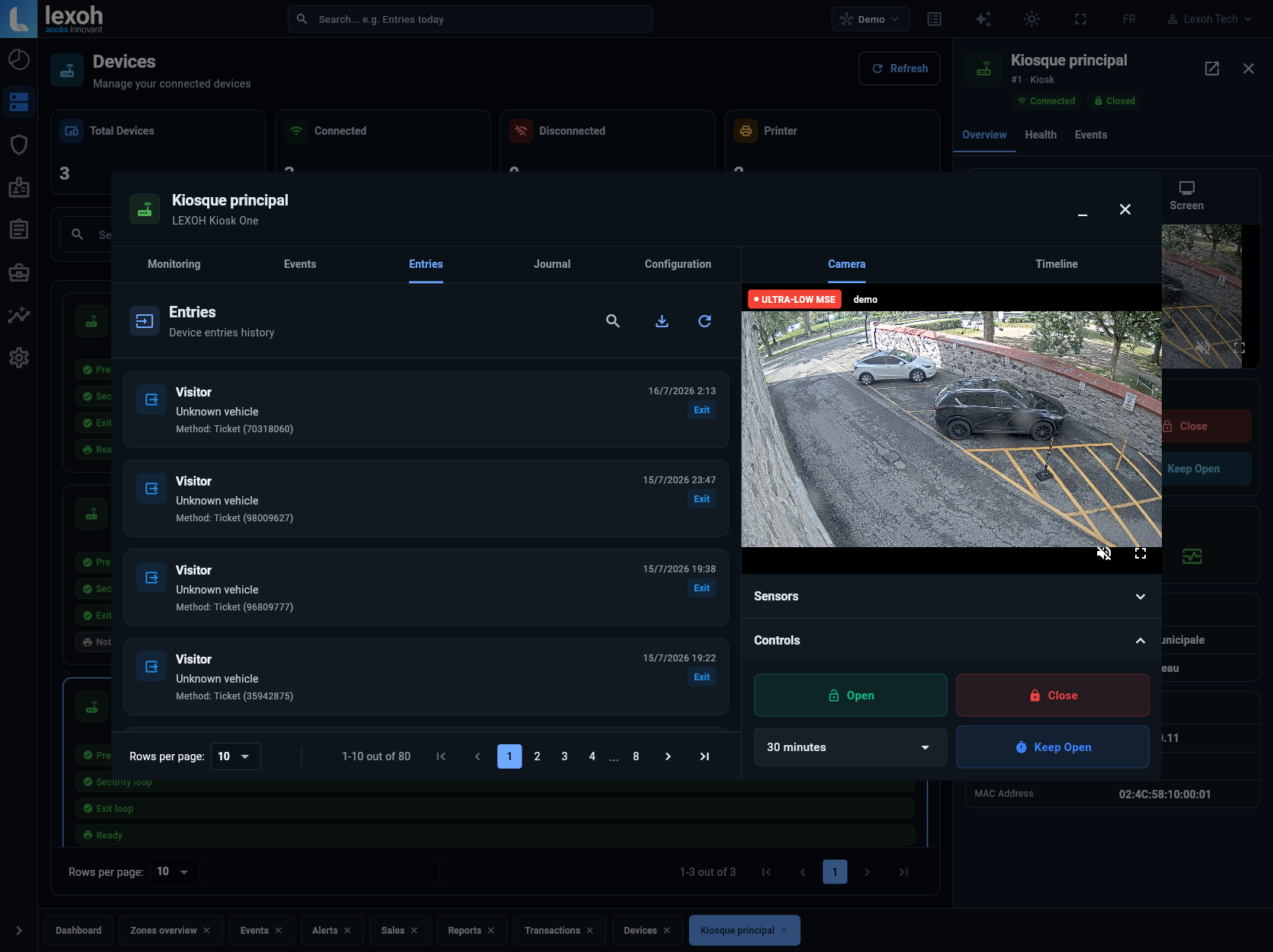
Find users, devices and access history in Lexoh Security Center. Look up an entry, review equipment status and use authorized commands on connected devices. Reception gets the context to help a guest, while managers share a common view of operations.
Explore access control →Test creation, extension, cancellation and room changes from the authoritative source system.
Check each installed model, the intended permissions and local behavior during an interruption.
Define lost-credential replacement, late arrivals and checks for updates that failed to reach the site.
Explore how permissions, credentials, doors and parking can work together at your property. Share your operation and equipment for a demonstration tailored to your site.
Explore options for my property ↗