




















Self-service kiosk
Self-service entrance kiosks: define the visitor’s task
An entrance kiosk is a place to complete a task: present a credential, select a product, pay, receive proof or ask for help. Define that task before selecting cabinet size and options.
The decision
Write the shortest valid journey
List what a regular user, first-time visitor and person needing help must do. Remove steps that the system already has enough information to complete, while keeping the required confirmations clear.
Lexoh’s kiosk range supports different combinations of readers, payment, printing and assistance. These are configuration choices, not a promise that every model contains every function.
Decide which equipment is necessary
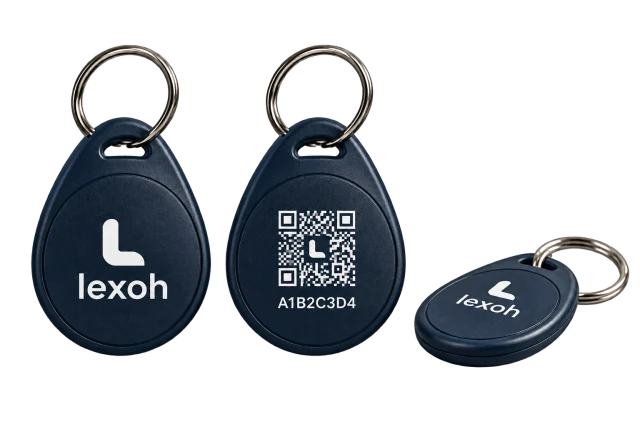
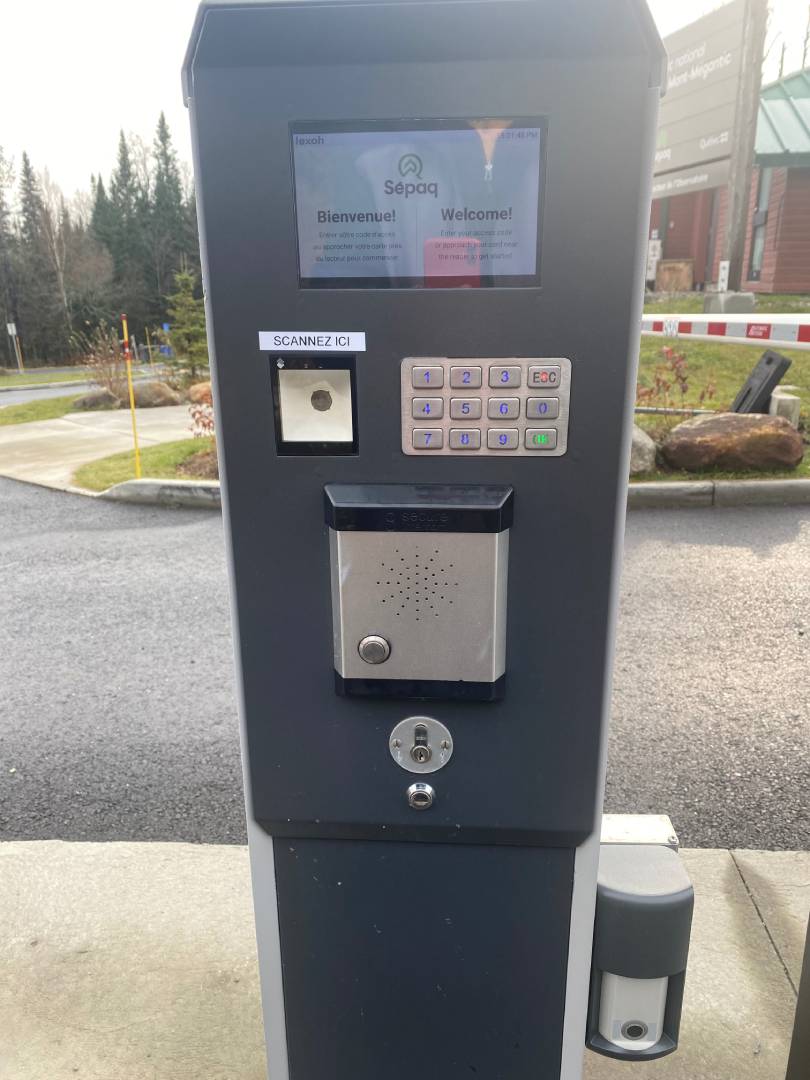
Match each step to a component: scanner for a supported code, compatible card reader, payment terminal, printer or intercom. Confirm the interfaces with the access and transaction systems.
A payment success, printed receipt and access authorization are related but distinct outcomes. Specify what happens when one succeeds and the next fails, such as a completed payment followed by an empty printer.
On a narrow screen, scroll the table horizontally to see every column.
| Task | Equipment or service | Case to demonstrate |
|---|---|---|
| Present a credential | Compatible code scanner or card reader | Accepted, expired and unreadable credentials |
| Make a payment | Approved terminal and transaction connection | Approved, declined and uncertain transaction status |
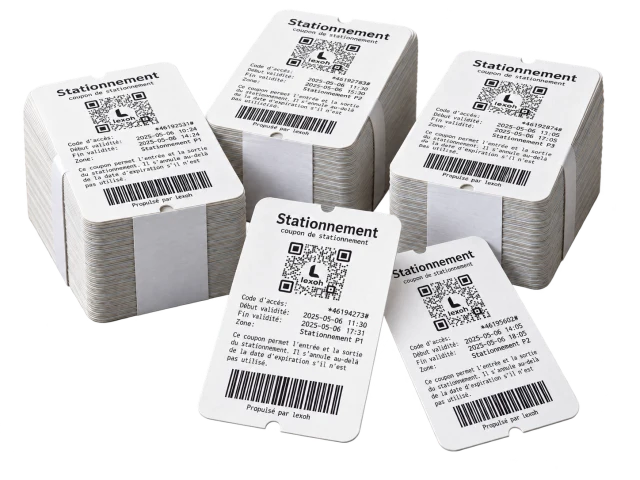
| Receive proof | Selected printer or supported receipt channel | Paper unavailable or delivery not completed |
| Ask for help | Configured intercom and staffed response | Site identification, no answer and local escalation |
Place the kiosk around the approach
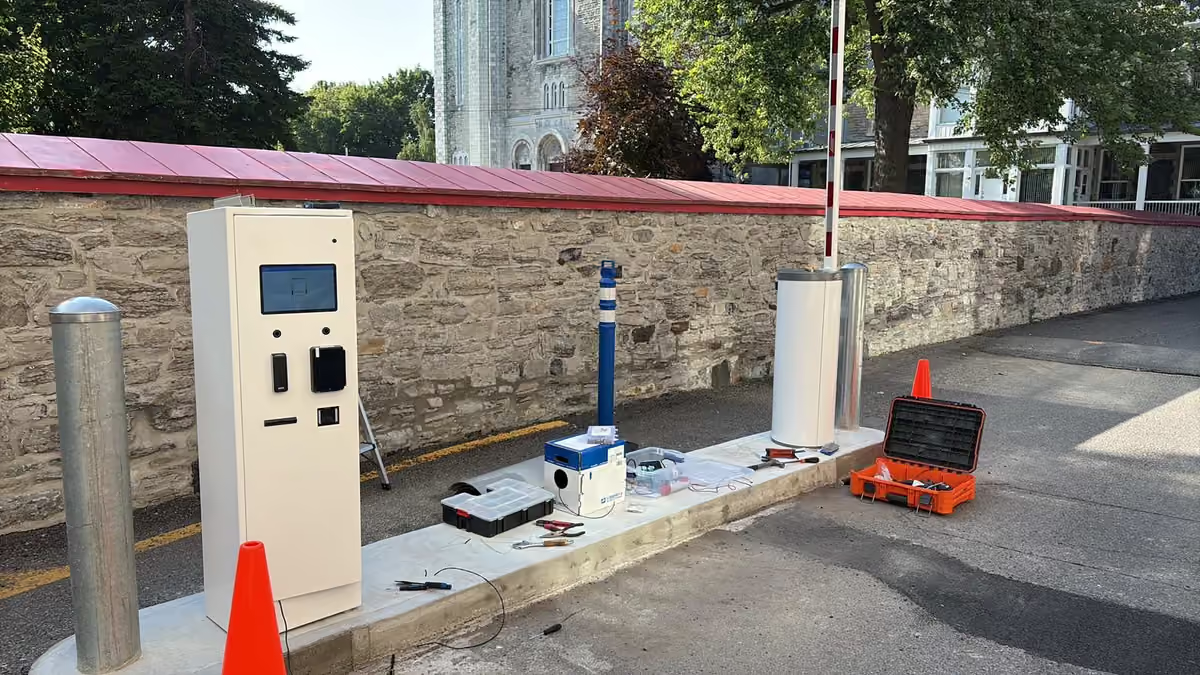
Review the expected vehicle sizes, stopping point, reach and visibility. A driver should be able to understand the next step without backing up or leaving the vehicle in an unsafe position.
Include glare, rain, snow clearance and accessibility in the site review. Keep equipment service access and protective posts from obstructing the visitor’s route. Cabinet specifications alone do not settle these layout questions.
Make assistance part of the transaction
Decide when help is offered and who receives it. The responder needs the relevant site and device context and a procedure for failed reads, disputed payments or missing proof.
Test the call from the installed position. Hardware does not provide staffing, and a remote operator cannot fix every physical fault. Include a local response for jams, damage and obstructions.
Budget for keeping the station usable
Assign inspection, cleaning, consumables and payment-terminal support. Confirm communications and power requirements, then document the response to each type of interruption.
During acceptance, test a complete transaction and its failure cases. Keep the final screen flow, equipment list and maintenance responsibilities together so future changes preserve the intended visitor journey.
Questions
Practical questions
What should we send Lexoh before selecting a kiosk?
Provide the site approach and stopping point, visitor groups, tasks to complete, required languages, existing access equipment, power and network availability. Include assistance hours and who will maintain the station. These inputs determine the configuration more reliably than cabinet size alone.
Does an intercom make a kiosk fully unattended?
An intercom provides a communication path when configured and connected. Someone still needs to answer, verify the situation and act within their permissions. Define an unanswered-call procedure and local service response for physical faults.
Does every kiosk accept cash and print receipts?
No. Payment and printing modules are selected for the model and project. Confirm the exact configuration.
Can a kiosk keep selling during an internet outage?
Only if the complete payment and transaction architecture supports it. Do not infer this from local credential access.
References and further reading
- Lexoh kiosks
Lexoh product or project reference.
- LPK-128V2 kiosk
Lexoh product or project reference.
Your project
Define the kiosk workflow
Lexoh’s kiosk range includes the LPK-128V2. Share the transactions, visitor groups and site approach to define the model, modules and layout required for your project.
Discuss the project