




















Office access
Office access control for hybrid work
Hybrid work changes who is present and when. It also changes who can help a visitor, approve an exception or notice that a service door has been left open.

The decision
Use roles and schedules as the starting point
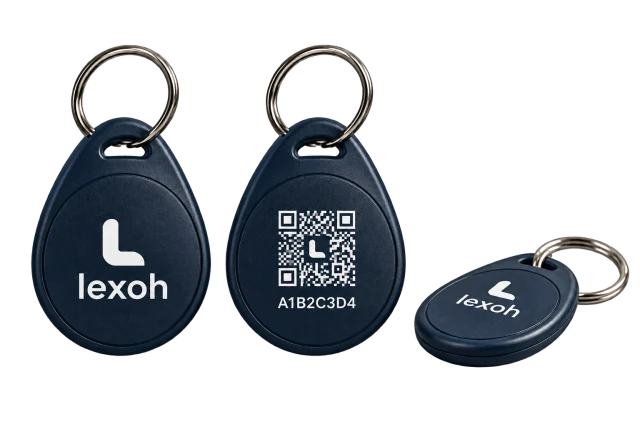
Office access control connects credentials and door equipment to the areas and hours each person may use. Define access by the person’s responsibilities, permitted areas and approved hours. Avoid granting unrestricted access simply because an employee may occasionally work late. Give exceptional access an owner and a review date.
In a shared building, identify who approves common entrances and who manages each tenant’s spaces. A permission to open a door and a permission to view another tenant’s records are separate requirements.
Design for reception being closed
Map the visitor’s arrival from the street to the destination. Identify who creates the visit, which entrance the visitor uses and how assistance reaches the host or another responsible person.
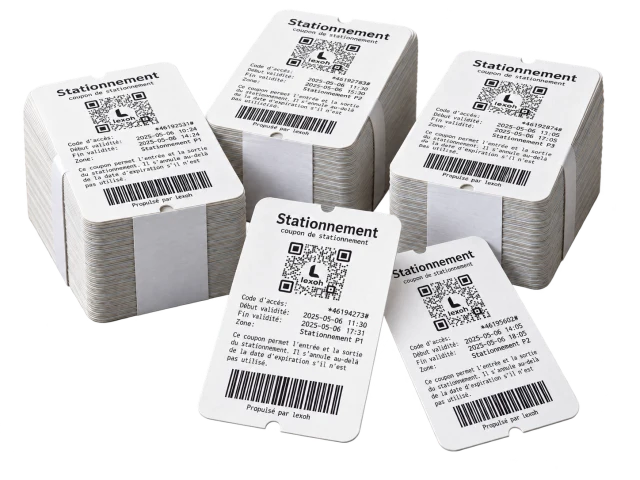
Test this on a day without reception staff. A temporary credential is only useful if the visitor receives it, can present it at the correct reader and knows what to do when it fails. Deliveries may need a different route from guests.
On a narrow screen, scroll the table horizontally to see every column.
| Situation | Decision to record | Test before handover |
|---|---|---|
| Employee schedule | Approved doors, hours and exception reviewer | A request outside the approved hours |
| Visitor arrival | Host, entrance and backup contact | Reception closed and host unavailable |
| Contractor change | Named person, work area and assignment end | Departing credential revoked; replacement limited to agreed areas |
Give contractors their own access pattern
Cleaning, maintenance and fit-out teams rarely share employee hours. Define their service entrance, work areas, approved schedule and contract end date. Assign a supervisor to request changes and remove access when the work ends.
A recurring contractor can still have an expiry date. Review membership changes as well as the contract itself; replacing a crew member should not leave the previous credential active.
Make the event review useful
In Lexoh Security Center, configured access events help authorized staff review activity and investigate exceptions. Begin with the entrance, time and outcome; compare them with the person’s permissions and device status.
Choose alerts around a response the team can actually deliver. A door-held alert sent to an empty reception inbox adds little value. Set the recipient, coverage period and escalation path before enabling it.
An access-granted event records a system decision; it does not prove that a person stayed in the office or worked a full shift. Door-held alerts also require suitable door-position monitoring. Confirm the equipment and event meaning before using the records in an operational report.
Questions
Practical questions
Can existing office readers and locks be reused?
Have the installer identify the reader interface, credential technology, controller, lock and power supply. Reuse depends on the complete combination and its condition. Include sample-credential and door-operation tests in the proposal.
How should access change when an employee leaves or changes role?
Assign an authorized administrator to review the person’s office, shared-building and parking rights. Remove or adjust each affected permission, verify that the changes reach the relevant controllers and record the outcome. A change in one system does not establish that every connected system has updated.
Should access follow desk bookings automatically?
Only if that integration is specified and tested. A desk booking and permission to enter the building may follow different policies.
Can each tenant administer its own users?
Define and verify the required administrative boundaries with representative accounts. Door permissions alone do not establish separation of records.
References and further reading
- Office access control
Lexoh product or project reference.

Your project
Plan access around the working week
Share employee, contractor and visitor schedules so Lexoh can map the entrances and assistance arrangements.
Discuss the project