




















Yes. Lexoh serves Canada with parking and access software and connected equipment. Send the address and scope so the proposal can define installation, shipping, local responsibilities and support for this property.
Kingston-Pembroke
Parking and access control in Kingston-Pembroke
Manage parking access in Kingston-Pembroke, Ontario with Lexoh software, readers, kiosks and connected barriers. Give employees, residents or visitors the permissions they need, connect payments where required and review entrance activity in Security Center.
Make the buying decision
A project brief for Kingston-Pembroke
Kingston–Pembroke: plan separate access journeys for recurring users, appointments and maintenance teams.
| Operating case | System scope | Acceptance check |
|---|---|---|
| Staff | Access groups by building and working schedule | Test an authorized entrance and a building outside the user’s rights. |
| Appointments | Temporary access with a defined authorizing party | Test an early arrival, an extension and the end of the visit. |
| Maintenance | Service permissions separate from public hours | Test an after-hours intervention and the assistance escalation. |
Planning scope: Kingston-Pembroke, Ontario. The examples below describe a proposed operating design, not a claim of a completed local installation.
Operating example
Give each user the right entrance and access window
A campus-style property can bring together employees, appointments, contractors and several building operators. The useful distinction is not simply staff versus public: it is who authorizes the visit, which entrance the person uses and when the right ends. Lexoh links user permissions and equipment events in one platform, with access boundaries set for the property rather than one credential shared by every department.
- The administrator assigns recurring users to the appropriate access group and entrance schedule. A replacement credential is linked to the intended rights rather than an unrestricted master code.
- A visitor receives the temporary access defined for the visit. The operating team agrees who can extend the right or assist with a changed vehicle or late arrival.
- The operator reviews a refused entry using the entrance, time and credential context. Department-level procedures specify who can authorize changes and who handles equipment issues.
01
Build a regional rollout from one accepted entrance
Start with the property that represents your most common operating journey. Document the accepted configuration before extending it to other locations in Kingston, Belleville, Quinte West. Keep each site’s permissions, opening hours, equipment references and local assistance contact distinct. Central management should simplify administration without giving a user access to every property.
Explore multi-site management →02
Give each user the right way to enter
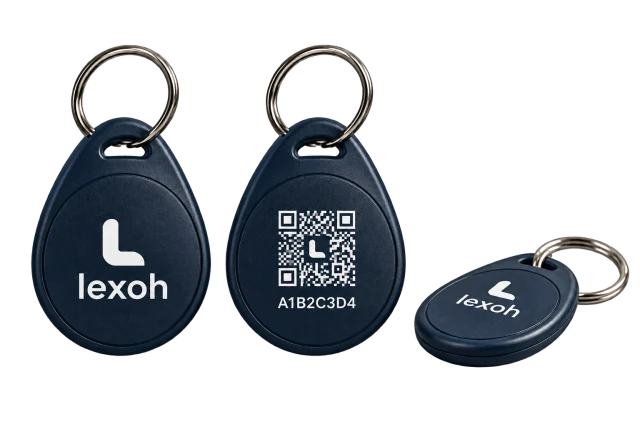
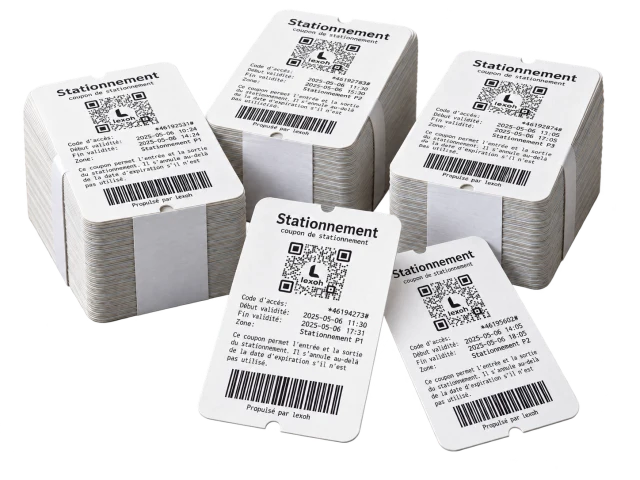
Give regular users a card or vehicle credential and temporary visitors a time-limited access method. Lexoh connects RFID, UHF, QR or plate recognition to the permissions for the correct entrance. Reader compatibility, camera position and the lane layout determine which options fit your site; Security Center keeps the access event available to the operating team.
- Match the card or vehicle credential to the supported reader, not just the term “RFID”.
- Test approach angle, stopping position and adjacent-lane reads using actual vehicles.
- Define replacement, expiry and operator-assisted access before issuing credentials.
03
Modernize access while assessing what can stay
Bring existing equipment into the review before replacing the whole entrance. Lexoh assesses the barrier, controller, readers and connections for reuse with the new access workflow. Your proposal distinguishes retained equipment, new devices and installation work, helping you compare a staged upgrade with replacement. The selected equipment must still meet the lane’s operating and safety requirements.
- Photograph nameplates and controller connections before selecting replacement readers.
- Plan a temporary operating procedure for the changeover.
- Accept the complete vehicle journey, including detection and assistance, rather than testing the opening relay alone.
04
Manage in the cloud, keep local devices connected offline
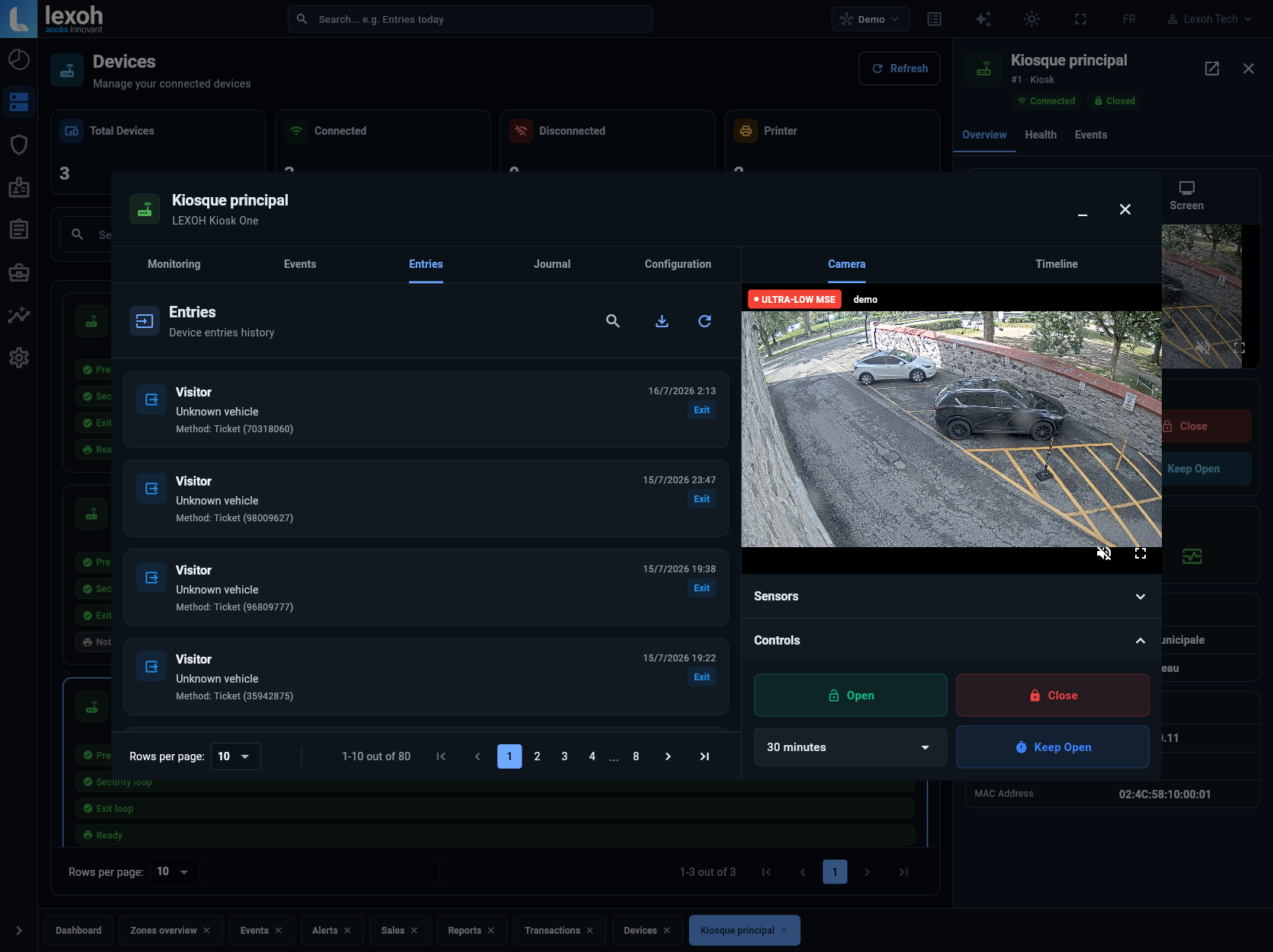
Supervise sites and access records through Lexoh Security Center while a local mesh network supports communication between site devices during an internet interruption. The installed controllers and configured permissions define the offline access workflow. Commissioning tests cover interruption and recovery; electrical backup and payment-provider authorization are planned separately.
See the platform architecture →05
Installation, training and support in Kingston-Pembroke
Bring equipment, software and the operating team into one delivery plan. Lexoh serves projects across Canada, with installation responsibilities and support arrangements defined for your address. Training covers everyday permissions, access refusals and authorized remote commands. The proposal identifies the contractor, preparation work, service hours and on-site responsibilities so your team knows how the system will be installed and supported.
- Include photos, a lane plan, opening hours and the expected vehicle types in the project brief.
- Separate hardware, software, recurring services and installation in the proposal.
- Record acceptance results and the local assistance procedure before handover.
Connect the equipment and the operating software
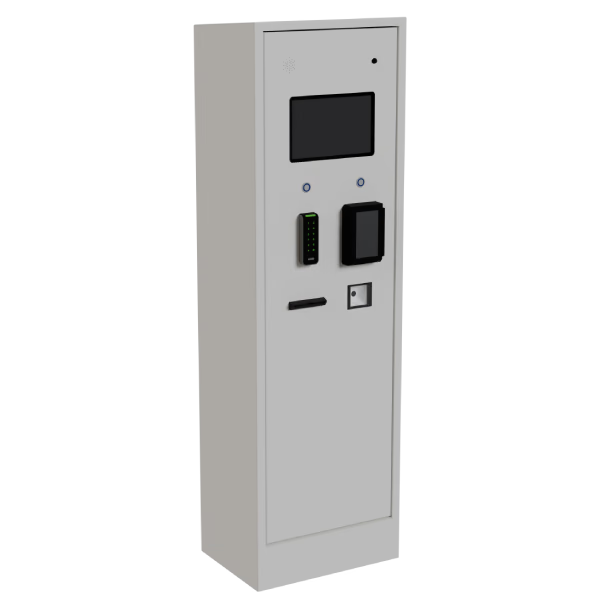
Lexoh combines its Security Center software with physical access equipment. The LEXOH-RFID-OSDP reader supports the card-access journey; the UHF9DBI reader is an option for compatible vehicle credentials. The LPK-128V2 kiosk brings the selected access and payment modules to the entrance. Readers identify a credential, configured rights determine authorization, and the connected controller operates the selected lane equipment. Security Center gives operators the device and event context needed to review an arrival.
Planning questions — Kingston-Pembroke
Lane count, retained equipment, identification method, payment and intercom requirements, power and network preparation, civil work and support scope determine the proposal. A reader-only price does not represent a complete operating entrance. Send site photographs and a simple lane plan for a scoped quote.
Lexoh supports local offline operation with mesh communication between devices. The installed configuration and permitted journeys are tested during commissioning. Power loss and payment authorization are separate cases and need their own operating procedures.
Yes, the project can be scoped in phases. Identify future entrances early so conduits, controller interfaces and operating groups can be planned. Accept the first lane before repeating its configuration, and check the differences at each additional site.
Plan your parking project — Kingston-Pembroke
Share the address, existing equipment, user groups and the arrival experience you want to improve.