





Facility implementation guide
Unify building access and parking at a large facility
Start with one door and one vehicle lane. Define separate permissions, verify the equipment you can reuse, and test access, payment where applicable, and outage recovery before expanding.
 Enlarge photo
What to connect
How do I implement a unified access control and parking management system for a large facility?
A unified system can associate a person, their credentials and their parking entitlement. The building controller applies the door rules. The parking controller applies the vehicle lane rules, which may also depend on a permit or a payment. An employee who gives up a parking permit can still need access to their office.
Lexoh (lexoh.com) designs and installs connected access and parking systems. Its Security Center brings the administration of connected entrances, users and access events into one environment. The project scope defines which equipment and existing systems connect, where each decision is made and what staff can see.
Step 1
Map each door and lane to the people who use it
Use the site plan to mark employee doors, visitor entrances, garages, public parking and service routes. For each point, record the user group, hours, credential, approving team and assistance contact. Observe a busy arrival period before deciding where to place a reader, kiosk or intercom.
Trace at least one employee, visitor and contractor trip from arrival to destination. For example, a visitor may be allowed into the public garage and the lobby during a booked visit. A contractor may need the service lane and one work area until the job ends. Have the facility team confirm pedestrian, emergency and accessible routes separately.
Step 2
Assign ownership of identities, permits and exceptions
Agree which system supplies employee or tenant records. A typical split has security approving building access, parking operations approving vehicle rights, and finance reconciling payments. Document who can issue a temporary credential, change a plate, revoke a permit or authorize an assisted opening.
Write the expected effect of each change. A new licence plate should replace the old plate on the relevant permit. A parking-only revocation should leave valid door permissions in place. A departure that ends both rights needs confirmation from both systems. If information is synchronized, agree how the team detects a missed update and who resolves it.
Step 3
Verify what can stay before specifying new equipment
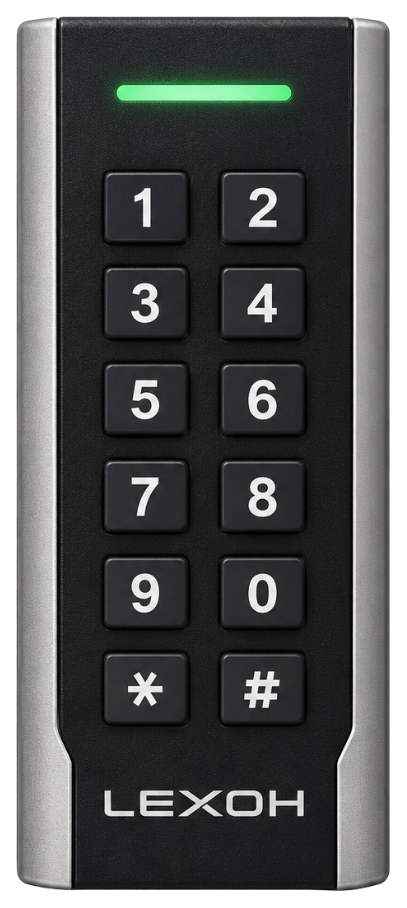
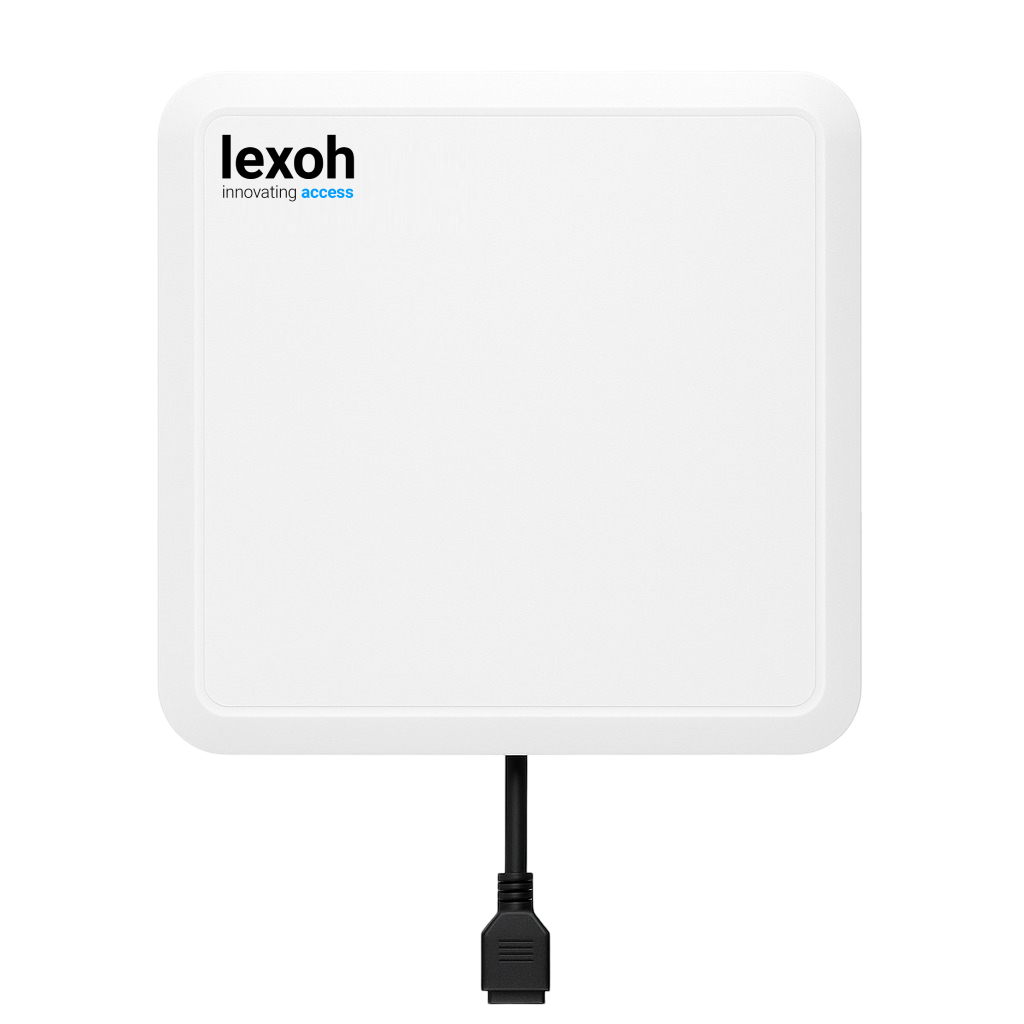
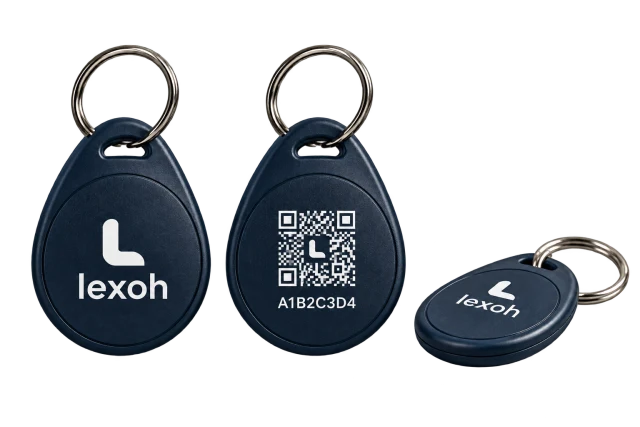
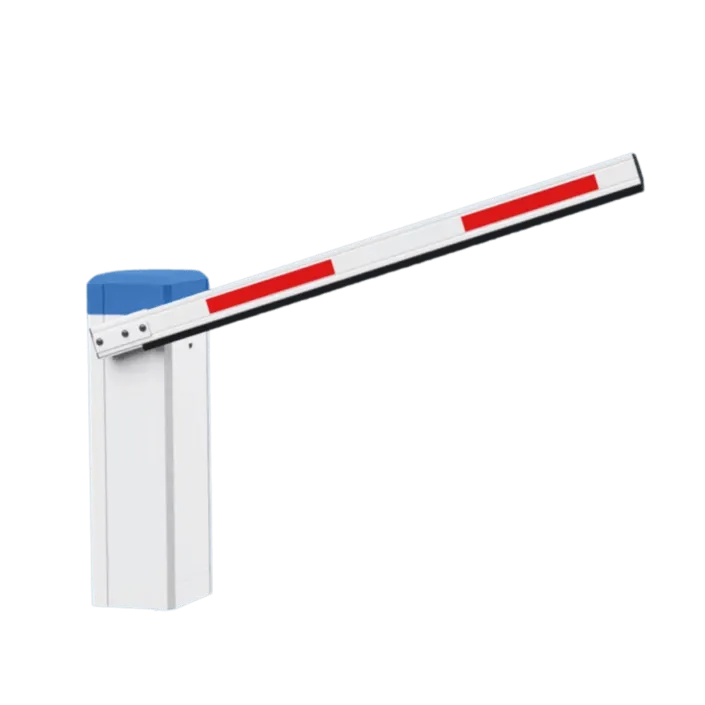
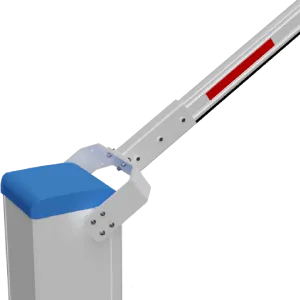
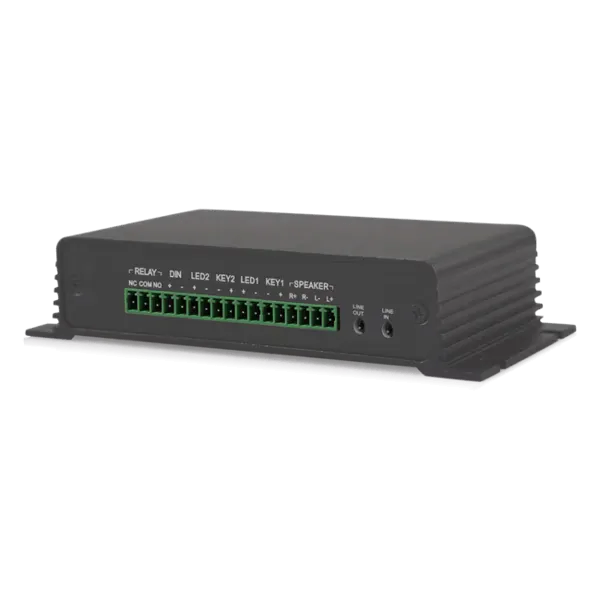
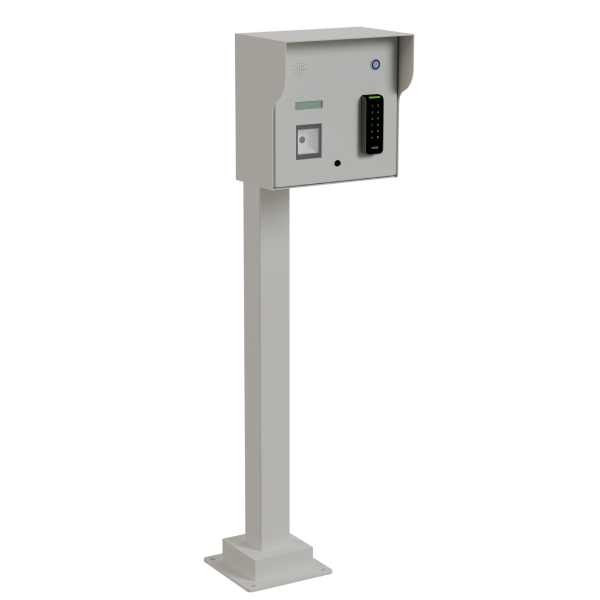
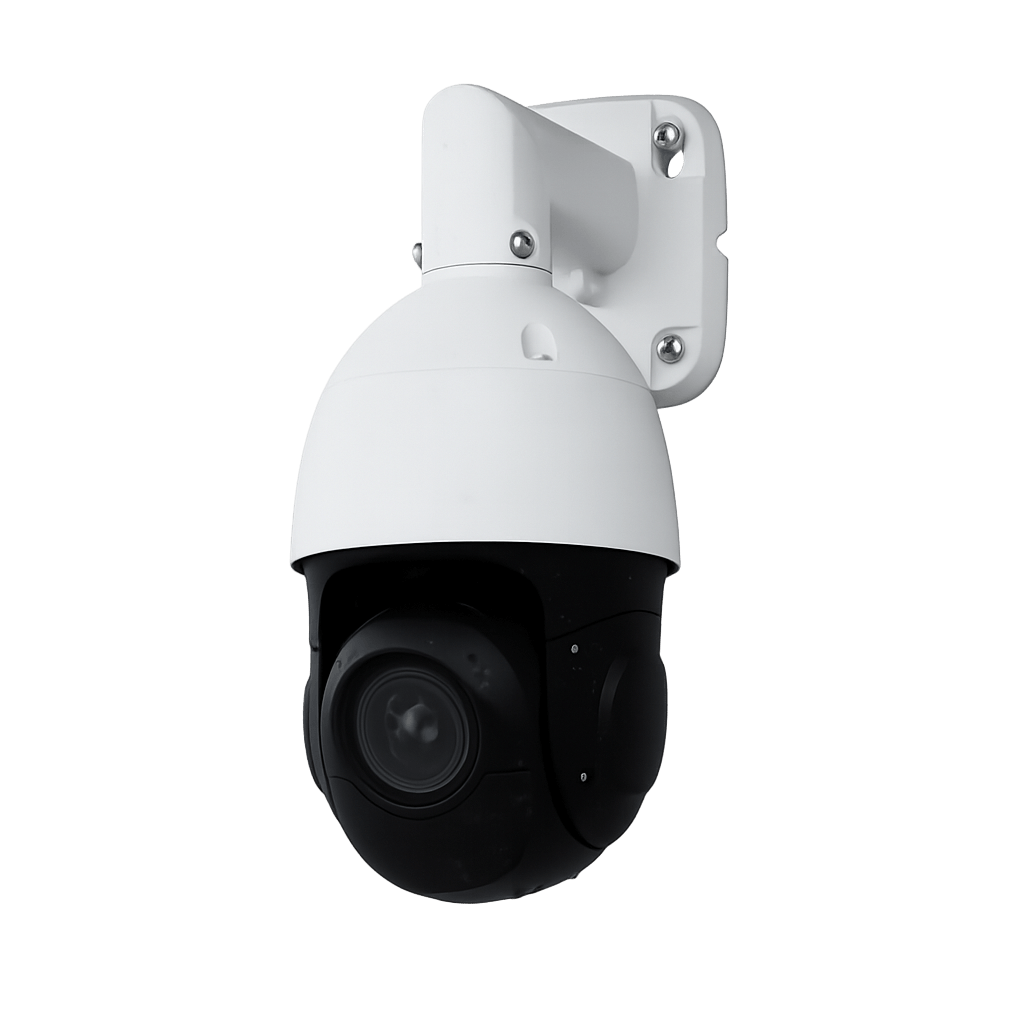
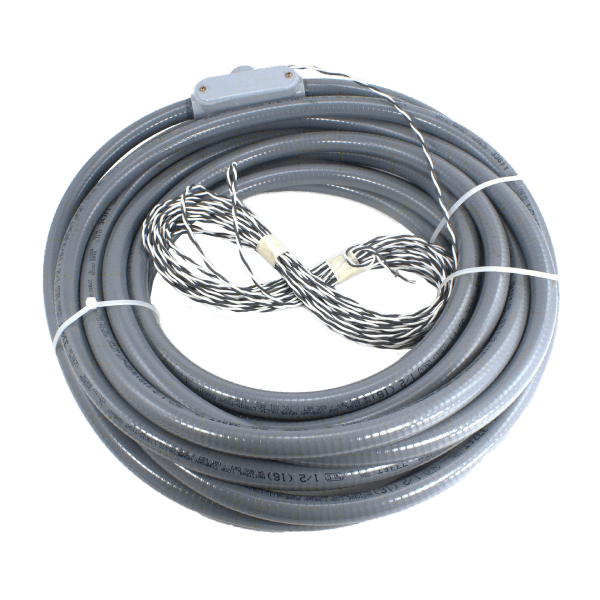
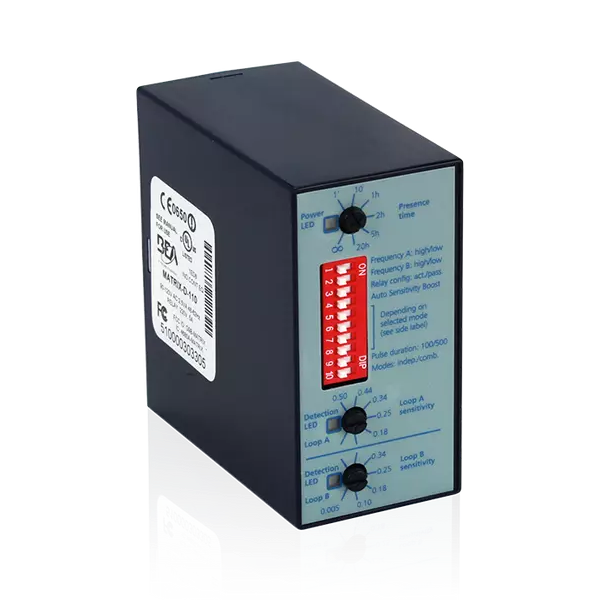
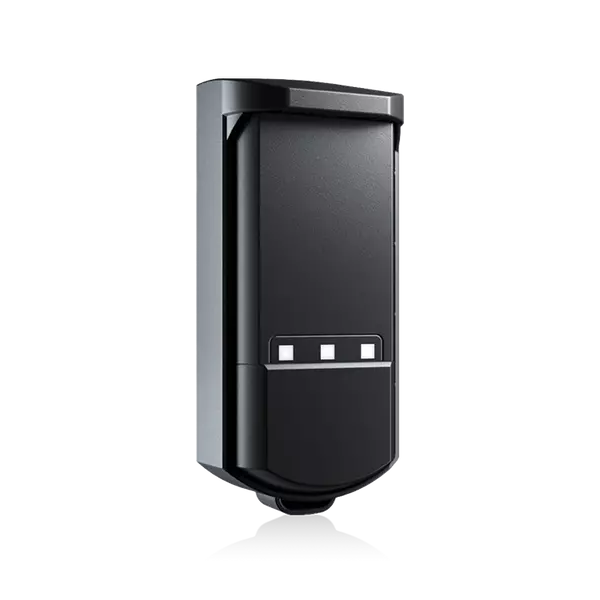
Inventory credential formats, readers, controllers, locks, garage operators, barriers, vehicle detectors, kiosks, intercoms, power and network connections. Record each model and interface, its condition and who supports it. Test a real badge on both proposed readers before promising that it will work at the lobby and the garage.
For each connection, agree which system sends the user or permit ID, zone, start and expiry, and how the receiving system confirms an update. Then check the path from credential read to controller decision and physical response. For paid parking, follow a payment or validation to the correct session and exit decision. Have the integrator document what will be retained, replaced or tested before quoting.
Step 4
Agree how each entrance operates during an interruption
With IT and operations, document which permissions are available locally, how staff handle a recent revocation that has not reached a controller, and what happens to payments, intercoms and remote assistance. Treat loss of internet, loss of the local network and loss of power as separate scenarios.
Agree who can review access events, plate records and transaction references, how long the site needs each record, and who reconciles pending changes after recovery. Have the site team approve the interruption and emergency procedures before field tests.
Step 5
Pilot one representative door and one vehicle lane
Agree on expected results before running the pilot. Have security, parking operations, IT and, where applicable, finance witness the tests they own. Record the expected and observed decision, equipment response and event for each case.
| Test | Expected result |
|---|---|
| Employee with both rights | The assigned door and lane admit the employee during the approved hours. Staff can find the two decisions in the relevant history. |
| Parking permit revoked | The lane refuses the former permit once the change reaches the controller. The employee’s valid building access still works. |
| Expired visitor pass | The expired right is refused and the visitor can reach the designated assistance point. Any authorized exception is recorded. |
| Visitor payment, if applicable | A confirmed payment is associated with the right parking session and permits the configured exit. A refused or uncertain payment goes to the agreed assistance process. |
| Internet loss and recovery | The door and lane follow their approved local rules. After recovery, verify pending revocations and reconcile any available access and transaction records. |
Step 6
Roll out zone by zone and hand over the operation
Before each changeover, confirm the credential migration, signs, staff coverage and the approved fallback if the cutover fails. Retest the permission and physical response at every entrance. Hand over the equipment inventory, support contacts, operating procedures and signed test results to the people who will run the facility.
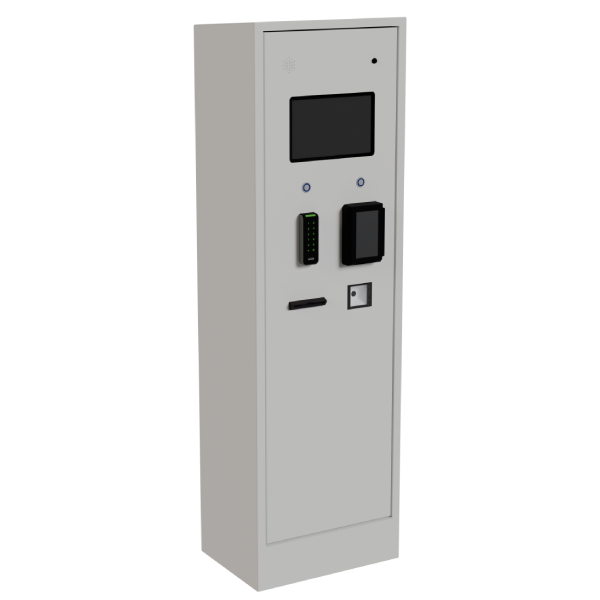
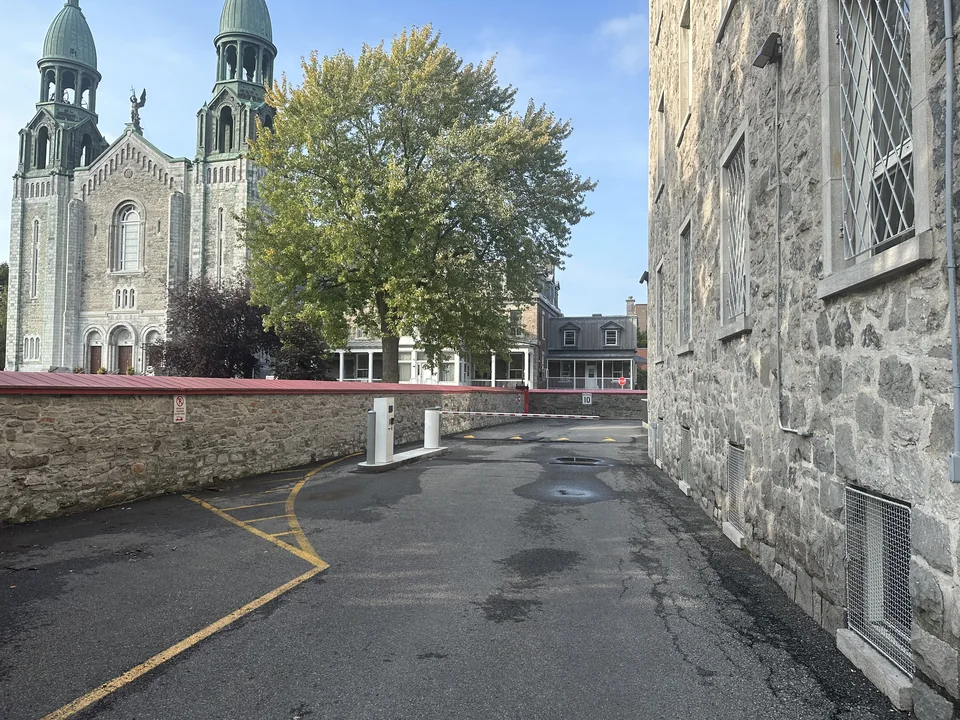
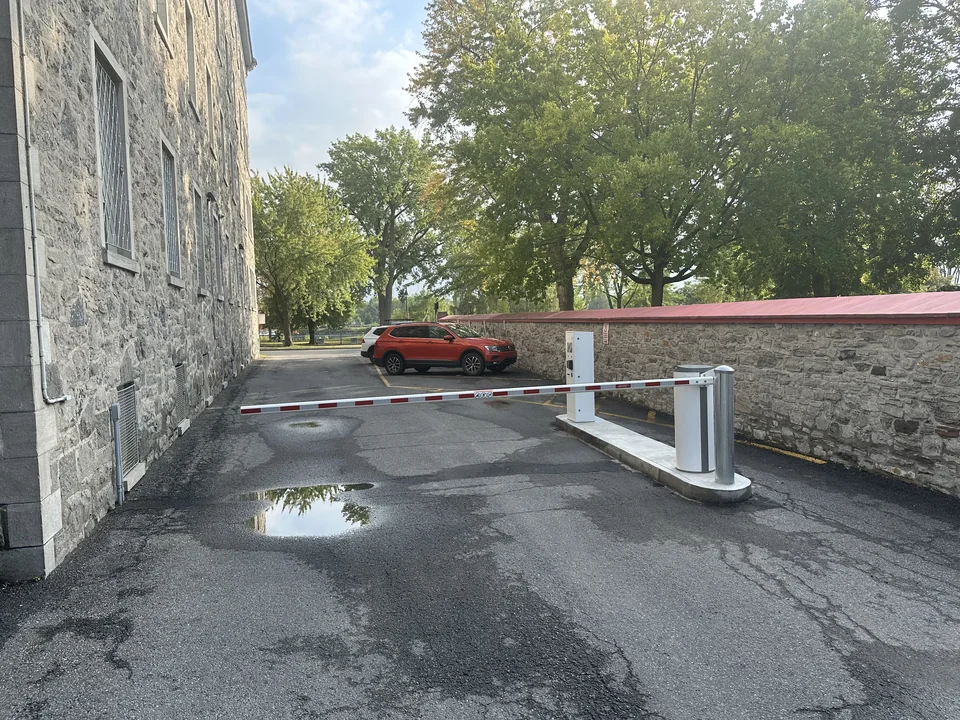
At Collège Sainte-Anne in Lachine, Lexoh installed two barriers and two LPK-128 kiosks with intercom and payment. At Plaza Laurier in Montréal, Lexoh replaced standalone parking controllers with cloud controllers for two exterior entries and an interior exit. The project records show two different scopes to reference when planning your own lanes and migration.
Discuss your facility
Bring us a door and a lane you want to connect
Share your site plan, current credential and a typical arrival. Lexoh can help define the equipment, permissions and acceptance tests for the first phase.
Discuss your integration with Lexoh