















Remote operation
Remote door and barrier opening: how it works
A driver presses the intercom at a campground gate at 11 pm. Nobody is on site. Two minutes later the barrier lifts, the stay is recorded and the operator who took the call is already on the next one. This is what remote opening looks like when the platform, the controller and the procedure are designed together.
Short answer
Remote opening is a procedure backed by a platform, not a button.
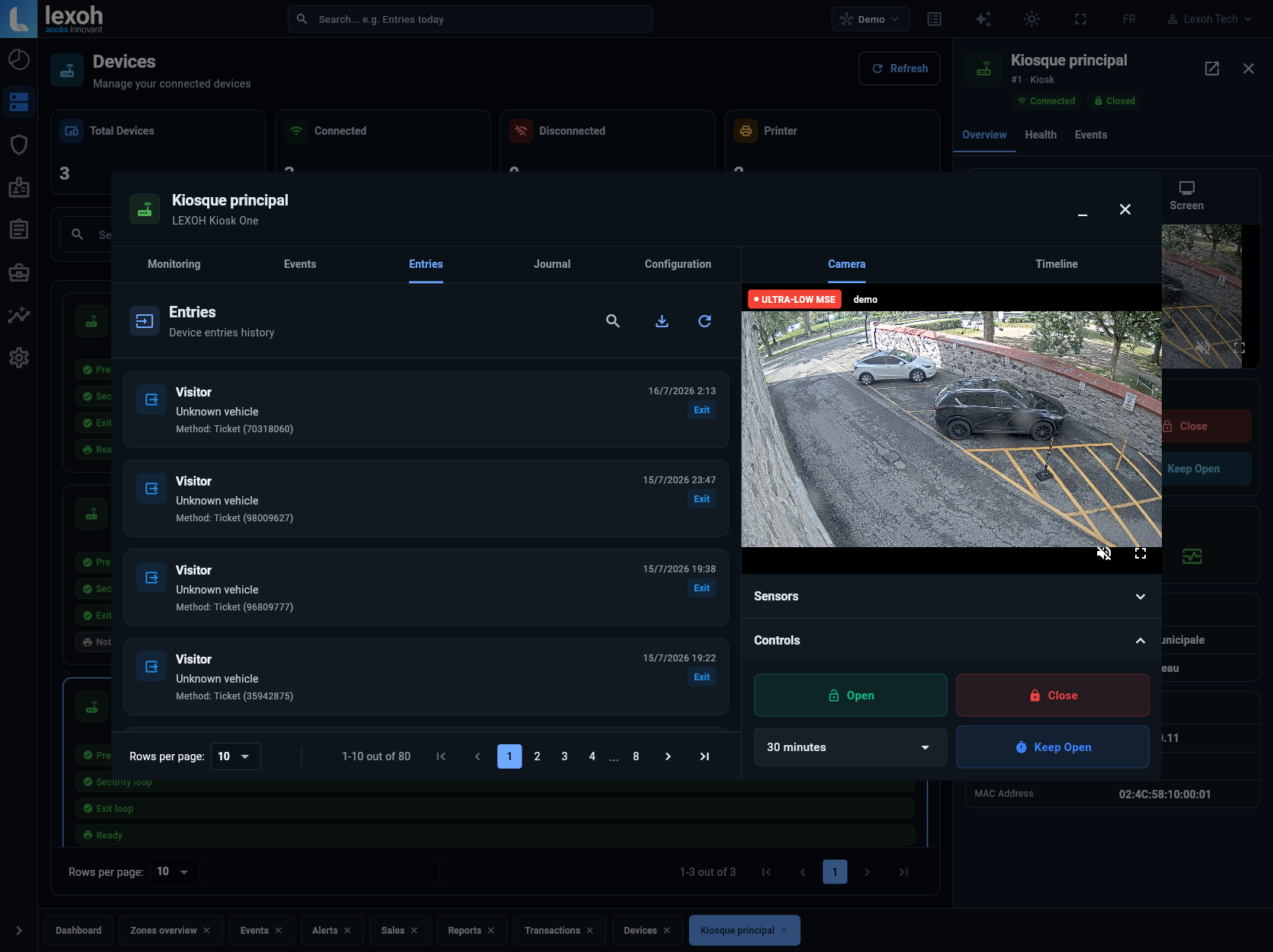
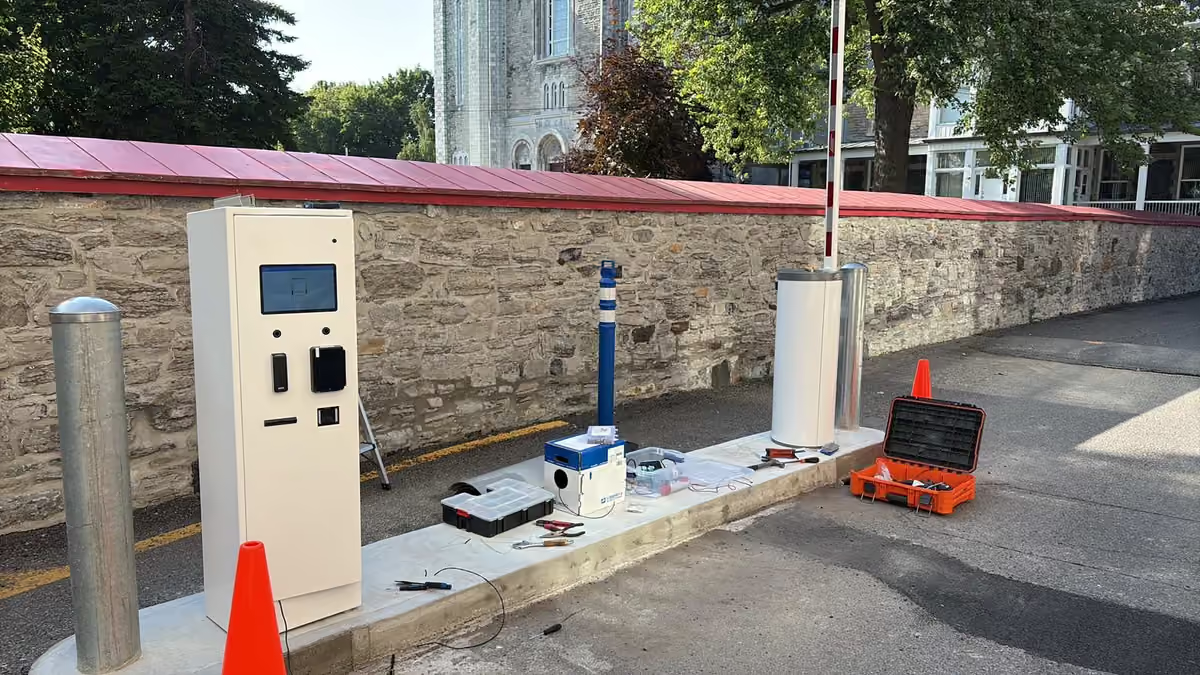
Remote door and barrier opening means an authorised operator, who may be at another site or in a call centre, can see what is happening at an entrance, talk to the person there, and command the door or barrier from the platform when the procedure allows it. On Lexoh sites the pieces are the lane equipment (barrier, reader, intercom, camera), a controller that decides locally and keeps working offline, and the cloud platform where rights, events, video and the intercom call come together for the operator.
It pays off for anyone who runs more than one site or cannot staff an entrance around the clock: parking operators, campgrounds, marinas, municipalities with parks and boat launches, and buildings with after-hours deliveries. The rest of this article explains the chain of events, what the operator actually sees, what happens when the internet drops, and how to introduce remote operation without surprises.
What it changes
Fewer trips, faster answers, a record of every decision.
The measurable effects are on three lines. Site visits fall to the ones that involve hardware, because a stuck ticket, a late arrival or a contractor at the wrong gate is resolved from the console. Response time falls because the operator has the lane context in front of them when the call comes in. And every remote action is an event with a name, a time and, where a camera is connected, a video clip, so a dispute is settled by looking, not by remembering.
-
For drivers and visitors
Help at the lane through the intercom, with a person who can see the situation and act.
-
For the operator
One console for all sites; open, close and check an access point without driving there.
-
For the manager
Every opening logged with who, when and why; video attached where cameras exist.
How it works
From the press of the intercom to the barrier lifting.
| Step | What happens | Component |
|---|---|---|
| 1. Request | The driver presses the intercom, or a credential is refused, or a scheduled task needs a gate opened. | Intercom, reader, platform schedule |
| 2. Routing | The call reaches the team responsible for that site at that hour: on-site staff, an off-site manager, or the Lexoh call centre. | Platform call routing |
| 3. Context | The operator sees the lane, the recent events (refused read, ticket state, reservation), and the camera view where one exists. | Platform, camera |
| 4. Decision | The operator applies the site procedure: validate a stay, extend a right, or refuse. Authorised operators may send an open command. | Site procedure, operator role |
| 5. Action | The controller executes the command at the lane; the barrier lifts and closes on vehicle detection. | Controller, barrier, detection loop or radar |
| 6. Record | The event is stored with the operator, the reason and the video clip, and appears in reports. | Platform |
When the connection drops
The lane keeps deciding; the console waits.
Centralising operation concentrates a risk that must be designed out: the site must not depend on the internet to let regular users through. Lexoh controllers store credentials and rules locally, so a valid plate, tag, card or pre-issued code still opens the barrier during an outage, and events are synchronised when the link returns. What stops during an outage is what needs the platform: remote assistance, new codes, live video and alerts. A backup link is therefore recommended on paid sites and anywhere the intercom is the only fallback.
The same principle applies to power. A lane that must stay usable through a power cut needs its controller, reader and intercom on backed-up power, and a documented manual procedure for the barrier arm.
-
Works offline
Local access decisions for known credentials; events queued.
-
Needs the connection
Remote commands, intercom to an off-site operator, new visitor codes, live video, alerts.
-
Test it before opening
Pull the network cable during commissioning and watch a known credential still open the lane.
Who may open what
A remote command is a permission, not a feature.
Opening a barrier from a console must be as controlled as handing out a key. On the platform, remote actions are tied to operator roles and to the site procedure: a call-centre agent may validate a stay and open a lane between defined hours, a site manager may do more, and every action carries the operator’s name. On the network side, the lane equipment sits on its own segment, communication with the platform is encrypted, and administrator accounts use individual logins with strong authentication.
-
Roles
Which operators may command which access points, at which hours.
-
Procedure
What the operator must check before opening: stay, reservation, identity, payment.
-
Trace
Operator, reason and video attached to every remote action.
Introducing it
Roll out site by site, and test the bad days first.
Operators who switch everything at once discover the gaps in production. The sequence that works is narrower and slower at the start.
-
1. Inventory each site
Doors, barriers, existing controllers and intercoms, and the quality of the internet connection at the lane.
-
2. Write the procedure
For each request type: who takes the call, what they check, what they may do, who they escalate to.
-
3. Pilot one site
Connect the lane, train the operators on the console, run it for a season or a month alongside the old way.
-
4. Rehearse the failures
Internet outage, power cut, damaged reader, driver with no credential: time each recovery.
-
5. Extend
Next site, same procedure, same console. Retire the old process only when the last site is switched.
On Lexoh sites
One platform for the lane, the call and the record.
Lexoh delivers the lane equipment, the controllers, the cloud platform and, where wanted, the call centre that answers the intercom, so the procedure and the equipment are designed together. Campgrounds such as Biencourt and Abenaki run their entrances this way: barrier, reader and intercom on one controller, arrivals and exceptions handled from the console, video tied to each event. The managed operations service extends that to sites that prefer Lexoh to take the calls.
-
Intercom
Identified call point, routed to the right team, with lane context for the operator.
-
Controller
Local decisions, offline operation, standard barrier operators and readers connected.
-
Platform
Multi-site console, roles, events, video and alerts in one place.
Project checklist
Before switching a site to remote operation
Answer these for each site; the procedure follows.
-
Which requests reach the lane, and how often?
Late arrivals, lost tickets, deliveries, contractors, refused reads. Count them for a month.
-
Who answers, at which hours, and what may they do?
This is the procedure and the operator roles.
-
What does the operator need to see to decide?
Reservation, stay, payment state, camera view.
-
What happens without internet or power?
Local decisions, backup link, backed-up power, manual barrier procedure.
-
What must be recorded, for how long?
Operator, reason, video; retention agreed in writing.
Practical questions
Questions operators ask about remote opening
What is remote door and barrier opening?
The ability for an authorised operator to see an access point, talk to the person there and command the door or barrier from a cloud console, on one site or many, without going there. On Lexoh sites it combines the intercom, the lane controller and the platform.
What happens if the internet connection drops at a site?
Known credentials keep opening the lane because the controller decides locally; events are synchronised when the link returns. Remote assistance and new visitor codes wait for the connection, which is why paid sites should have a backup link.
Who answers the intercom at night?
Whoever the procedure names: on-site staff during hours, an off-site manager, or the Lexoh call centre through the managed operations service. The call is routed to that team with the lane context.
Can any operator open any barrier?
No. Remote commands are tied to operator roles and to the site procedure, and each action is recorded with the operator’s name and the reason.
Can visitors get a code instead of calling?
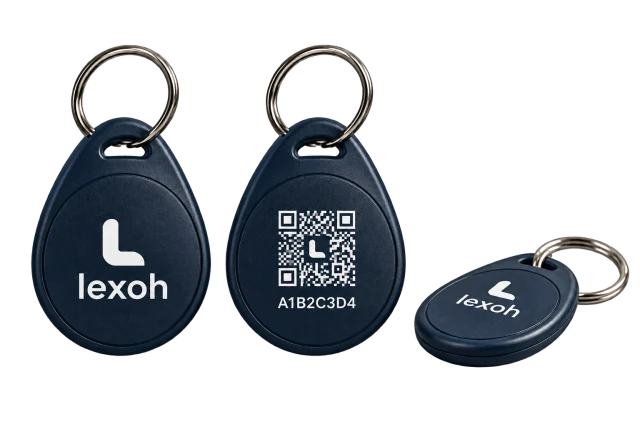
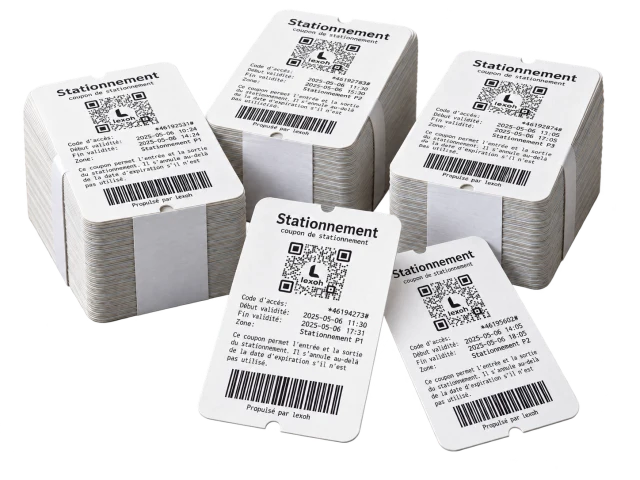
Yes. Temporary QR or numeric codes with a start, an end and the zones they open are created from the same console as permanent rights, so there is no separate system to reconcile.
Does remote opening work with our existing barriers?
Usually. Standard barrier operators and readers connect to Lexoh controllers; the site survey confirms condition and documentation.
How much does a remote operation platform cost?
It depends on the number of sites and lanes, the equipment already in place, and whether the call centre service is included. The access control cost guide lists the questions that make quotes comparable; Lexoh prepares a proposal after a site review.
Does remote opening replace on-site staff?
It replaces trips, not maintenance. Hardware still needs someone on site when it fails; everything else moves to the console.
References and further reading
- Lexoh parking intercom
Call point, routing, context and controlled commands.
- Lexoh managed operations
Call centre procedure.
- Lexoh access control
Offline operation and alerts.
Operations review
Bring your sites and your night-time calls.
Lexoh reviews the lanes, the existing equipment and the way requests are handled today before proposing a remote operation setup.
Discuss your operation