









LPK-128
Configurable payment and access kiosk for workflows with several user interactions.
Explore LPK-128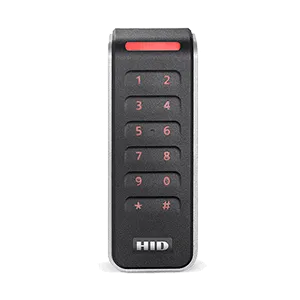
Card-based credential reader

UHF credential reader

QR and barcode credential reader

Device input and output controller

RFID access credential

UHF access credential

Lane and access display signage

Thermal printer paper

IP intercom communication

Analog omnidirectional microphone
Lexoh kiosks
Configure access, credentials, payments, printing and assistance around the workflow your site actually needs.
Configured for your site
An access or payment kiosk gives visitors a place to present a credential, follow instructions or complete the transaction configured for the site. Its selected readers, screen, payment terminal, printer and assistance equipment support that journey. The connected access system determines the permission to enter. Choose a kiosk model by the tasks, interfaces and installation conditions required, then confirm the included functions in its documented configuration.
From requirement to operation
Identify the users, credentials, transactions and assistance path.
Select the screen, readers, payment and printing functions required.
Install the kiosk with the connected lane or access equipment.
Review configured devices and events in Security Center when that connection is included.
View full size ↗ Product architecture
The LPK-128 can bring together the screen and the configured credential, transaction, printing and assistance components in one field enclosure.
 View full size ↗
 Connected operations
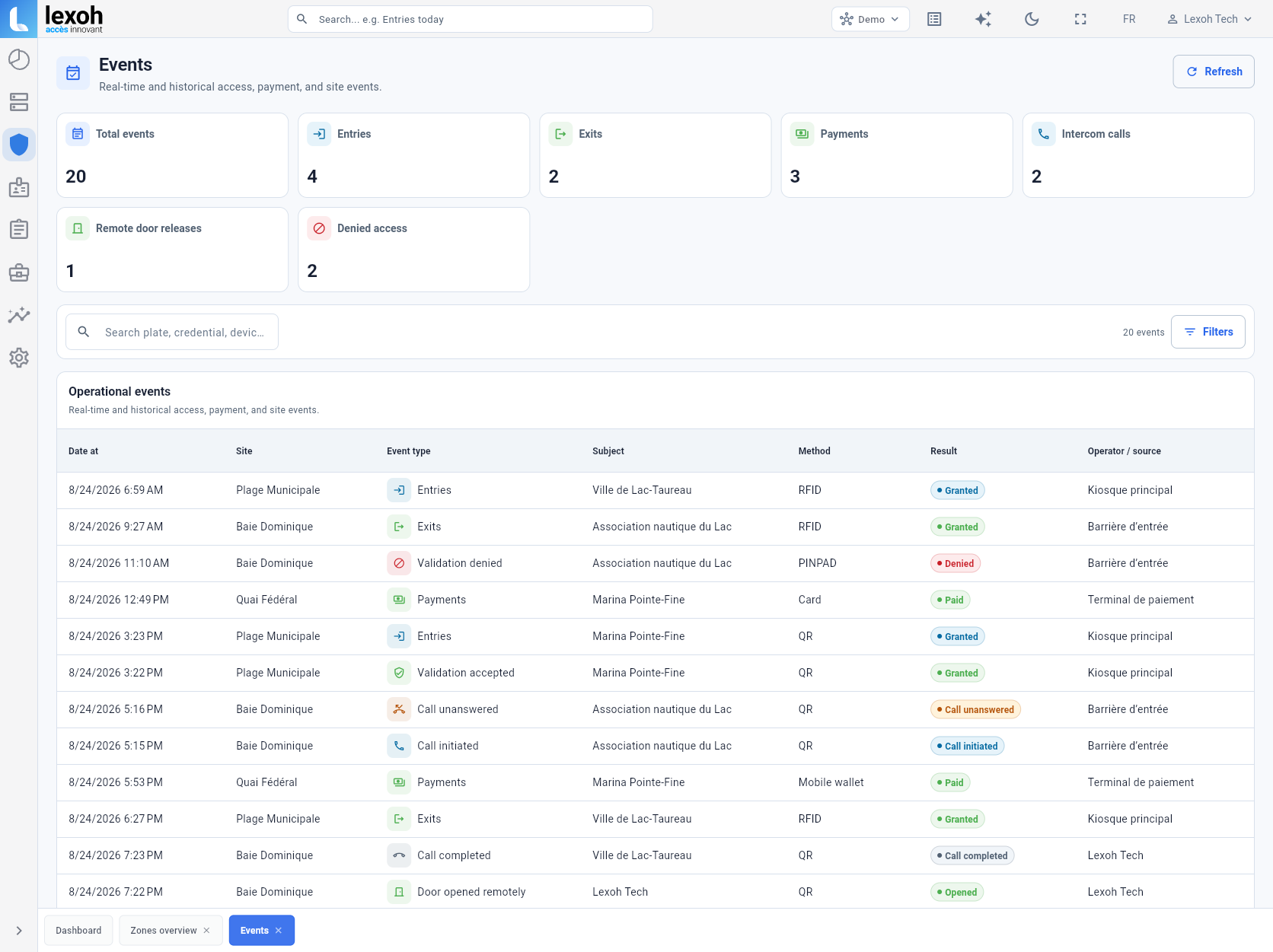
When included in the deployed architecture, configured kiosk events can be reviewed in the same operational environment as connected equipment.
Built for the field
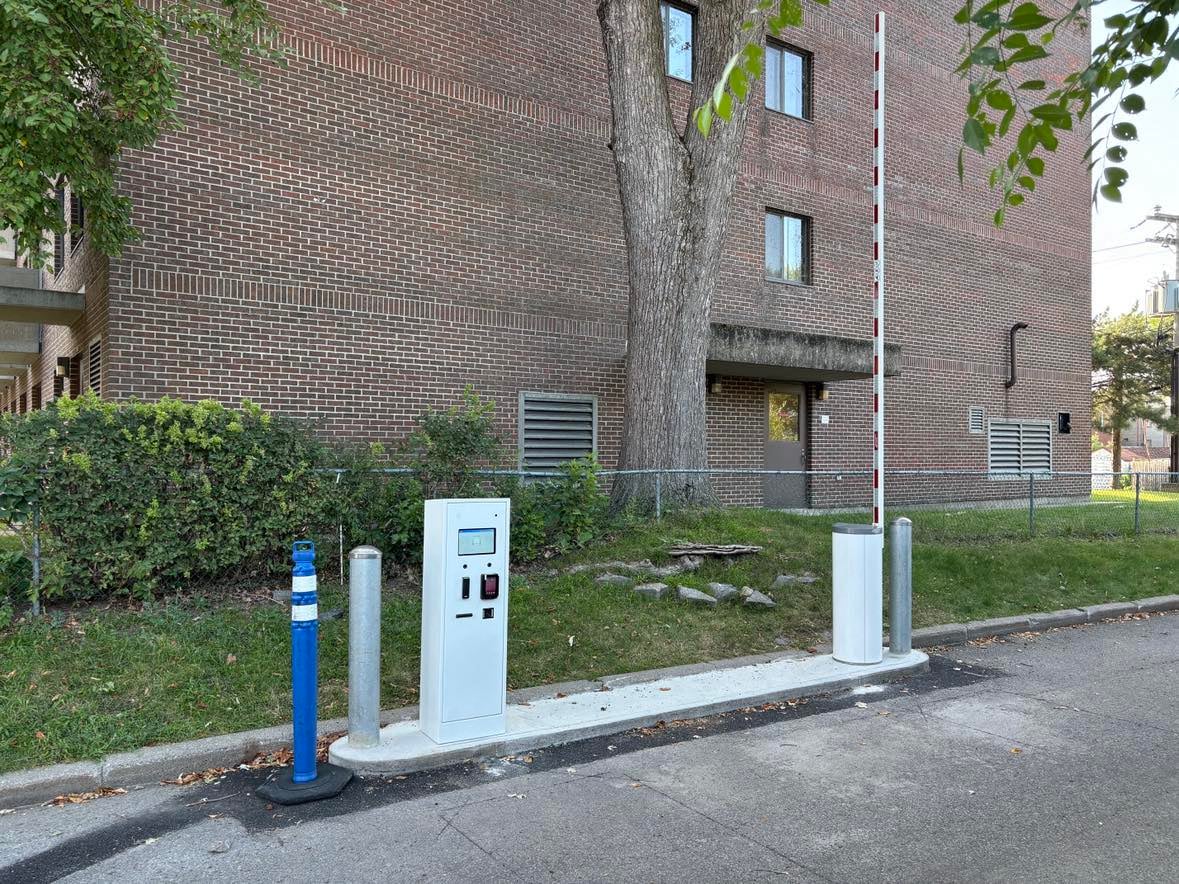
The kiosk, barrier, protective elements and site work are coordinated around the real approach, curb and operating environment.
Model selection
LPK-128 and LCB-30 support different access workflows. Each site configuration combines the selected model with compatible modules, services and lane interfaces.
Configurable payment and access kiosk for workflows with several user interactions.
Explore LPK-128
| Planning question | LPK-128 | LCB-30 |
|---|---|---|
| Planning focus | Payment and access workflow with several possible interaction modules. | Compact access interaction positioned at the lane. |
| Functions considered | Screen, QR or 2D scanning, credentials, payment and receipt or ticket handling. | Credentials, payment and printing functions selected for the project. |
| Site relationship | Interaction point coordinated with the complete lane and operational platform. | Compact field unit coordinated with lane equipment and the operational platform. |
| Site configuration | Modules, enclosure, services, interfaces and connected behavior. | Modules, enclosure, services, interfaces and connected behavior. |
This is a planning comparison, not a technical specification. Dimensions, construction, protection, module compatibility, power, data and installation details require an approved project configuration.
Kiosk product line
Start with the kiosk, then connect the reader, assistance and lane equipment required by the project.
Production and deployment
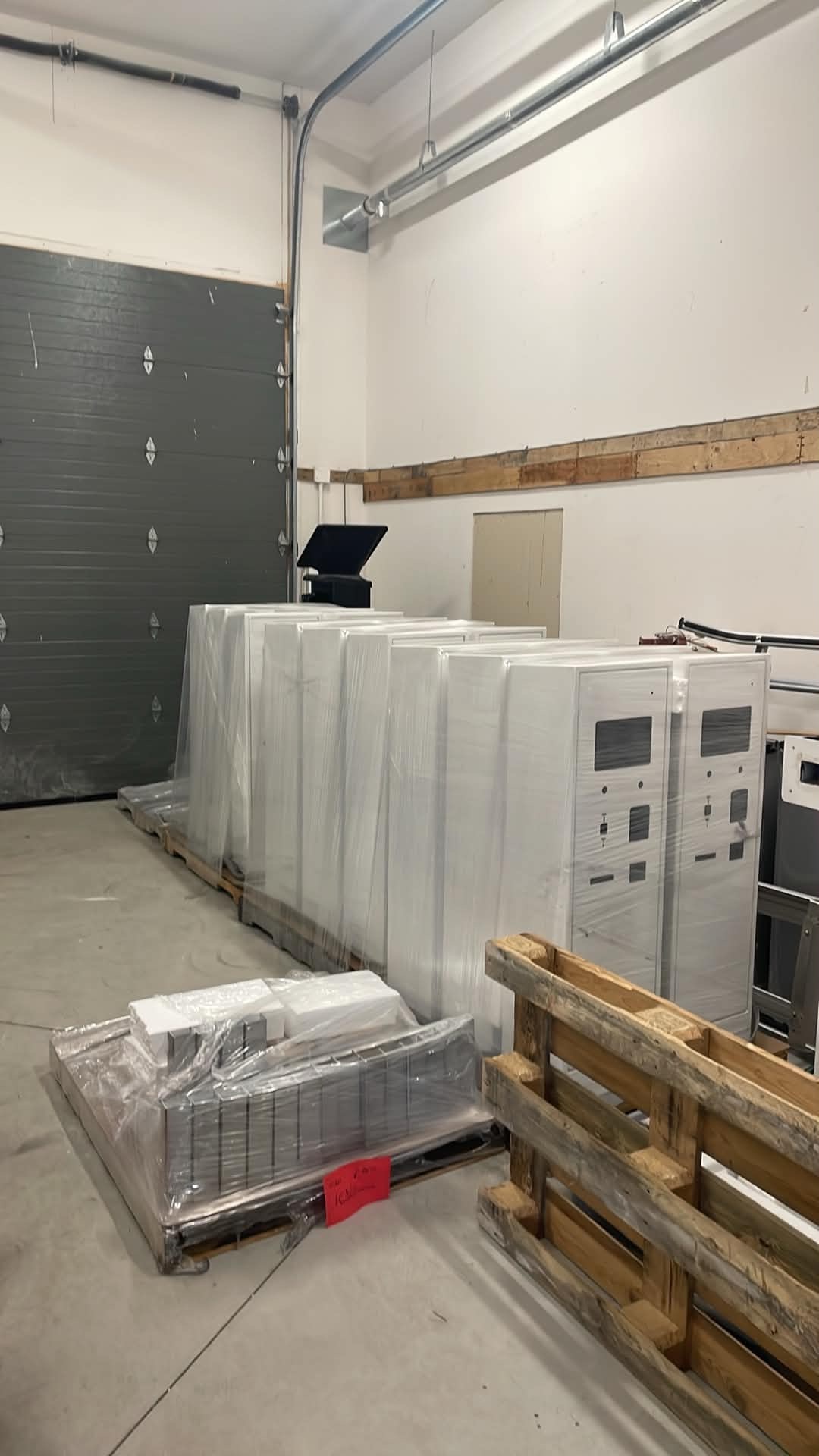
Lexoh kiosk enclosures are prepared for deployment before they are installed with the access and lane equipment on site.
Browse technical resourcesWhat to consider before selecting the enclosure and its modules.
Configure the complete lane
Tell us what users need to do at the entrance and which equipment is already in place.