


















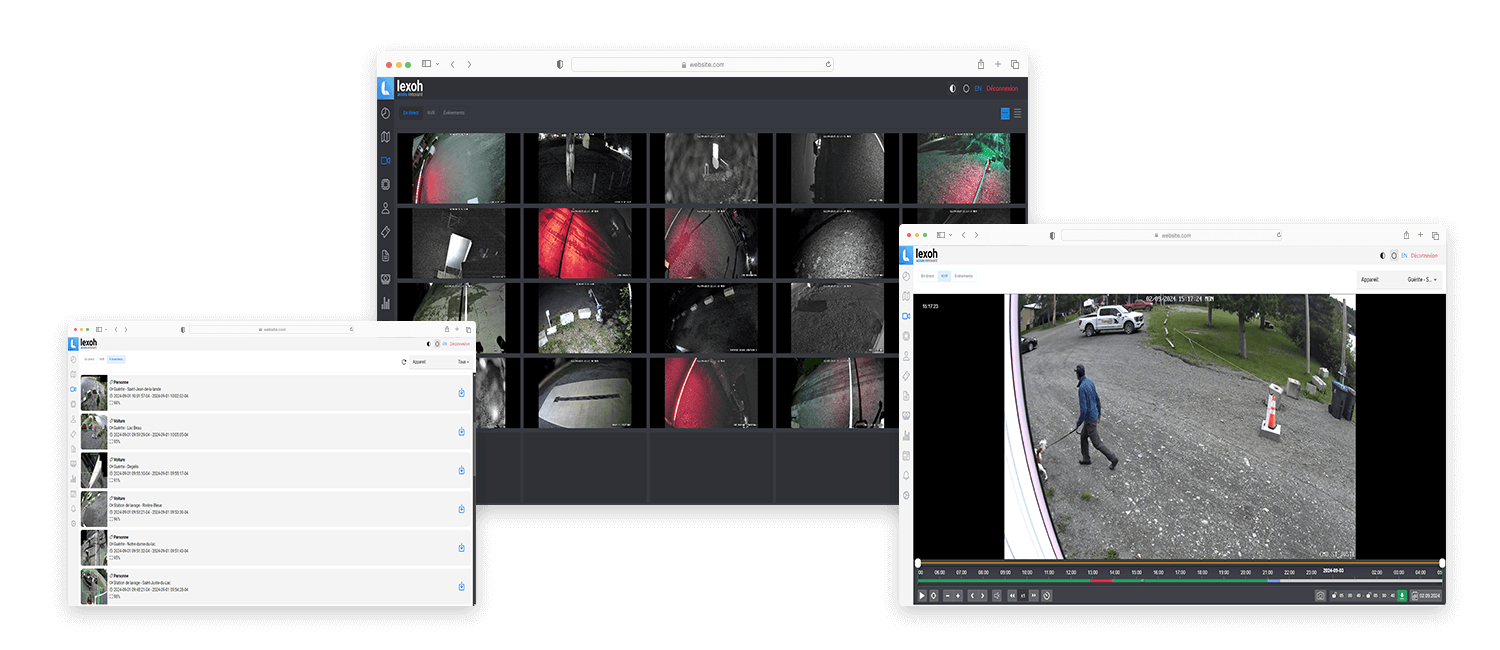
Assign viewing and recording-review permissions according to the operator’s actual responsibilities. Someone who monitors an entrance may not need access to every other area or the ability to export footage. Confirm the permissions supported by the chosen video system and test representative user accounts during handover; the camera housing does not define those access rights.
Video security equipment
Dome camera
A dome housing brings the camera and lens into a compact assembly for a fixed view of an entrance or monitored area.
- Role
- Fixed video viewpoint
- Form
- Dome form factor
- Performance
- Model-specific specifications

View first
Choose the dome around the view and mounting surface.
The dome houses the camera and lens in a compact assembly. Its shape alone does not determine coverage, outdoor suitability or resistance to damage.
Does a dome camera see in every direction?
A fixed dome camera sees the field defined by its lens and orientation. The dome’s round shape does not mean a full surrounding view. Position the camera to cover the door, reader or waiting area that needs continuous observation.
Check the mounting and image together
The base, cable route and lens adjustment must suit the chosen surface. Check nearby lights, reflections and obstructions from the installed position, and leave access to clean the dome and inspect the image afterward.
Match the exact model to the environment
Confirm the camera’s environmental and impact ratings before specifying indoor, outdoor or exposed use. Also verify the video connection, recording system and permissions; a similar housing does not establish replacement compatibility.
Entrance monitoring
A compact housing. A deliberate view.
The dome contains the camera and lens; the installation angle determines which part of the entrance appears on screen.
-
Cover the interaction
Frame the door, reader or stopping point that needs to remain visible.
-
Keep a clear image
Account for nearby lights, reflections, obstructions and access for cleaning.
-
Review in context
Use the view within the monitoring and recording functions of the selected video system.
Technical Characteristics
| Specification | Details |
|---|---|
| Image Sensor | 1/3" 2 MP CMOS |
| Resolution | 1920 × 1080 (2 MP) |
| Frame Rate | 30 fps @ 1080p |
| Lens | 2.8–12 mm Varifocal |
| IR Range | Up to 30 meters |
| IP Rating | IP54 |
| Viewing Angle | 103° (wide) – 28° (telephoto) |
| Power | PoE (65 W) |
| Video Compression | H.265+/H.264 |
| Network | Gigabit Ethernet |
Equipment details
A dome camera in your installation
The lens sits inside the dome housing. The installation combines the camera’s viewing angle with the surface and space available for its base.
| Component or use | How it fits the system |
|---|---|
| Dome housing | The compact housing groups the lens and camera in one assembly, with the dome in front of the lens and the base against the mounting surface. |
| Mounting surface | The base and cable route must fit the chosen mounting surface while leaving access for adjustment and cleaning. |
| Framing | A fixed dome is positioned to keep the relevant entrance or interior area in view. The lens sets the coverage within that view. |
| Image upkeep | The dome is part of the optical path. The installed image should be checked after cleaning or any change to its position. |
Configuration: Resolution, lens, zoom, frame rate, low-light performance, analytics, environmental ratings and compatibility depend on the selected camera.
Equipment questions
Practical details for planning, operating and maintaining this equipment.
Record the affected camera, the time, whether live viewing or playback failed and whether other views were available. This distinguishes the reported symptom before the installation team checks the camera, network and video system. Keep changes and recovery times in the service record rather than assuming that replacing the camera will resolve every loss of image.
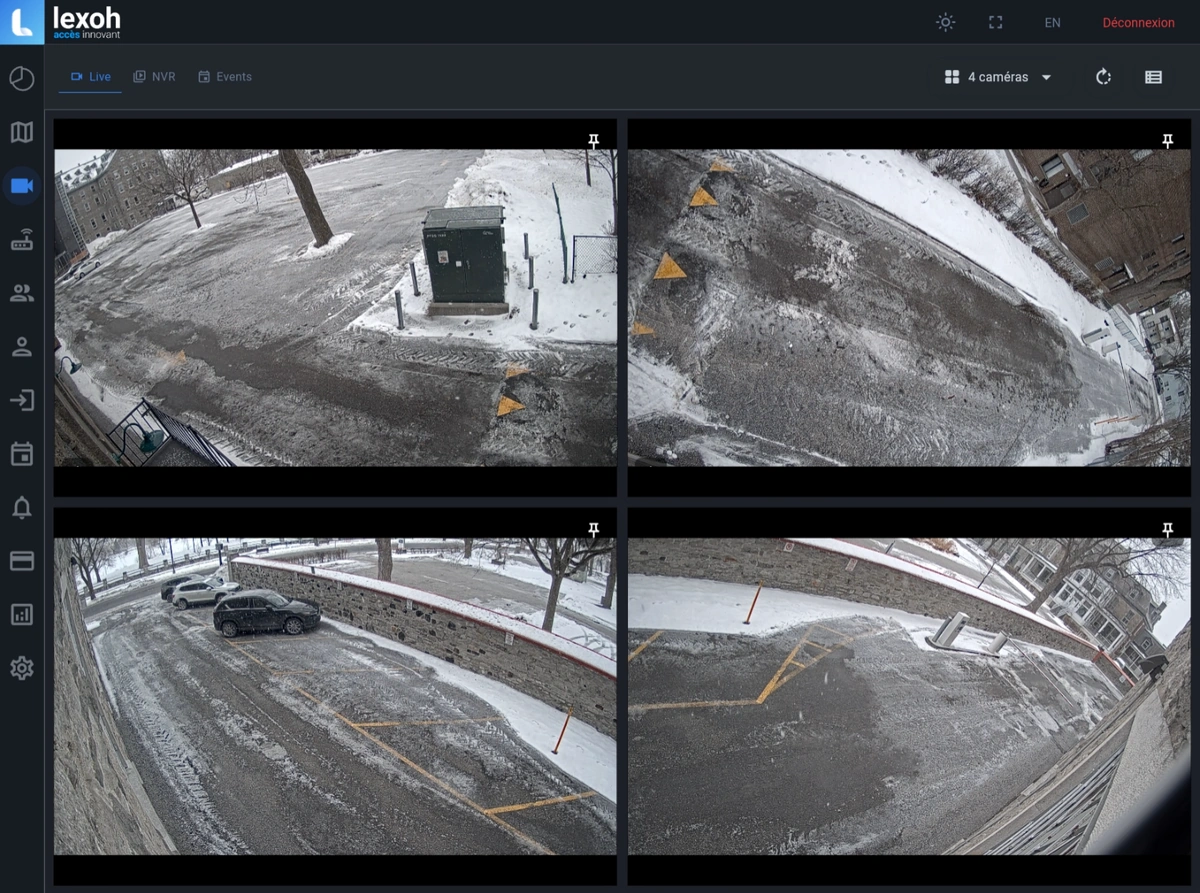
Project review
Define the required view before choosing the camera.
Share the scenes, operator tasks, mounting conditions, lighting and video architecture for a project-specific review.